Reset T-Belt and oil change light and disable seat belt buzzer on Toyota Hilux Vigo 2004 - 2015
Автор: sidchip
Загружено: 2019-04-28
Просмотров: 53030
Описание:
This video shows how to reset timing belt light and oil change warning light. I also show how to disable seat belt warning buzzer.
Here are the procedures also written if you don't want to watch the video:
How to reset T-belt warning light
Turn ignition on
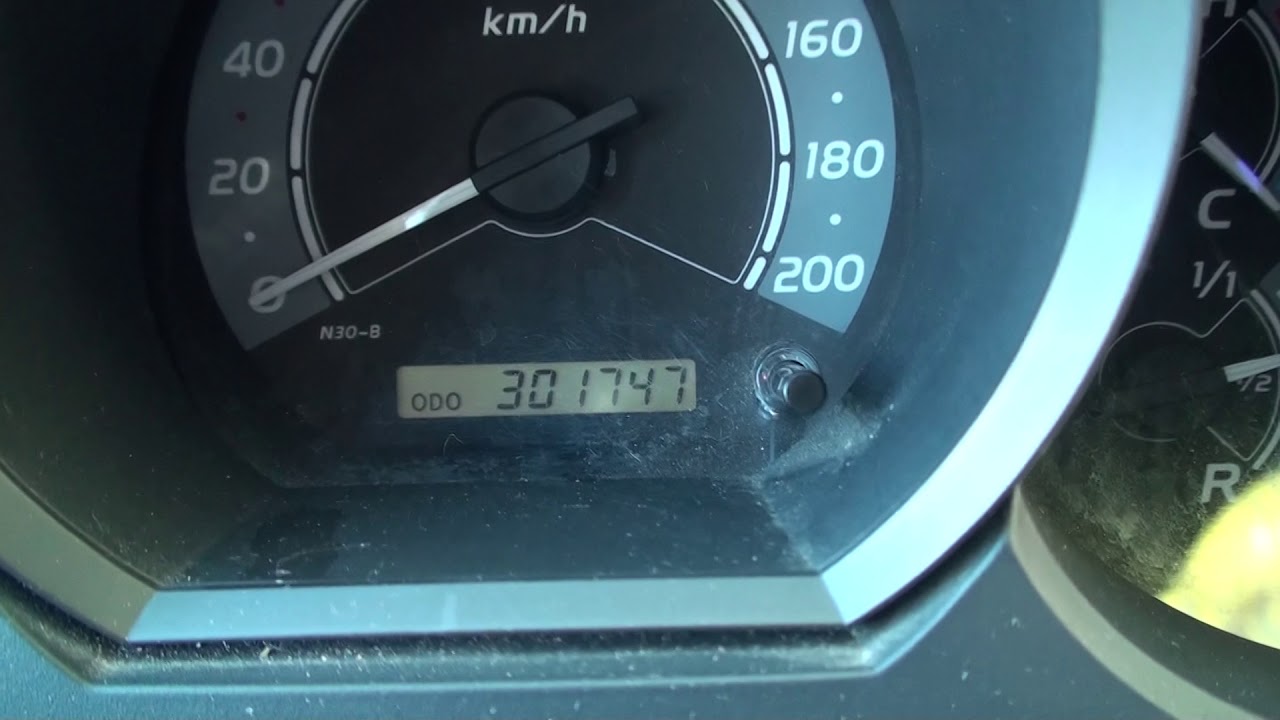
Make sure the Odometer/Trip meter display is set to ODO
Turn ignition switch off
Press and hold the odometer/trip display button while turning ignition on
Hold button down for 5 seconds then release it
Within 5 seconds, press again and release the button
The display will show 15 which means next time it will lit after 150000 km
You can change the interval with short presses but I recommend to leave it to 15
Press and hold the button until the display shows again odometer reading (takes about 5 seconds)
The T-belt warning light is reset
How to reset oil change light:
Turn ignition on
Make sure the Odometer/Trip meter display is set to TRIP A
Turn ignition switch off
Press and hold the odometer/trip display button while turning ignition on
Display will show 5 dashes, then 4,3,2,1 and finally five zeroes
After the 00000 display will again show TRIP A, you can release the button
Within 5 seconds, press again and release the button
The oil change warning light is reset
NOTE! Some instructions say that odometer should be at ODO when reseting oil change light, but that won't work at least with my truck. It must be at TRIP A. This procedure is also shown in user manual.
How to disable seat belt buzzer
Turn ignition on
Make sure the Odometer/Trip meter display is set to ODO
Turn ignition switch off
Have the driver seat belt clip ready but don't engage it yet
Turn ignition on, and within 6 seconds, press the odometer/trip display button and keep it pressed at least 5 seconds
While keeping button pressed, insert the seat belt clip
Display will show b-on. You can change it between b-on (buzzer on) and b-off (buzzer off) with short presses
After setting to desired setting, wait 10 seconds and the display will return to odometer reading
The process is complete
Повторяем попытку...
Доступные форматы для скачивания:
Скачать видео
-
Информация по загрузке: