Скачать
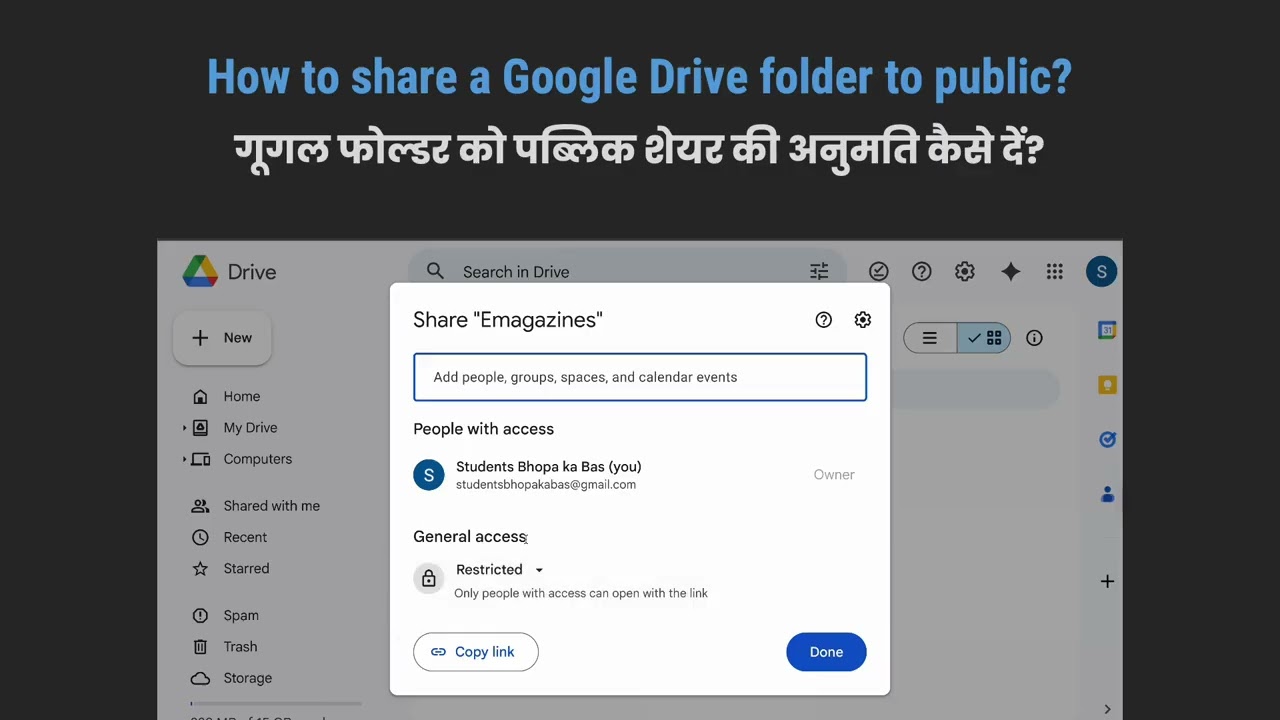
How to share a Google Drive folder with the public?
Автор: App Guru Imran Khan
Загружено: 2026-01-20
Просмотров: 25
Описание:
A video that simply demonstrates how to share a Google Drive folder with the public?
Step-by-step method
1. Open Google Drive at drive.google.com and sign in.
2. Right-click on the folder you want to share.
3. Click Get link or Share.
4. In the sharing window, find General access.
5. Change it from Restricted to Anyone with the link.
6. Choose the permission level:
Viewer: Can only view files
Commenter: Can comment
Editor: Can edit files
7. Click Copy link.
8. Click Done.
You can now share the copied link publicly.
Не удается загрузить Youtube-плеер. Проверьте блокировку Youtube в вашей сети.
Повторяем попытку...
Повторяем попытку...
Доступные форматы для скачивания:
Скачать видео
-
Информация по загрузке: