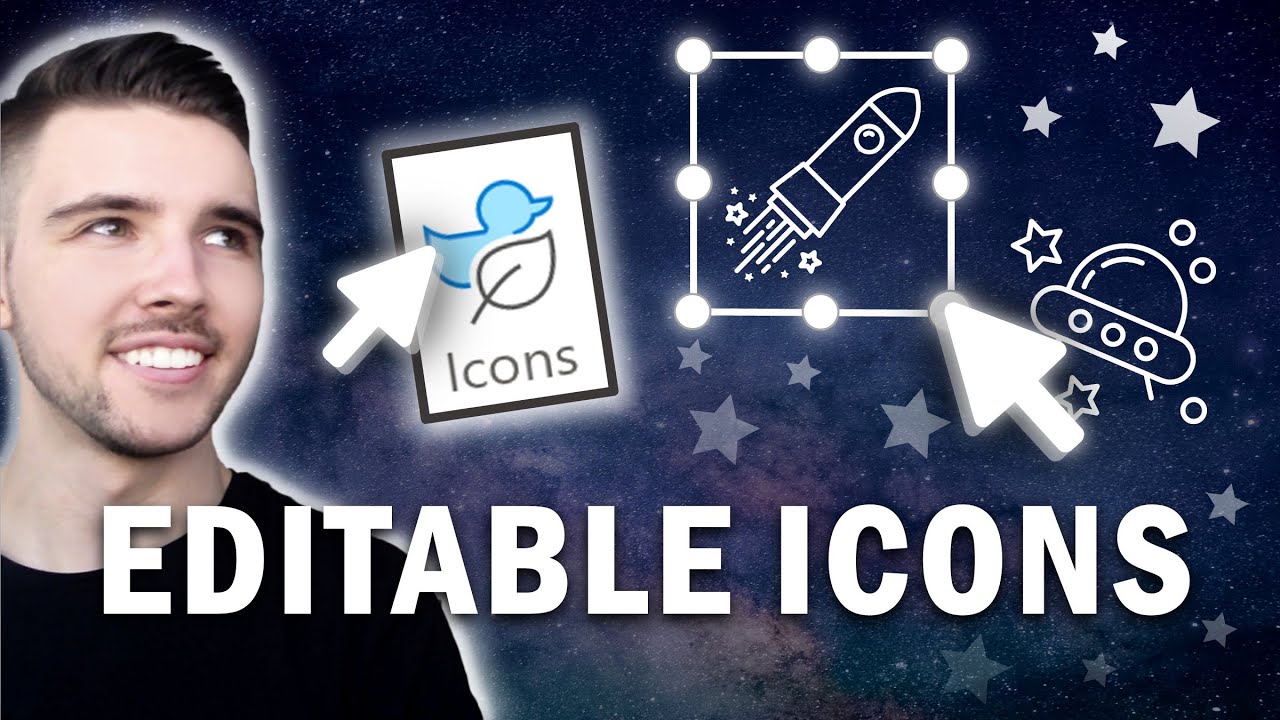
How To EASILY IMPORT ICONS | Easy ways to get icons | Editable Icons | Powerpoint
Автор: Tyler Stanczak
Загружено: 2020-08-17
Просмотров: 6982
Описание:
💻 Join Patreon to get exclusive templates: / tylerstanczak
🔥 PowerPoint Course (Discount Code): https://rebrand.ly/PowerPointCourse
💌 Help me keep doing what I love: https://rebrand.ly/Donate_
🚀 Let's Connect on Instagram: https://rebrand.ly/MyInstagramAccount
❤️ Subscribe for more free Tutorials: https://rebrand.ly/SUBSCRIBE_HERE
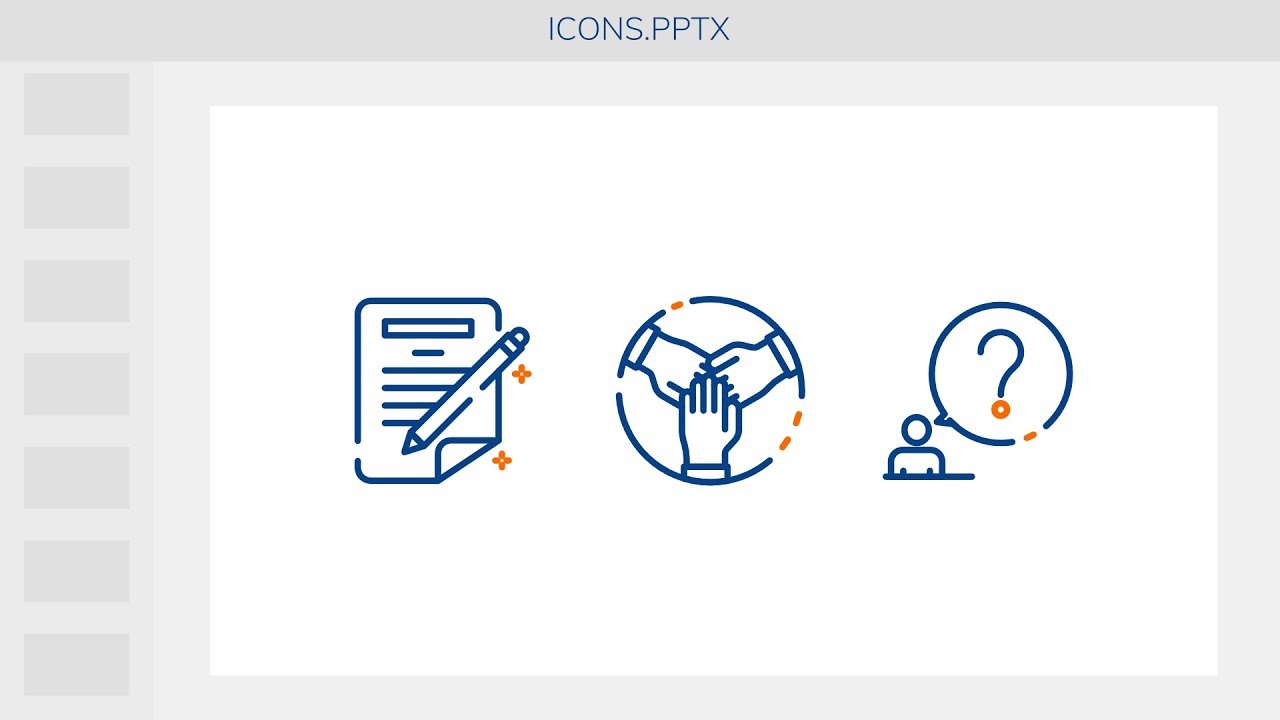
This is a tutorial that will show you how to easily import icons, easy ways to get icons, and how to edit icons or make them editable icons in PowerPoint. For a really long time I would add in .png icons to PowerPoint or .jpeg icons into powerpoint and they would often look very pixelated until I discovered that you can add .svg icons to PowerPoint and not only that, but you can edit those icons to be any color, shape or size you want. Best part of all, when you resize the icons in PowerPoint they don't lose their quality either. So in this quick and easy icon tutorial I will show you how to accomplish this in PowerPoint and where I get my icons as well. This will forever change the way you add icons to any presentation and allow you to never worry about your icons looking blurry or boring. Hope you enjoy this tutorial on how to easily import and edit high quality icons in PowerPoint.
My Software:
Adobe Creative Cloud: https://rebrand.ly/AdobeCreativeCloud
Microsoft 365: https://rebrand.ly/Microsoft365_
Grow on YouTube with TubeBuddy: https://rebrand.ly/TubeBuddy_
Email Marketing Tool: https://rebrand.ly/GetConvertKit
My Gear:
PC: https://rebrand.ly/PC_
PC Stand: https://rebrand.ly/PCStand_
Laptop: https://rebrand.ly/Laptop_
Microphone: https://rebrand.ly/Microphone_
Boom Arm: https://rebrand.ly/BoomArm_
Headphones: https://rebrand.ly/Headphones_
Camera: https://rebrand.ly/Camera_
Lighting: https://rebrand.ly/Lighting_
Monitor: https://rebrand.ly/Monitor_
Mouse: https://rebrand.ly/Mouse_
Flash Drive: https://rebrand.ly/FlashDrive_
Desk: https://rebrand.ly/Desk_
Green Screen: https://rebrand.ly/GreenScreen_
🙌🏻 Support me for free by using this affiliate link while shopping on amazon.com: https://rebrand.ly/ShopOnAmazon_
👕 Get $20 OFF the shirt I am wearing in this video: http://rwrd.io/yf1egx3
⌚️ EPIC DISCOUNT on watches I wear use code: "STANCZAK" at checkout: https://mambawatches.com
🔺DISCLAIMER:
Some software products or online services are shown in this video are © Microsoft Corporation. Elements of this video were created under the "Microsoft Creators Program Content Usage Rules" using assets from such Microsoft software products and online services. This video is not endorsed by or affiliated with Microsoft. You can find the “Microsoft Creators Program Content Usage Rules” at: https://aka.ms/ContentUsageRules
Tyler Stanczak is also a participant in the Amazon Services LLC Associates Program, an affiliate advertising program designed to provide a means for sites to earn advertising fees by advertising and linking to www.amazon.com. My links above are affiliate links, but they cost no extra to you to purchase. This helps me in continuing to provide free content on YouTube by receiving a small commission from anything purchased through those links.
🎧MUSIC:
Morning by LiQWYD / liqwyd
Creative Commons — Attribution 3.0 Unported — CC BY 3.0
Free Download / Stream: http://bit.ly/2Ib8HHc
"I Need You" by LiQWYD
Watch: • LiQWYD - I Need You [Official]
License: https://www.liqwydmusic.com/how-to-use
Download/Stream: https://hypeddit.com/link/lp88yc
📬BUSINESS INQUIRIES → [email protected]
💻 Website: www.tylerstanczak.com
0:00 Introduction
0:12 How and Where To Get Icons
0:46 Difference between PNG and SVG Icons
1:00 How To Import Icons in PowerPoint
1:11 How To Edit an Icon in PowerPoint
1:33 Change the color of an Icon in PowerPoint
1:50 How To Add More Icons in PowerPoint
2:45 How To Add a Border Color to an Icon
2:53 How To Find specific Icons
3:19 Final Result of Adding Icons in PowerPoint
3:22 Explaining why SVG Icons are better than PNG
3:40 How To Get Icons from the PowerPoint Application
4:31 PowerPoint Course Discount Code
4:40 Wrapping Up
#Icons #powerpoint #microsoftpowerpoint
Make sure you like and subscribe to this channel to get more awesome PowerPoint tutorials.
Thanks for watching!!! :)
Повторяем попытку...
Доступные форматы для скачивания:
Скачать видео
-
Информация по загрузке:



![36. [PowerPoint] Как создать брошюру ресторана | Дизайн флаера для кофейни | Бесплатный слайд PPT](https://imager.clipsaver.ru/iDC6dqEjs1U/max.jpg)