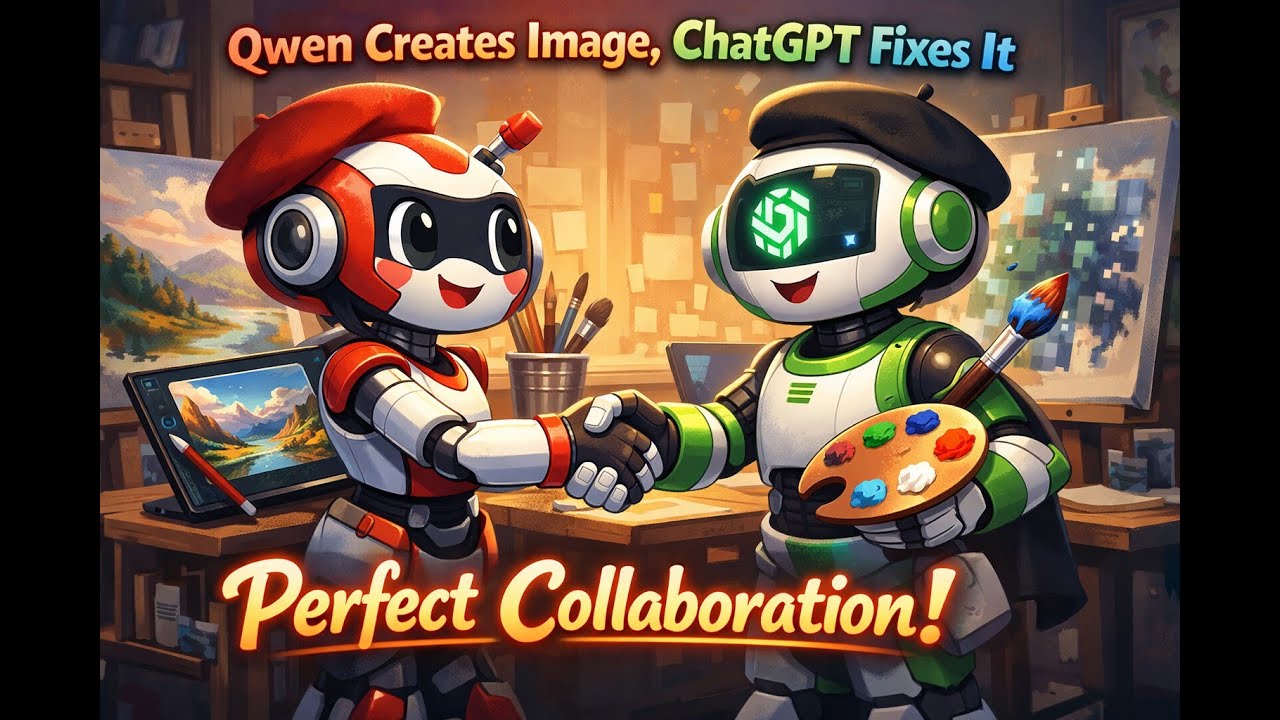
Qwen Creates Image, ChatGPT Fixes It – Perfect Collaboration!
Автор: LinuxHowTo
Загружено: 2026-01-31
Просмотров: 4
Описание:
Sometimes the best results come from combining different AI tools. In this video, we’ll show how to leverage Qwen AI to create an initial image and then use ChatGPT to refine and fix text elements. We asked Qwen to generate a poster about securing PDFs with qpdf, but the terminal commands were garbled. After a quick fix in GIMP, we uploaded the image to ChatGPT and asked it to correct the command spelling—resulting in a perfectly crafted image with accurate qpdf commands!
Learn:
✅ Step-by-Step Process:
Initial Image Generation (Qwen AI):
Prompt: "Secure PDFs with qpdf Add & Remove Passwords! linux vibe and catchy colors and add qpdf command on linux terminal".
Result: High-quality image with good aesthetic, but terminal commands contained typos.
Initial Fix (GIMP):
Opened the image in GIMP.
Manually corrected some of the incorrect text using selection and editing tools.
Refine Text with ChatGPT:
Uploaded the partially fixed image to ChatGPT.
Prompt: "Fix the commands spelling and make it right".
Result: ChatGPT attempted to correct the commands but initially misspelled "qpdf" as "qdpf".
Final Correction (ChatGPT):
Clarified the mistake: "qpdf not qdpf and write the command right you add --decrypt with --encrypt in the same command".
ChatGPT first explained the commands instead of regenerating the image.
Prompt: "Ok fix the image then".
Result: ChatGPT generated a completely new, high-quality image with all commands spelled correctly and properly formatted.
✅ Why Combine AI Tools?
Specialized Strengths: Qwen excels at initial image creation; ChatGPT can correct and refine text.
Iterative Improvement: Each tool contributes its strengths to achieve a superior final output.
Creative Flexibility: Combining tools allows for complex workflows beyond a single AI's capabilities.
✅ Pro Tips for AI Image Refinement:
Start Broad: Use one AI for initial concept and layout.
Refine Precisely: Use another AI to correct specific elements like text or code.
Be Persistent: If an AI misunderstands, rephrase your request clearly.
You can find the initial Qwen image, the GIMP fixes, and the final ChatGPT-corrected image used in this video at this GitLab link: https://gitlab.com/hatem-badawi/linux....
Hit subscribe for more AI + Linux tutorials and like if this helped.
Let us know: Have you ever combined different AI tools for a single project?
👉 Watch now to see how AI collaboration can enhance your results!
#QwenAI #ChatGPT #AIImageGeneration #Qpdf #PDFSecurity #Collaboration #LinuxTips #GIMP
(Short, clear, and packed with practical knowledge!)
Повторяем попытку...
Доступные форматы для скачивания:
Скачать видео
-
Информация по загрузке: