SOLIDWORKS At Home: Extruding an Image with 3D Texture, Autotrace, and Inserting a DXF/DWG
Автор: Hawk Ridge Systems
Загружено: 2021-06-07
Просмотров: 16066
Описание:
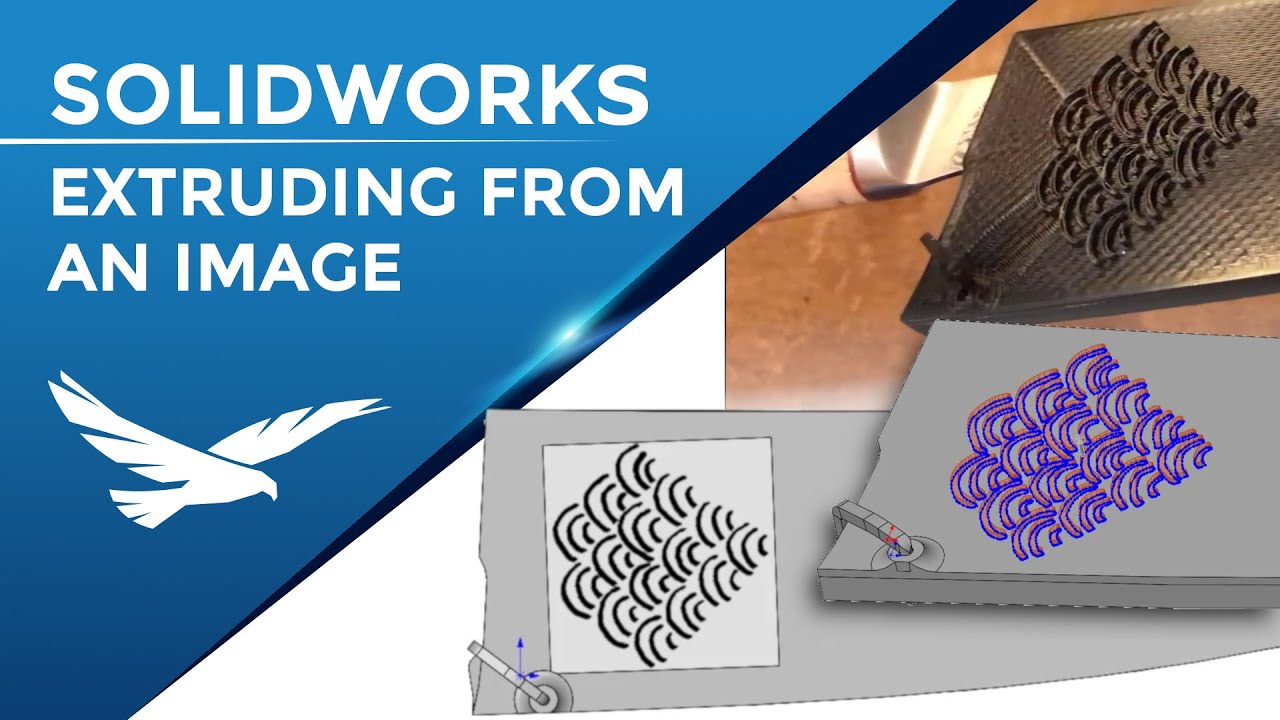
In this series of SOLIDWORKS At Home, Sean designs a sheath for his fancy new chef knife to print on his 3D printer. In this final installment, he gives an overview of 3 methods for converting an image into extruded geometry.
The first stop is looking at the relatively new feature 3D Texture (released in SOLIDWORKS 2019). This tool converts black and white appearances (image files mapped onto the SOLIDWORKS Part geometry) into raised geometry.
The result is a mesh body, commonly used with a 3D printer for manufacturing. While Sean applies this to a flat face, 3D texture can also be used on more complex geometry (as seen in Jesse’s video linked below). Sample texture files can be found in the built-in SOLIDWORKS Appearance Library (Appearances(color) - Miscellaneous - 3D Texture) so you can jump right into using this!
Next, Sean shows the process he followed for utilizing the Autotrace Add-in to convert the image into standard sketch geometry (in this case it produced splines, ellipses, and circles) for extrusion. While the Autotrace Add-in is not foolproof, a high contrast image with clear boundaries for tracing gets Sean 90% of the way. With a little help from Fit Spline and the good old Spline sketch tool, we have a solid set of sketch profiles.
Finally, with some help from the free drawing tool Inkscape (and advice from fellow Engineer Garret Klein, / garrett-klein ) Sean discovers how easy it can be to just convert a high contrast image into a DXF and simply insert it into his part as a sketch. Sean sure wishes he knew about this technique when was first working on this project!
Time Stamps
0:00 Introduction
00:44 3D Texture
02:13 3D Texture with black and white gradient (resulting in a transition from the flat to the raised areas)
02:44 Autotrace Add-in
04:00 Inserting a DXF into the part as a sketch
Interested in more info about 3D Texture? Here’s a video from the 3D Printing Specialist, Jesse Haworth: • Creating 3D Printable Textures with SOLIDW...
Need a more in-depth look at Autotrace? Then check out this video by the irreplaceable Jacob Ames: • Using Autotrace in SOLIDWORKS
Looking for more ways to design from pictures? Look no further than this video from the up-and-coming Alex Smith: • Reverse Engineering from a Picture in SOLI...
For more information on SOLIDWORKS: https://hawkridgesys.com/solidworks
For more information on 3D Printers: https://hawkridgesys.com/3d-printing
Technical Support Knowledgebase: https://support.hawkridgesys.com/
Music credits: Song: "Ice Tea" Artist: Not the King / coreygagne
Повторяем попытку...
Доступные форматы для скачивания:
Скачать видео
-
Информация по загрузке: