Скачать
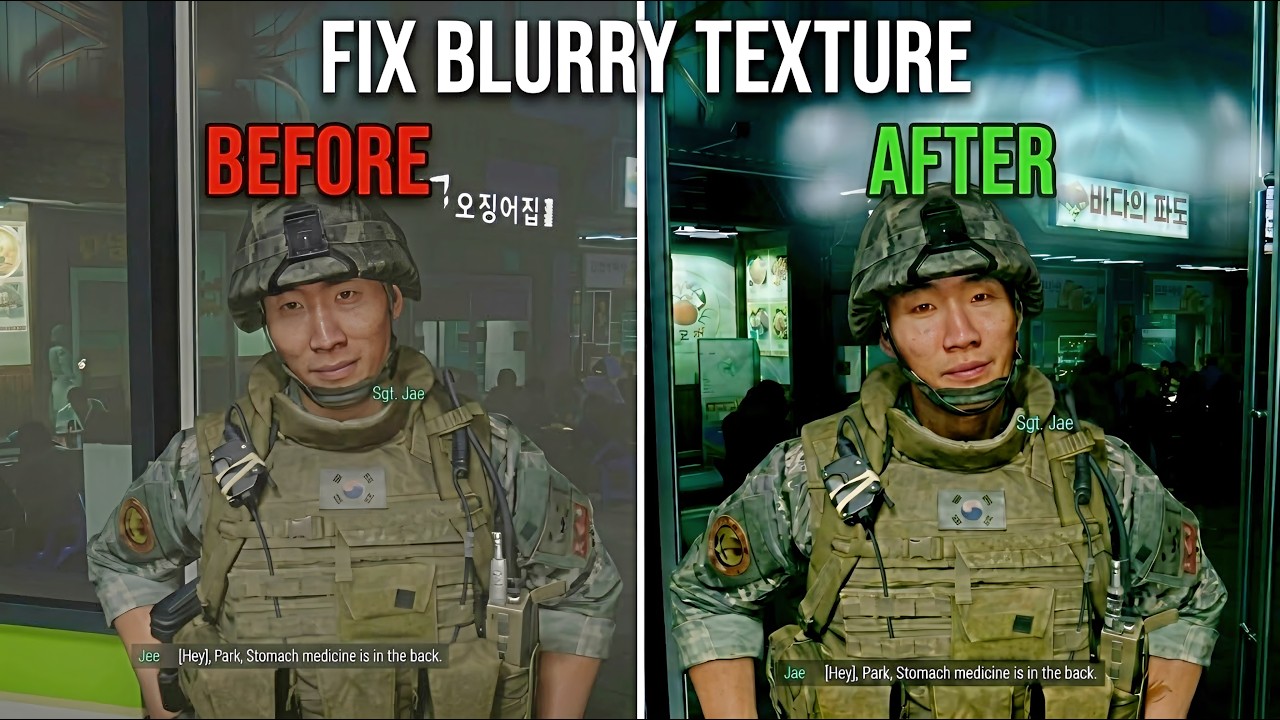
COD MW4: Fix Blurry Textures Guide (Step-by-Step Guide)
Автор: DevilJin
Загружено: 2026-10-24
Просмотров: 12857
Описание:
Credits & Sources: Huge thanks to Reddit user sxosx for discovering and sharing this fix!
Step-by-Step Fix Instructions:
Open the Terminal in your main MW4 game folder.
Paste and execute the following command:
cmd /c mklink /J "sp26\xpak_cache" "%CD%\xpak_cache"
Navigate to and open the configuration file located at /sp26/steam_settings/configs.main.ini.
Change offline=1 to offline=0.
Add disable_lan_only=1 right below it.
Done! Textures will now be downloaded directly from Activision servers. You can confirm this is working by checking the growing file size of your xpak_cache folder.
Не удается загрузить Youtube-плеер. Проверьте блокировку Youtube в вашей сети.
Повторяем попытку...
Повторяем попытку...
Доступные форматы для скачивания:
Скачать видео
-
Информация по загрузке: