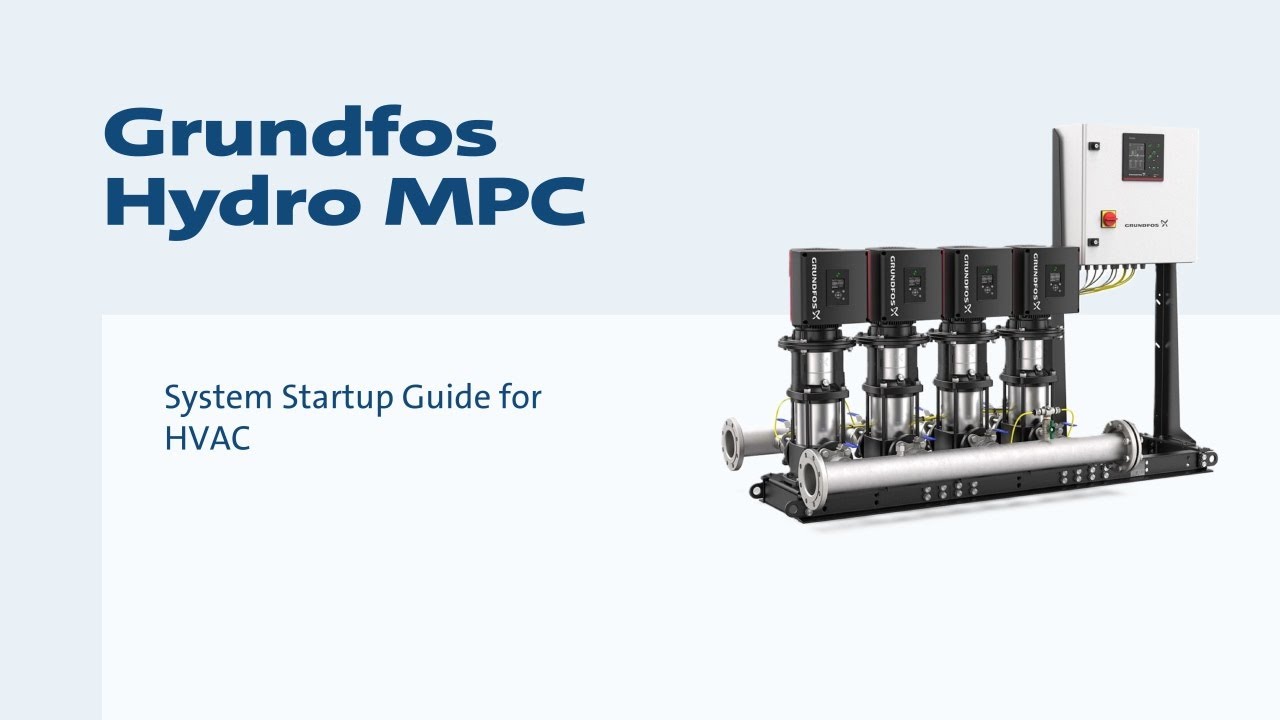
Grundfos Hydro MPC System Startup Guide for HVAC
Автор: Grundfos
Загружено: 2022-12-09
Просмотров: 2852
Описание:
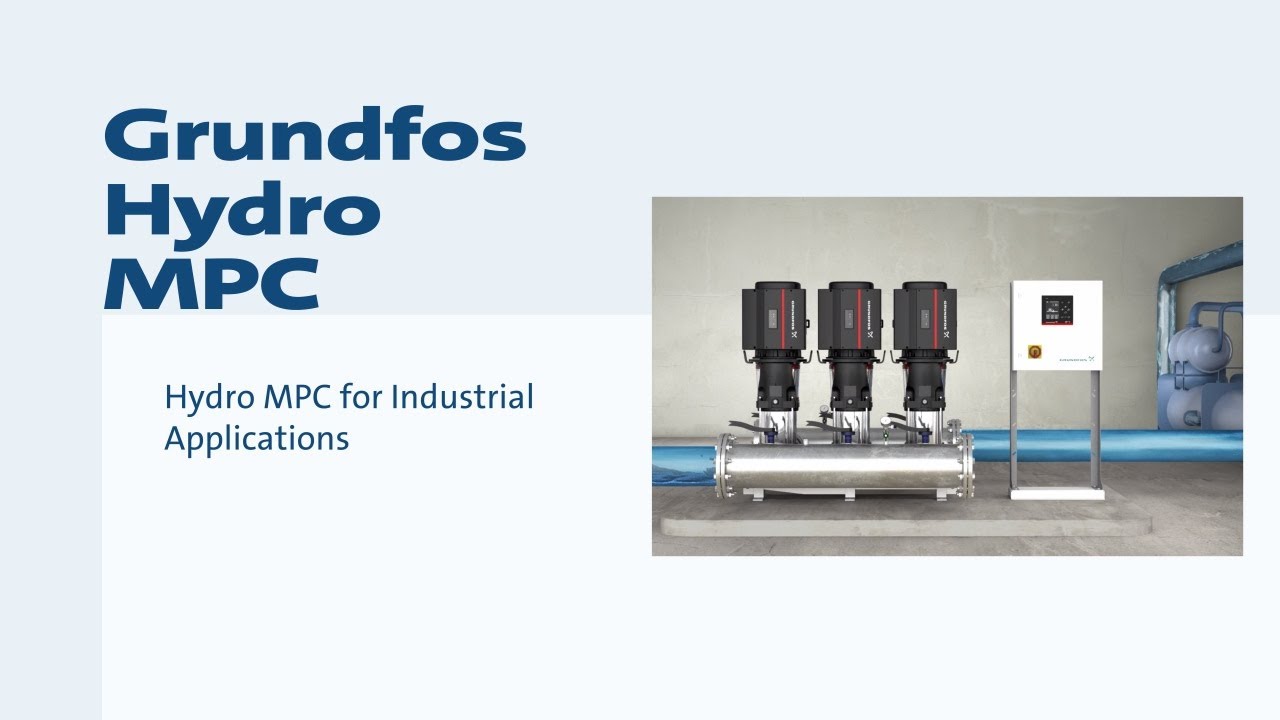
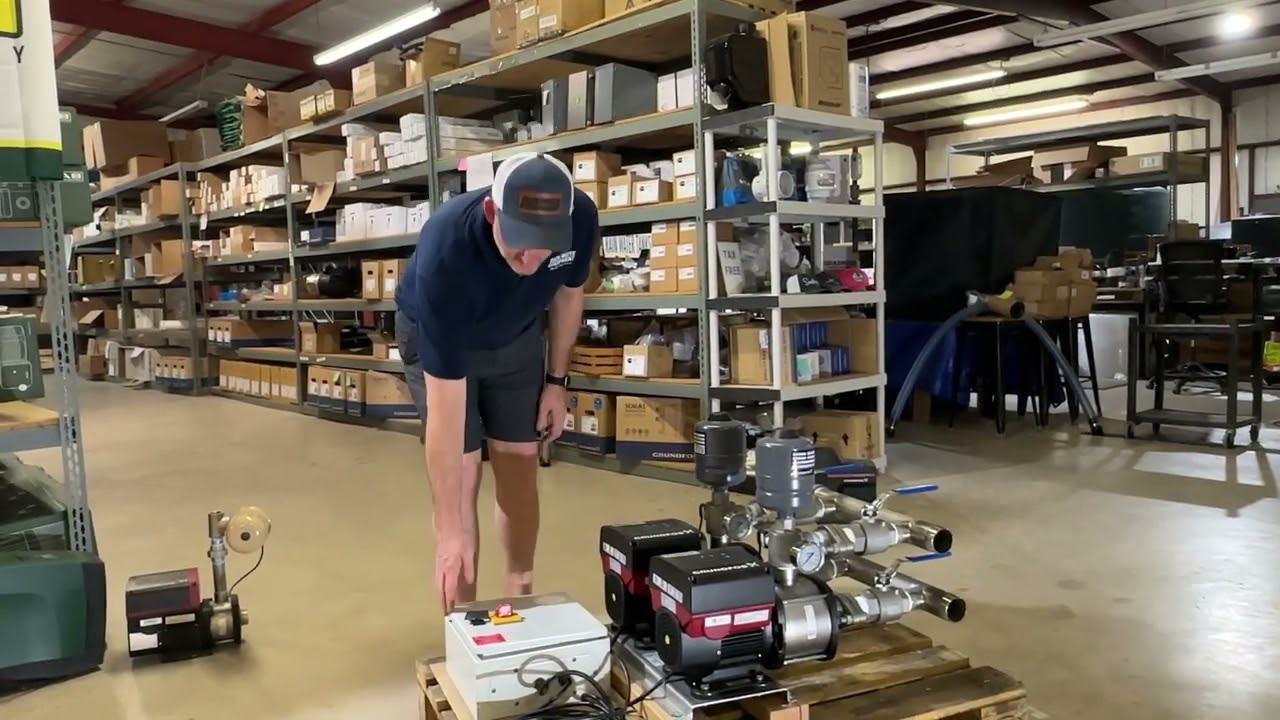
This video by Cody Williams, a Grundfos Sales Engineer, demonstrates how to start up a Grundfos Hydro MPC system for HVAC applications.
Before You Begin:
• Ensure the system has the correct power and voltage.
• Verify the system is filled with water glycol solution.
• Confirm connections are made to the suction and discharge lines.
Steps:
1. Venting the Pumps:
• Locate the vent plunger on the front of the system.
• Rotate the plunger outward to vent each pump individually.
• Ensure water reaches the mechanical seal.
• Verify the water makeup is turned on
• Open the top vent on the air separator to release trapped air.
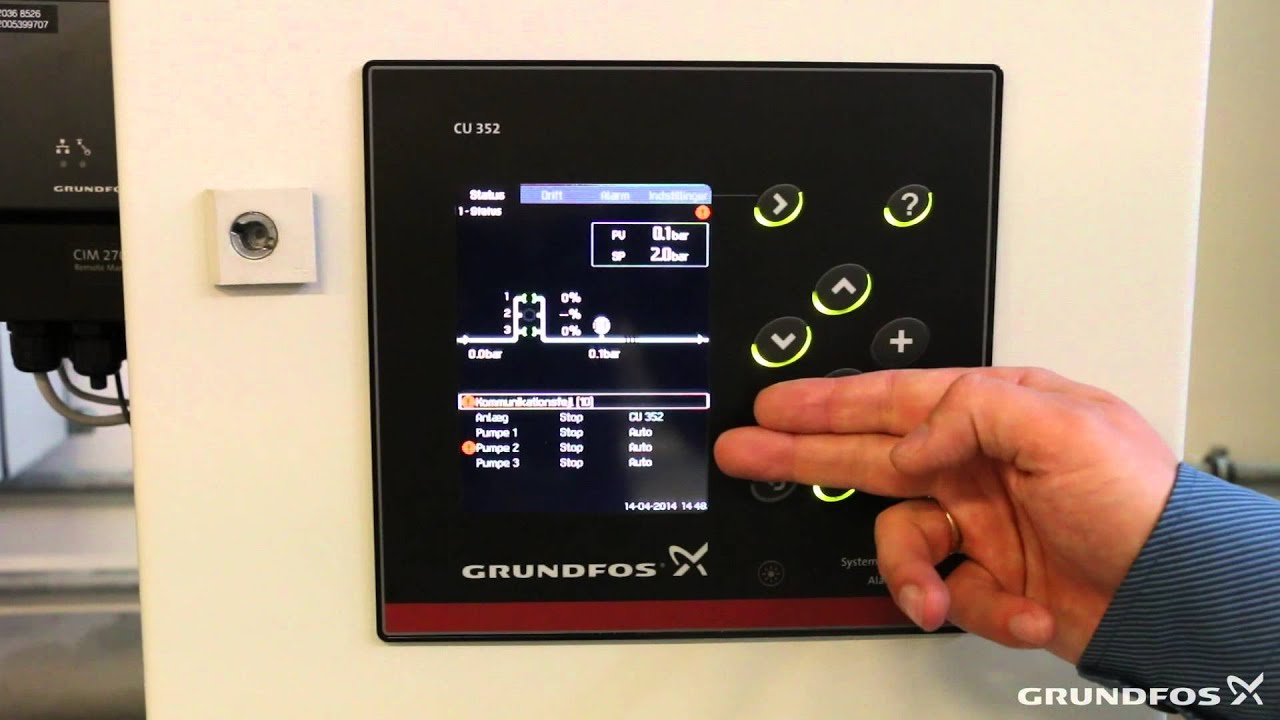
2. CU352 Controller Setup:
• Select the language for system reports.
• Review the welcome page and button functions.
• Choose the date and time format and set the current time.
• Select imperial or SI units for system reports.
• Pick the application e.g., air conditioning - pumps on cold side.
• Choose "differential pressure pump" for operation with the included transducers.
• Verify transducer information, type and range matches the actual transducers.
• Review pre-loaded pump data, no adjustment typically needed.
• Set the desired differential pressure to default 25 psi
3. Priming and Venting Pumps:
• Note: Ensure the vent you used earlier is finger-tight and someone is near the pump during this step.
• Pumps will run at full speed during priming. You may need to partially close the discharge valve to avoid full system pressure.
• Press "Start Pump" on the controller screen to prime and vent each pump individually.
• Repeat until all pumps are vented and primed.
4. System Startup:
• Choose "Start" mode on the main screen there is an option to start in "Stop" mode for additional settings.
5. Optional Settings:
• Low Limit Exceed - Dry Running Protection:
Go to Settings - Monitoring Functions - Limit 1 Exceeded.
Set "Differential Pressure Pump Low" as the input value.
Choose "Min Limit" as the type of monitoring.
Set a warning limit e.g., 5 PSI, for low pressure notification without system stop.
Set an alarm limit 0 PSI, to stop the system if there's no pressure.
• External Set Point Influence, 0 to 10 or 4 to 20 Signal:
Go to Settings - Primary Controller - External Set Point Influence.
Select the desired analog input e.g., Analog Input 3.
Choose the signal type e.g., 0 to 10 volt system.
Set the input value to be measured e.g., 0 to 100 signal.
Select "0 to 100 Signal" as the influencing item.
Define the influence function with two points, more points possible:
0% at 0 volts for 0 set point.
100% at 10 volts for full range set point.
Enable the function.
• User-defined Speed:
This can be set using the Grundfos GO Remote app to establish a minimum pump speed in case of communication loss with the controller.
6. Proportional Pressure for Efficiency:
• Go to Settings - Primary Controller - Proportional Pressure.
• Choose "Squared" for the proportional pressure function.
• Set the set point influence at zero flow based on minimum boiler/chiller flow requirements.
• Set the Qmax value based on system design conditions or the Best Efficiency Point of the boiler/chiller.
• Enable the proportional pressure function.
7. Start System Operation:
• Go to Operation and select "Normal" mode. Pumps will start and maintain proportional pressure.
Learn more about Grundfos Hydro MPC: https://product-selection.grundfos.co...
#Grundfos #HydroMPC #HVAC #HVACsystems #Pumps #Watereffciency #Buildings #CommercialHVAC #GrundfosGo #C52Controller
Повторяем попытку...
Доступные форматы для скачивания:
Скачать видео
-
Информация по загрузке: