Creating and Editing an Email Template Using Drag & Drop Editor
Автор: SendX
Загружено: 2026-01-07
Просмотров: 10
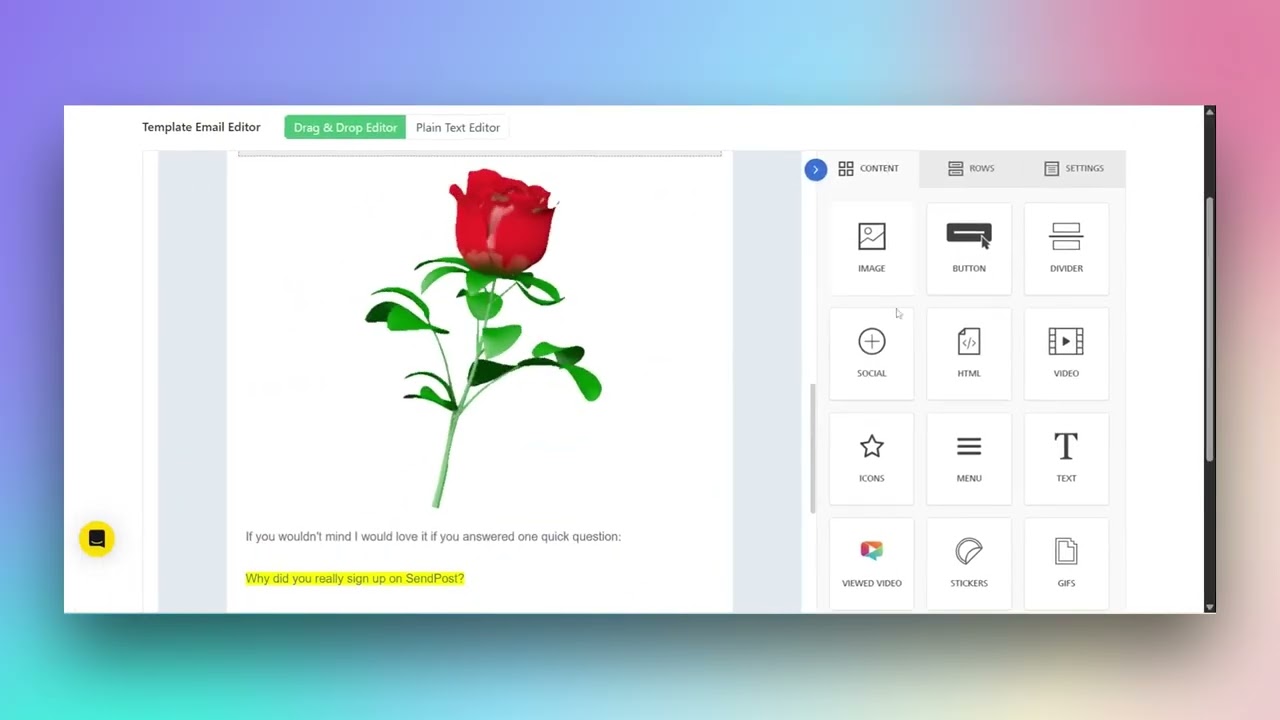
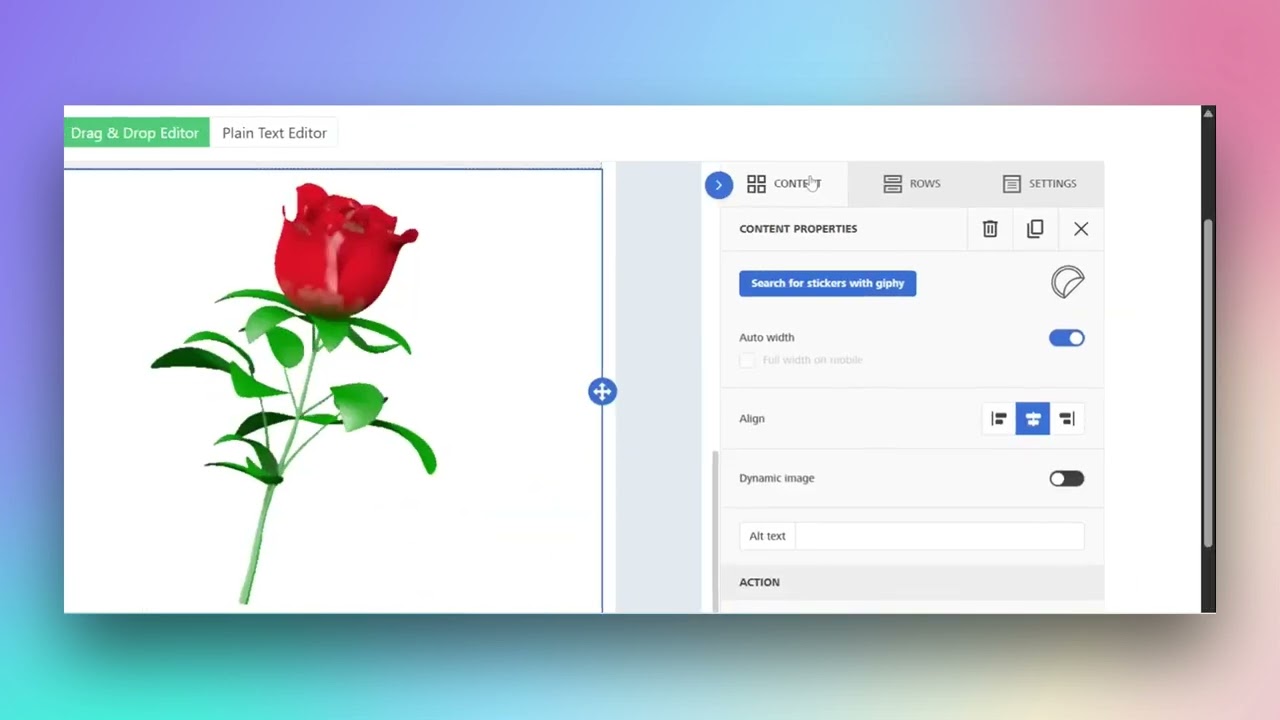
Описание: How to Create and Customize an Email Template Using a Drag and Drop EditorIn this guide, we will walk through the steps to create and customize an email template using a drag and drop editor.Step 1: Access the Templates Click on the profile icon in the navigation bar. Select Templates from the drop-down menu. Click the Plus New button on the templates page. Enter Test in the template name field. Click the Next button to proceed.Step 2: Select and Customize the Template In the welcome mail section, click on Select Template. In the template email editor, choose Drag and Drop Editor. From the content options, select Image. Click on Button to add it to your template. Choose Text from the content options. In the drag and drop editor, click on the text block to edit its content. Adjust the text properties using the toolbar that appears. Continue editing the text block content using the available formatting options. Finalize the text block content by adjusting the font size and style.Step 3: Format Text and Add Dividers In the email editor, click the Bold button in the toolbar. Select the font size drop-down and choose a size. Click the font drop-down and select a font, such as Lucid Ascent. Click the Align Center button in the toolbar. Click the Align Right button in the text editor toolbar. Highlight the text block in the email template editor. Select the Content tab on the right panel. Click on the Divider option in the content panel. A divider is added above the text block in the email template. In the divider property section, toggle the switch to make the divider transparent. Increase the height of the divider to 6 by clicking the plus button.Step 4: Add Social Media and HTML Elements In the email editor, click on the text box below "Hello there" to select it. Click on the text area containing the message from the founder to select it. In the sidebar, click on the Content tab. Select the Social option from the content elements. Drag and drop the social media icons into the email template. In the social properties panel, click on the icon style drop-down and choose a different icon style. Click on the HTML option in the content panel. Drag the new HTML block into the email template area. Select the Video option from the content panel and enter the video URL in the designated field.Step 5: Add Icons and Menu Elements Select the Icons option from the content menu. Drag and drop the icons block into the email template. In the icons properties panel, click Add New Icon. Select Apply Effects to customize the icon. Select the Menu option from the content elements. Drag and drop the menu element into the email template area. In the menu properties, click on Add New Item and enter text for the new menu item. Change the link type by clicking on Open Web Page.Step 6: Adjust Settings and Preview Click on the Settings tab in the sidebar. Adjust the content area width using the slider to 800 px. Change the content area alignment to Center. Modify the background color to #e2e8f0. In the design settings, choose the Transparent option for the content background. Adjust the row background color to a light gray shade. Select Droid Serif from the default font drop-down menu. Click the Preview button to view the changes. In preview mode, select the Tablet View icon and switch to Mobile View by clicking the mobile icon. Click the Save button to save your changes.Step 7: Manage Templates In the actions column, click the Delete icon for the test demo template. A notification confirms that the test demo template has been deleted successfully. Click the Duplicate icon for the test template. In the navigation bar, click on Content to proceed to the next step. In the content editor, click on the Button option to add a button element. Click the Delete icon to remove the selected element. Click the Save icon in the content editing area to save your changes.
Повторяем попытку...
Доступные форматы для скачивания:
Скачать видео
-
Информация по загрузке: