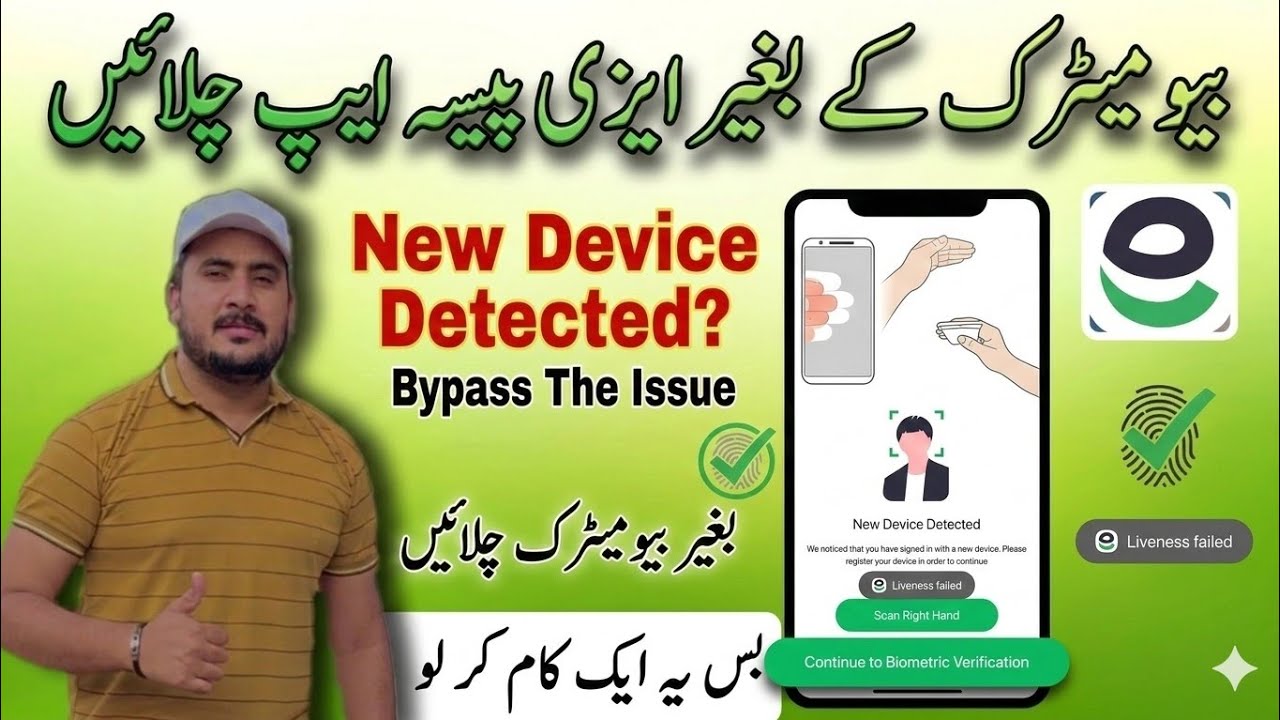
Easypaisa Biometric Verification New Device Detected Problem | 100% Working Solution Without Finger
Автор: Ustad Sanny
Загружено: 2025-10-18
Просмотров: 101958
Описание:
In this video, I’ll show you how to fix the Easypaisa biometric verification “New Device Detected” problem — without using a finger scan! 🔥
If you’re getting the “New Device Detected” error when logging in to your Easypaisa account or after reinstalling the app, this video will guide you step-by-step on how to solve it without biometric verification.
✅ In this video you’ll learn:
• Why the “New Device Detected” message appears
• Easy way to verify your Easypaisa account without fingerprint scan
• Step-by-step solution to regain access
• Security tips to protect your Easypaisa account
📱 This method works for:
All Easypaisa users facing biometric verification errors, device change issues, or login verification problems.
⚠️ Disclaimer:
This video is for educational and informational purposes only.
We do not promote or encourage any illegal activity or unauthorized access.
Always follow Easypaisa’s official verification process and contact Easypaisa Customer Support if your issue persists.
Never share your PIN, CNIC, or account details with anyone claiming to offer “quick fixes.”
📌 Tags:
#Easypaisa #EasypaisaError #EasypaisaVerification #EasypaisaNewDeviceDetected #EasypaisaWithoutFingerprint #EasypaisaTips #EasypaisaSolution #EasypaisaLoginProblem #EasypaisaAccount
🔔 Subscribe for more helpful tutorials on Easypaisa, JazzCash, and other mobile wallet solutions!
Повторяем попытку...
Доступные форматы для скачивания:
Скачать видео
-
Информация по загрузке: