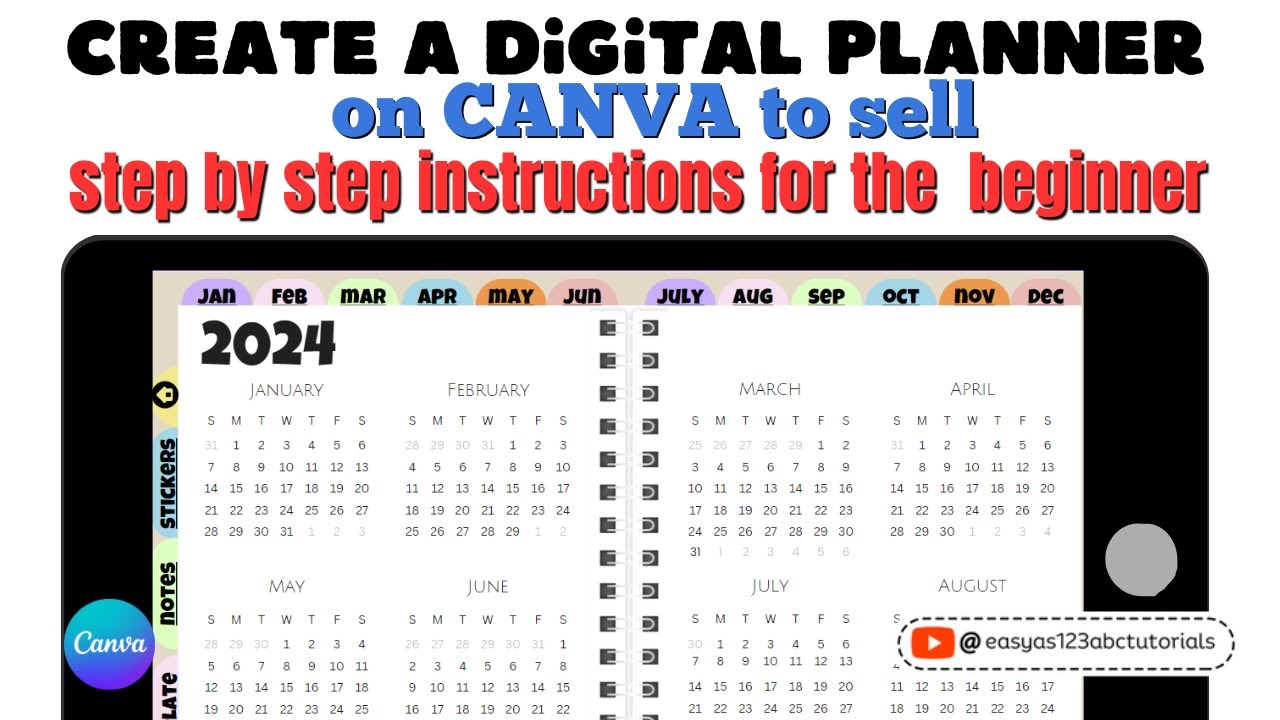
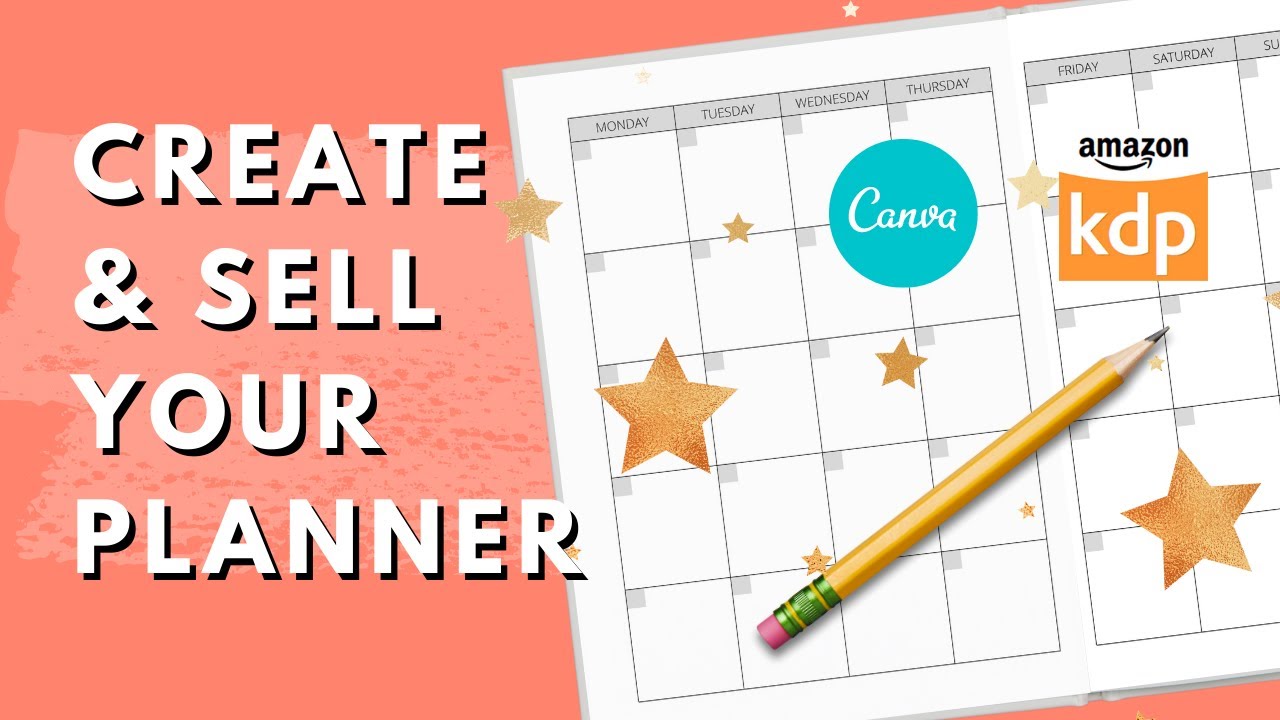
Creating An Undated Weekly Planner For Kdp Publishing In Canva | 6x9 Planner with Bleed
Автор: Dream Creative Bee
Загружено: 2021-06-16
Просмотров: 15151
Описание:
Creating An Undated Weekly Planner For Kdp Publishing In Canva | 6x9 Planner with Bleed - Updated
In this video I show you how to create an undated weekly planner in Canva. I show you how to set up for 6x9 planner with bleed perfect for KDP publishing. Everything you can be done in the free Canva account.
How to Make Your KDP Low Content Books Stand Out and Sell ➡️ • How to Make Your KDP Low Content Books Sta...
----------------------
Free Templates
--------------------
Hi I am Kerie from Dream Creative Bee and on this channel I show you how to make money online with KDP Low Content Book Publishing, Etsy and Affiliate Marketing. I give honest reviews and tips about making money online.
Free PowerPoint Notebook Templates ➡️ https://dreamcreativebee.com/
Free Amazon Ad Course ➡️ https://dreamcreativebee.com/amscourse
-----------------------------------
Tools and Resources I Use
-----------------------------------
Hellium 10 ➡️ https://dreamcreativebee.com/hellium1...
Creative Fabrica ➡️ https://dreamcreativebee.com/creative...
Bookbolt Discount Code "dreamcreativebee" 20% off plans. ➡️ https://dreamcreativebee.com/bookbolt
Tangent Templates ➡️ https://templates.tangent.rocks/
Createful Journals ➡️ https://dreamcreativebee.com/createfu...
Publisher Rocket ➡️ https://dreamcreativebee.com/publishe...
HTML Book Generator ➡️ https://dreamcreativebee.com/htmlbook...
Instant Puzzle Generator ➡️ https://dreamcreativebee.com/puzzles
Groovefunnels ➡️ https://dreamcreativebee.com/groove
Daily Art Hub ➡️ https://dreamcreativebee.com/dailyarthub
----------
Links
----------
Subscribe to the channel ➡️ / dreamcreativebee
Creating an Undated Weekly Planner For KDP Publishing ➡️ • Creating An Undated Weekly Planner For Kdp...
----------------
Time Stamp
----------------
0:00 Introduction
0:27 Amazon Undated Weekly Planner
1:02 Setting up Canva Custom 6x9 Planner Size with Bleed
2:33 Setting up Margins
6:20 Creating Tables in Canva
18:36 Two Page Spread
22:10 Adding Free elements
28:26 Adding an undated Monthly Table
46:35 Duplicate Pages
43:13 Download as a PDF
45:00 Creating Notes Pages
48:48 Combine and Merge PDFS
49:00 Conclusion
*Some of the links in this description may be affiliate links, which means I may receive a small commission at NO ADDITIONAL cost to you if you decide to purchase something. I don't recommend anything I don't think is worth it so no worries about that!
-----------------------------------------------------------------------------------------------------------
Disclosure
These are my opinions and are not representative of the companies that create these products.
My opinions are based on my personal own experience and research. I never recommend poor quality products or create false reviews to make sales.
It is my intention to explain products so you can make an informed decision on which ones suit your needs best.
Any and all forward-looking statements in this video are intended to express my opinions. They are opinions only and should not be relied upon as fact.
Success in any endeavour is based on many factors individual to you. I do not know your educational background, your skills, your prior experience, or the time you can and will devote to the endeavour.
Повторяем попытку...

Доступные форматы для скачивания:
Скачать видео
-
Информация по загрузке: