How to Perfectly Wash The Motherboard of PC
Автор: OMG PCCity
Загружено: 2019-12-27
Просмотров: 49556
Описание:
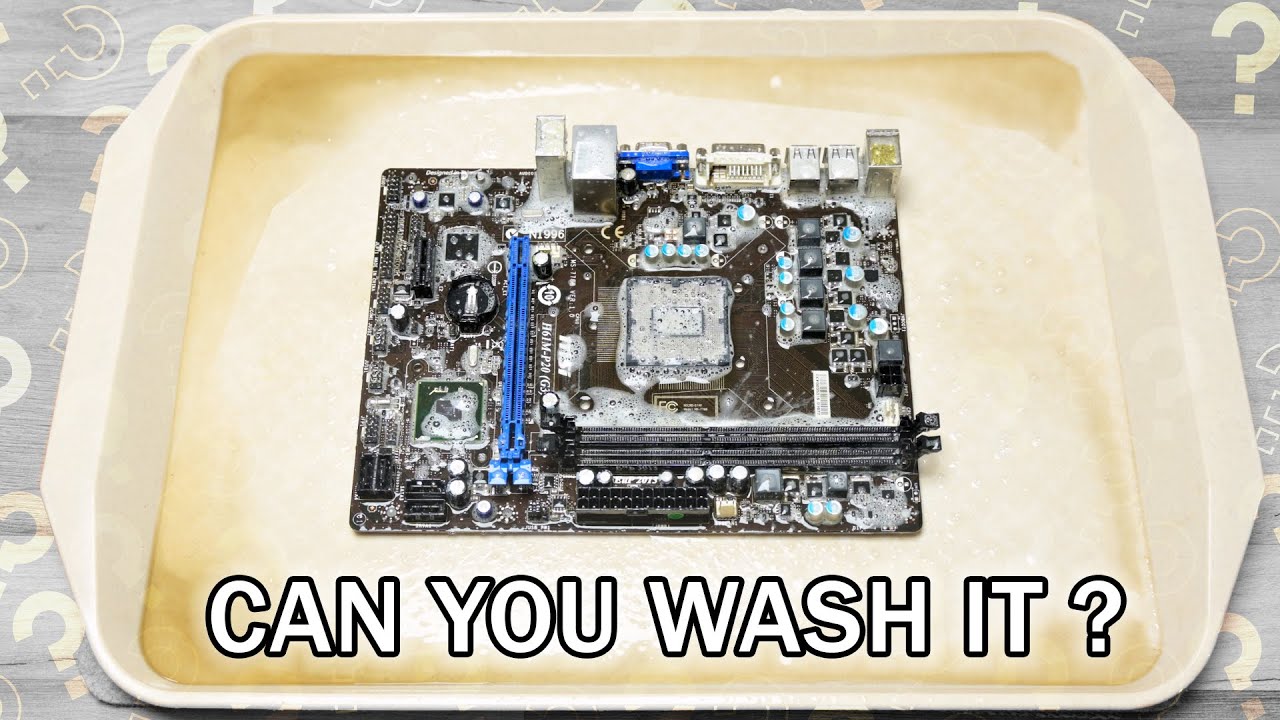
It is very easy to completely wash and clean the motherboard of the computer. This will clean the dust, moisture and urine of rats as well. Some people use thinner, patrol, WD40 or CTC but these are highly costed things. So we only need a toothbrush, a small paintbrush and some water in a bottle mixed with a little bit of surf liquid.
In this tutorial, you will learn how to perform a quick method to clean the system's motherboard in just five minutes. If you have a blower then try to clean the whole desktop or tower computer properly. Sometimes this function will solve the problem but if your PC is still showing the same problem then you have to wash it carefully before moving it to scrape.
Things We Need:
Surf or Liquid Chemical
Small Paint Brush
Tooth Brush
Simple Water
How to Wash Motherboard:
1- Remove the processor and CMOS battery cell from the board
2- Put liquid or surf chemical on the motherboard
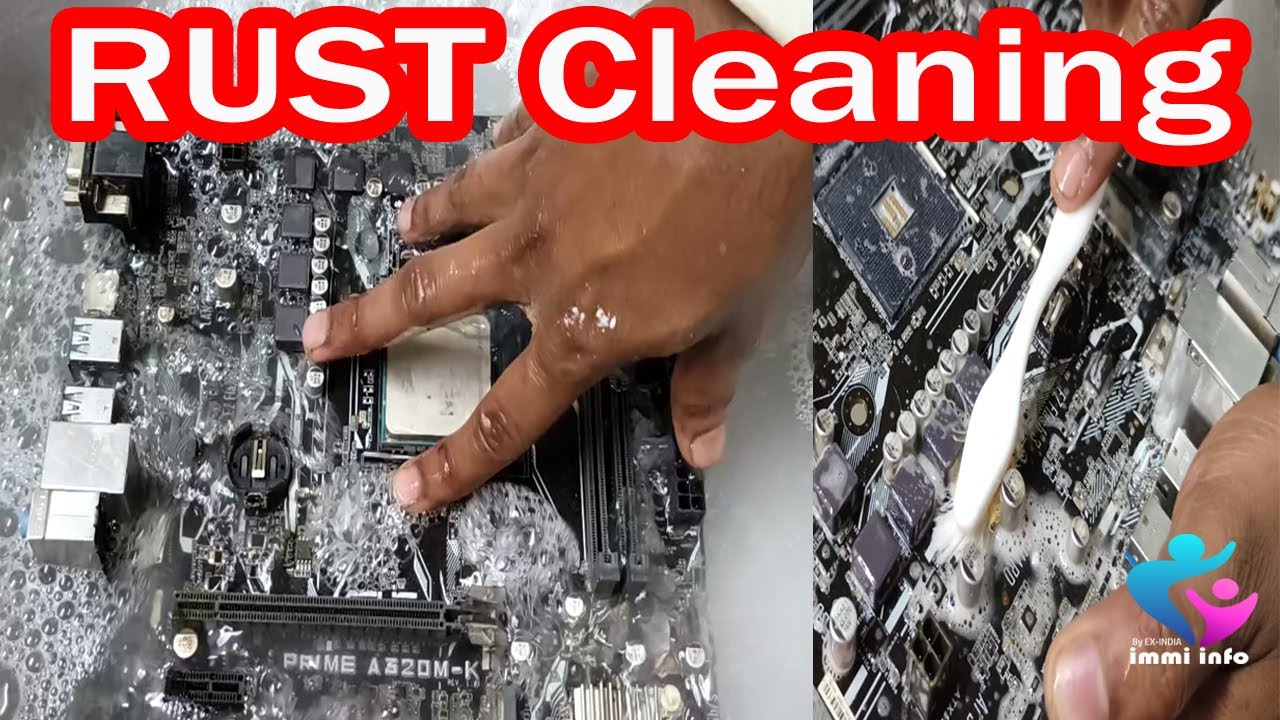
3- Start washing it with a paint brush
4- Clean corners of the main chip, small chips, ICs, capacitors area, RAM slots and SATA/IDE slots
5- Warning: Do not wash the processor slot because if the pins were damaged or broken, your board will move to scrape and you need to purchase a new one
6- Now pick toothbrush and start cleaning the moisture area carefully
7- Do not push the brush with effort because it may damage jumpers and other small ports of the motherboard.
8- Now after a complete wash, put water in a bottle or some other pot
9- Keep your motherboard in a horizontal position in front of the sun or use a heat gun to dry it before use.
Disclaimer: This video was an experiment on a faulty motherboard that was working fine after proper heat. So we are NOT responsible for any type of damage on your end. Just try this at your own risk.
#OMGPCCity
Повторяем попытку...

Доступные форматы для скачивания:
Скачать видео
-
Информация по загрузке: