AMD Ryzen X670E Performance Testing Build with Gen5 NVMe + Dual 10Gbe
Автор: SomeTechGuy
Загружено: 2024-08-09
Просмотров: 6447
Описание:
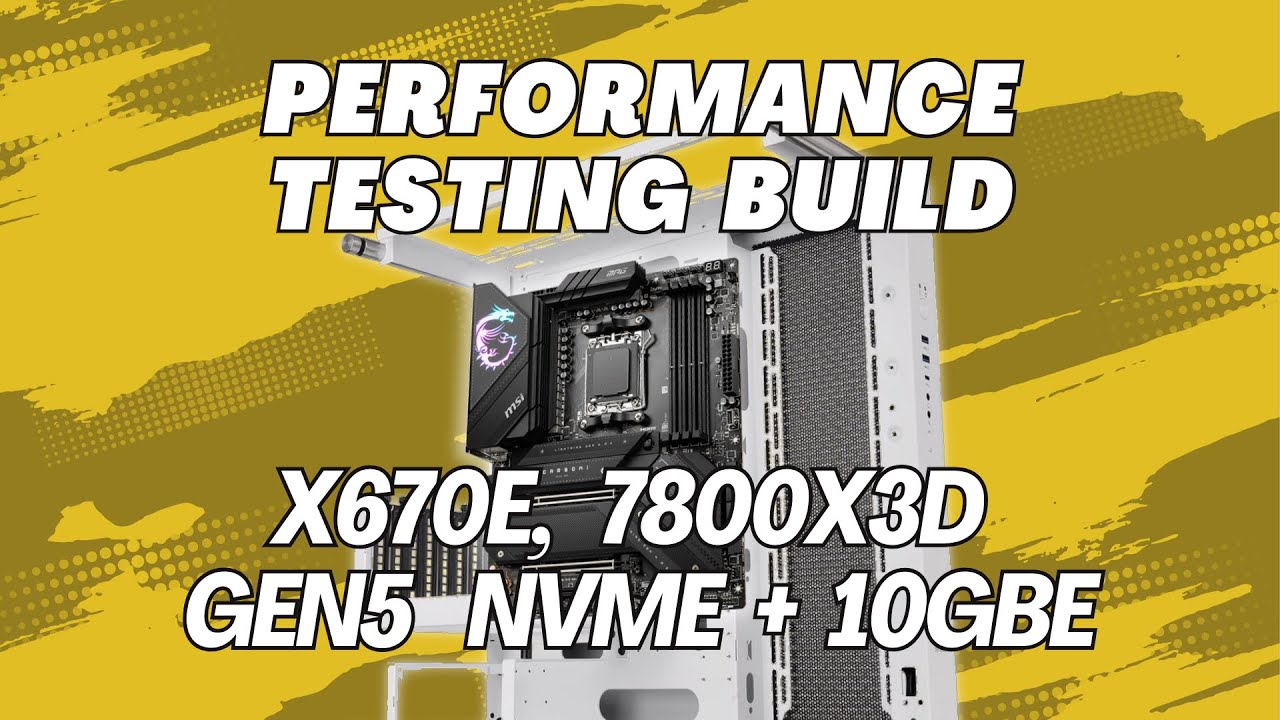
How to guide on building a PC for performance testing. I have included my component picks and rationale, analyzed which motherboard and storage to select, identify where to place components and put the build together step by step.
This is based on an MSI X670E motherboard, a Xen 4 7800X3D processor, 64Gb of G.Skill DDR5 RAM with both Gen4 and Gen5 NVMe, and dual 10GBe networking, all in an open form factor PC for bench testing.
I was building a new performance testing rig, so for fun I made a video about the process, I hope you like the content and it gives some insight into the PCIe lane availability and constraints on this board and others.
Affiliate Links to components used and mentioned in the video
MSI x670E carbon Wifi motherboard - https://amzn.to/3LW5pp5
AMD 7800X3d - https://amzn.to/4dhCNCU
Trident Z5 Neo Memory – EXPO = https://amzn.to/46DQVDU
Peerless Assassin cooler - https://amzn.to/4fF0VkG
Corsair MP700 Pro - https://amzn.to/4fA95dY
Lexar NM790 Gen 4 NVMe - https://amzn.to/4dAHRSM
Thermaltake Core P3 TG Pro Snow - https://amzn.to/3WSNI07
HX1000 PSU - https://amzn.to/46FCOOy
Kryonaut Thermal Grizzly - https://amzn.to/3ykWwm9
Crucial T705 - https://amzn.to/3AptamV
Sabrent Rocket 5 - https://amzn.to/3Ar7Zkr (seems to link to Rocket 4+ on UK site).
0:00 Intro
0:25 CPU and Motherboard Selection
1:57 SSD Comparisons and Selection
3:35 RAM, PSU, Cooler, 10G Card, Case and Fans
6:00 Board PCIe Lane layout and choke points
9:32 Board buildout - CPU, Gen5 SSD and Memory
11:30 Cooler install
14:20 Gen4 boot SSD
15:03 Board and PSU into the case
16:05 Finished result
Повторяем попытку...
Доступные форматы для скачивания:
Скачать видео
-
Информация по загрузке: