Turn Excel Into an Interactive Website with NotebookLM (No Code!)
Автор: Wovixo
Загружено: 2026-11-20
Просмотров: 315
Описание:
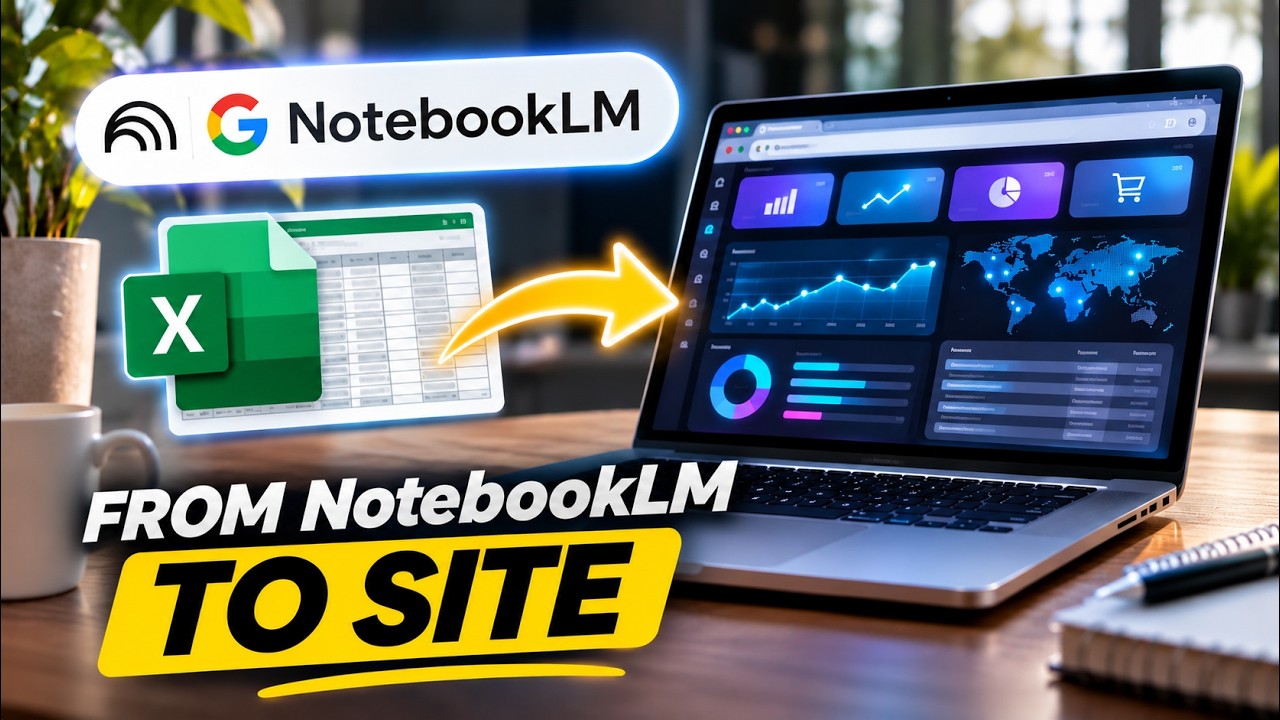
Turn a simple spreadsheet into an interactive website with Google AI — no coding required! 🚀
I uploaded one spreadsheet to Google's NotebookLM, typed "Make me a site", and created an interactive sales dashboard featuring KPI cards, trend charts, a world map, order details, and dynamic filters.
In this step-by-step tutorial, you'll discover how to build your own interactive dashboard in just 3 simple steps, explore the results, verify the numbers, and improve your prompt when the first version isn't perfect.
✨ WHAT YOU'LL LEARN
✅ How to turn spreadsheet data into an interactive website
✅ How to create a dashboard without coding
✅ How to use AI-generated charts, KPIs, maps, and filters
✅ Why you should double-check AI-generated calculations
✅ How to improve the result with a better prompt
💬 What would YOU build with this feature? Let me know in the comments!
❓ Have questions or need help getting started? Feel free to ask in the comments — I'll be happy to help!
⏱️ CHAPTERS
0:00 Google's new NotebookLM feature
0:23 From sources to interactive websites
0:52 Create a notebook and upload your spreadsheet
1:20 Generate a website with a simple prompt
1:37 Opening the AI-generated website
1:49 Exploring the interactive dashboard
2:16 Testing the filters
2:29 Double-checking the numbers
2:43 Improving your prompt and trying again
2:54 Who can benefit from this feature?
3:10 What would you build?
📌 GOOD TO KNOW
• Feature availability and usage limits may vary by account and region.
• Website generation can take some time; the waiting period is shortened in this video.
• AI-generated dashboards can contain errors. Always verify calculations against your original data.
• Not happy with the result? Refine your prompt and generate another version.
ℹ️ This is an independent tutorial, not sponsored by or affiliated with Google. NEON TECH and its data are fictional. Some illustrative visuals are AI-generated; product demonstrations use actual screen recordings.
🔔 Subscribe to Wovixo for more AI tools, technology discoveries, and practical tutorials!
#NotebookLM #GoogleAI #NoCode
Повторяем попытку...
Доступные форматы для скачивания:
Скачать видео
-
Информация по загрузке: