How to setup a Synology NAS (DSM 6) - Part 4: How to assigning a static IP address to your NAS
Автор: mydoodads
Загружено: 2018-05-18
Просмотров: 188443
Описание:
If you found this video useful please like and subscribe to our channel.
In this series of video's we take a look at how you perform the basic setup and configuration of a Synology, Network Attached Storage (NAS) device. This series of videos was created to try and offer a reference point to assist you in the setup of your own NAS.
For this video we try to explain why you should use a static IP address rather than a dynamic IP address. We then show you how to adjust the DHCP address pool on a Synology RT1900ac Router. This will allow you to incorporate static IP addresses into your home network.
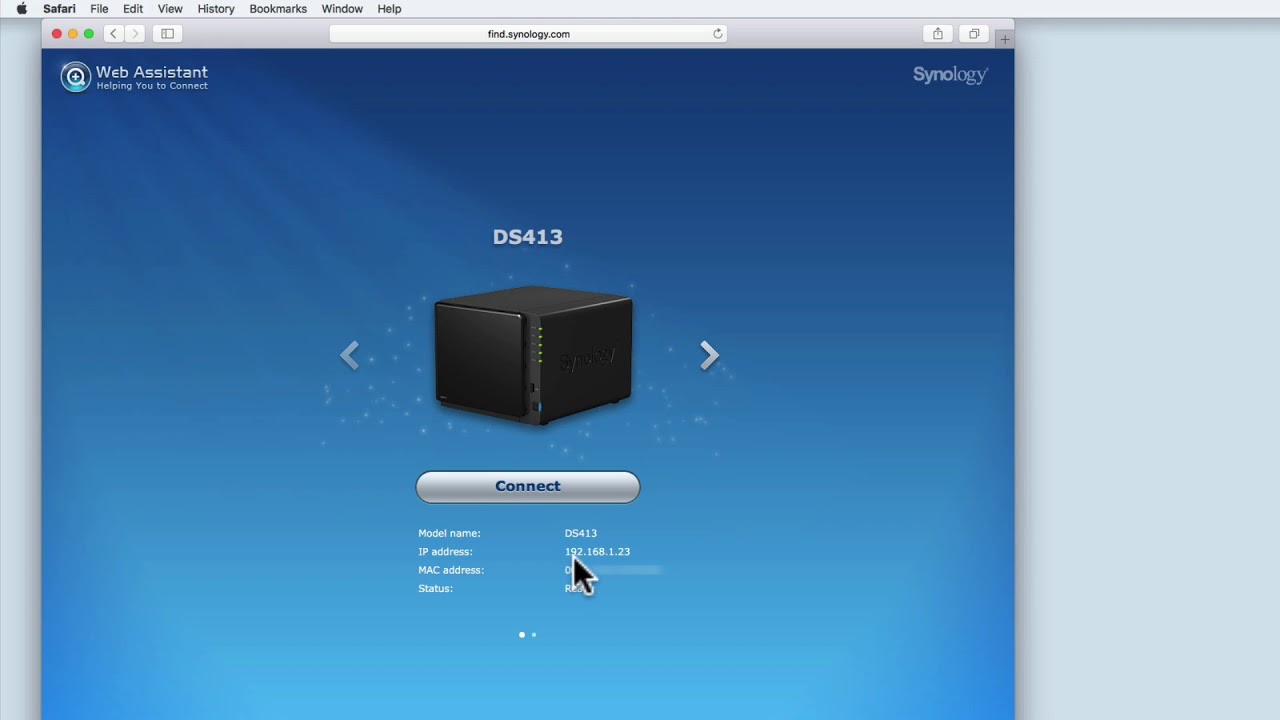
Finally, we look at the Network settings that need to be adjusted on a Synology NAS so that the NAS can use a static IP address.
---------------------------------
◽Blog Site: http://mydoodads.com
◽Youtube channel: mydoodads
◽My preferred online shop is Amazon
Products seen in this video:
Synology DS218j 2 Bay Desktop NAS - https://amzn.to/2Hd7Swx
Western Digital Red 2Gb HD - https://amzn.to/2HCYeTp
Seagate Iron Wolf 2Gb HD - https://amzn.to/2F0fA7r
The above Amazon affiliate links were included to make it more convenient for you to purchase items seen in the video. If you choose to click on a link and buy something, I may receive a small commission which will help to support the creation of content for the Mydoodads channel.
---------------------------------
Повторяем попытку...
Доступные форматы для скачивания:
Скачать видео
-
Информация по загрузке: