How to DEPOSIT or WITHDRAW on Lbank Exchange | Crypto App Tutorial
Автор: Howzenic
Загружено: 2025-02-11
Просмотров: 448
Описание:
Depositing or withdrawing cryptocurrencies on the LBank Exchange app is a simple process, designed to help users manage their assets efficiently. Whether you’re looking to transfer crypto from another wallet, deposit fiat currency, or withdraw your funds to an external address, LBank’s interface makes these transactions straightforward. Here’s a step-by-step guide to help you navigate through both depositing and withdrawing on the LBank app.
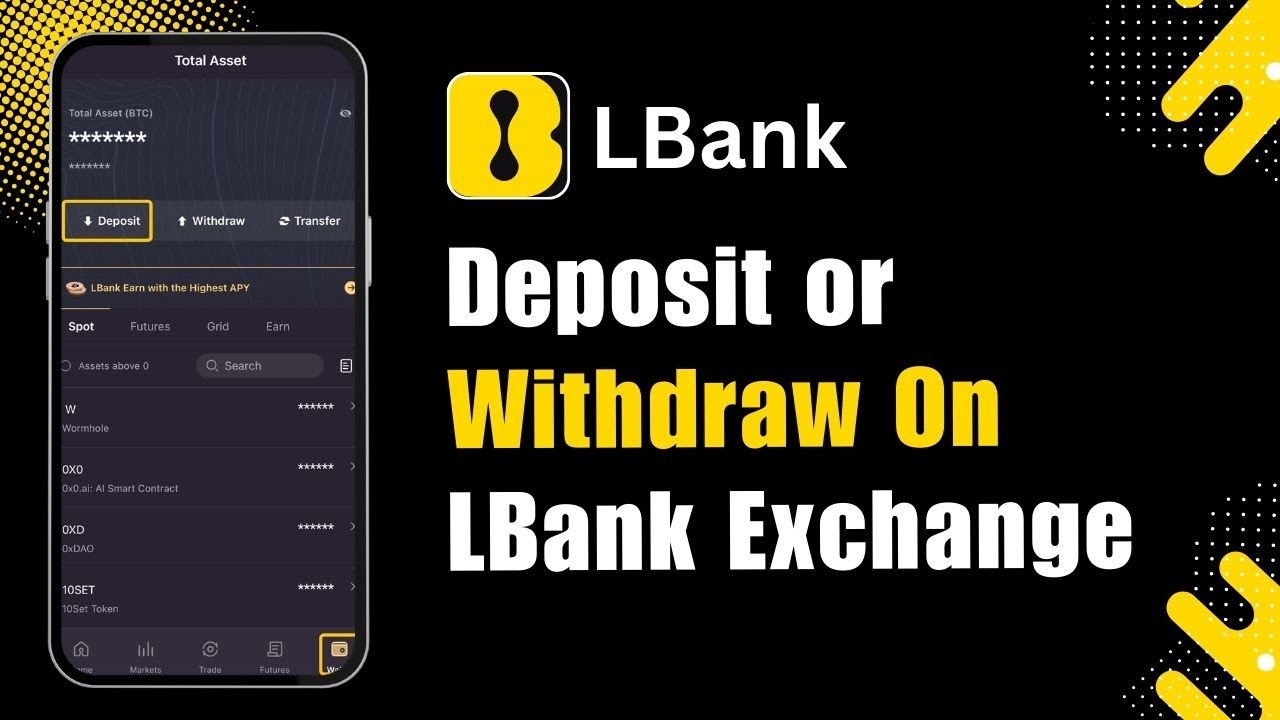
First, make sure you have the LBank app installed on your device and that you’re logged into your account. Once you open the app, you’ll be greeted with the main dashboard. To deposit assets, locate the "Deposit" option, which is visible right after logging in. Tap on the "Deposit" button to begin the process. You’ll have the option to deposit either cryptocurrencies or fiat currencies, depending on your needs.
If you want to deposit cryptocurrency, select the specific coin you’d like to deposit, such as Bitcoin. After selecting Bitcoin, you’ll see options like "One-Click Buy," which allows you to purchase crypto directly, or "Cash Deposit" if you’re dealing with fiat. However, if you’re transferring crypto from another wallet or exchange, choose the "On-Chain" option. This will prompt you to select the correct network for your deposit. Once the network is selected, you’ll be provided with a deposit address. Copy this address or scan the QR code to send your crypto from the external wallet. Always double-check that you’ve selected the correct network to avoid any issues with lost funds.
To withdraw assets from LBank, go to the bottom right of the app and tap on the "Assets" icon. This section displays all the cryptocurrencies and fiat balances you currently hold. Find the asset you want to withdraw and tap on it. You’ll then see the "Withdraw" option—tap on this to proceed. Enter the withdrawal address, which is the address of the wallet or exchange where you’re sending the funds. Select the appropriate network, input the amount you wish to withdraw, and proceed to the next step.
For security reasons, LBank will prompt you to complete verification steps before processing the withdrawal. This may include two-factor authentication (2FA), email verification, or other security measures, depending on your account settings. After completing the verification, review all the withdrawal details carefully, then confirm the transaction. Your funds will be processed, and you can track the status within the withdrawal history section.
When depositing or withdrawing crypto, always be mindful of network fees and minimum transaction limits, which vary depending on the cryptocurrency and network you’re using. Additionally, make sure to double-check all addresses and transaction details to avoid errors.
Hopefully, this guide has made it clear how to deposit or withdraw assets on the LBank Exchange app. If you have any further questions, feel free to leave a comment for additional assistance.
Timestamps:
0:00 Introduction
0:05 Opening the LBank app
0:18 Navigating to the deposit option
0:26 Selecting cryptocurrency or fiat for deposit
0:31 Choosing deposit methods: One-Click Buy, Cash Deposit, or On-Chain
0:39 Copying the deposit address or using the QR code
0:46 Accessing the assets section for withdrawals
0:56 Initiating the withdrawal process
1:00 Verifying security measures for withdrawal
1:04 Confirming and completing the transaction
1:15 Conclusion
Hashtags:
#LBank #CryptoExchange #DepositCrypto #WithdrawCrypto #Bitcoin #CryptoTrading #CryptoWallet #Blockchain #CryptoGuide #CryptoInvesting
Disclaimer: CryptoGPT is an educational channel only. The channel does not own the rights to the name, logo, or any affiliated branding. The content provided is for informational purposes only and should not be considered financial advice.
Повторяем попытку...
Доступные форматы для скачивания:
Скачать видео
-
Информация по загрузке: