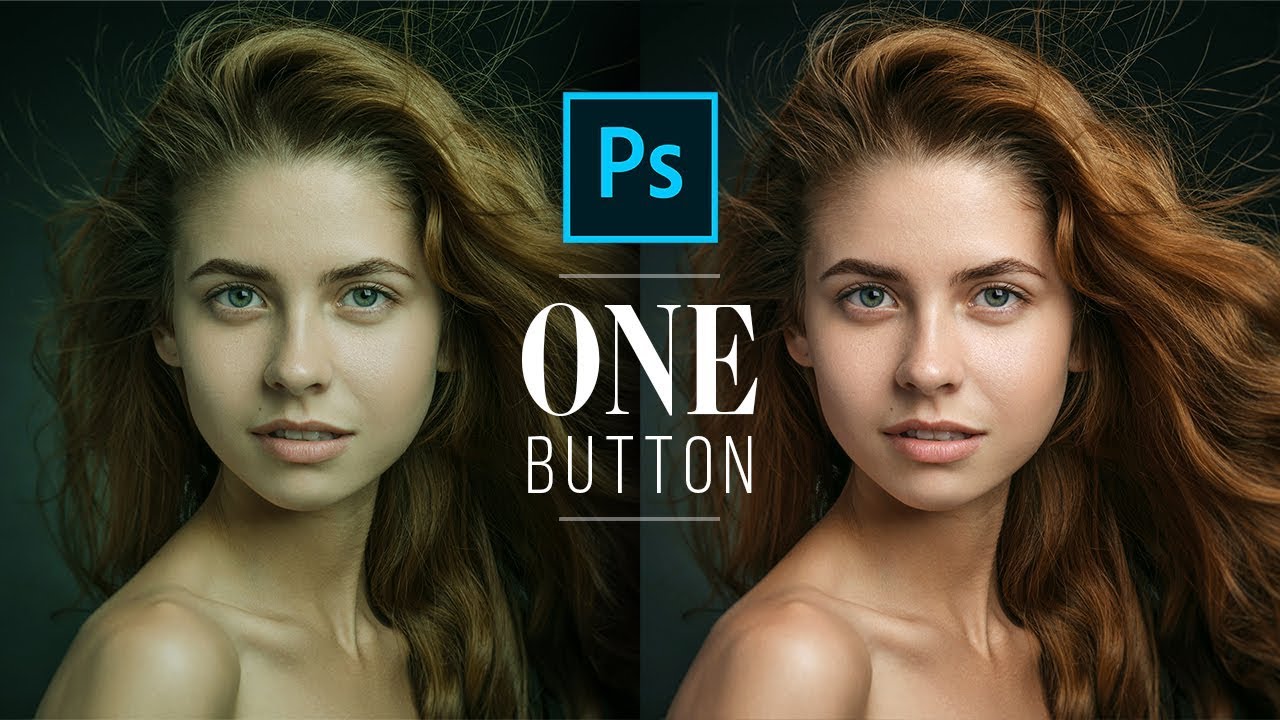
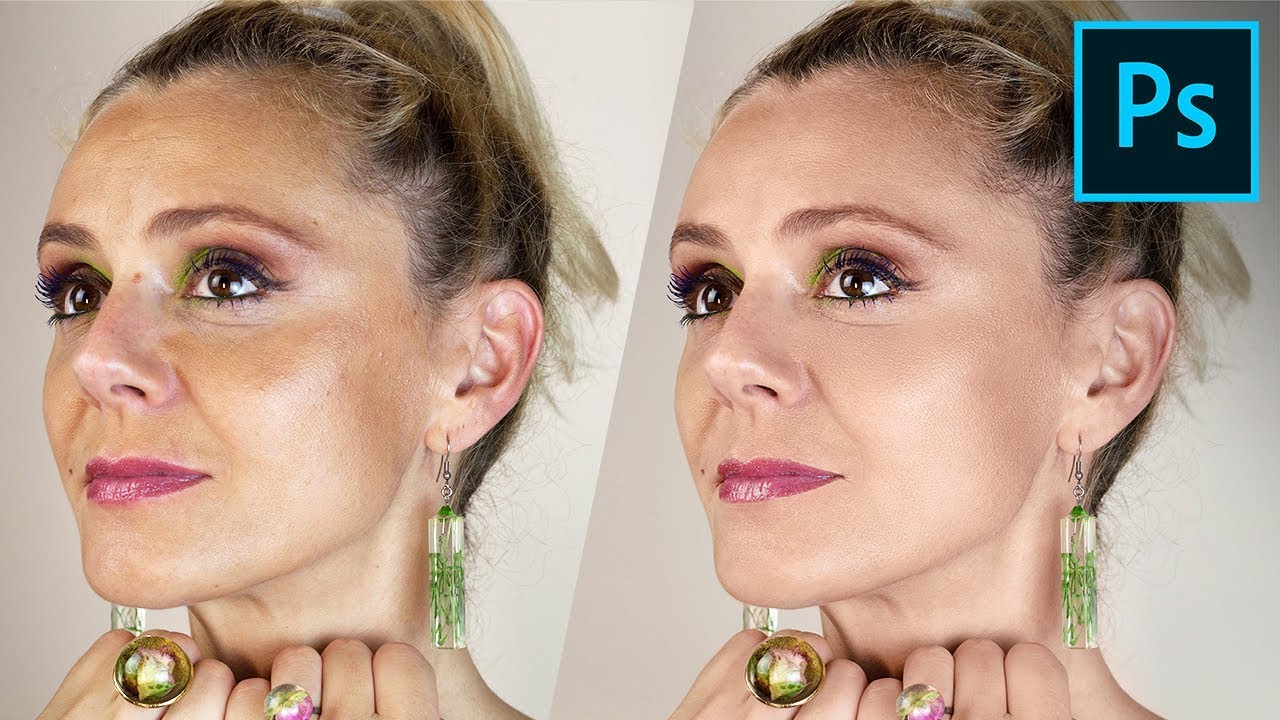
The Perfect Skin Tones with One Button in Photoshop
Автор: Photo Feaver
Загружено: 2020-02-11
Просмотров: 6340
Описание:
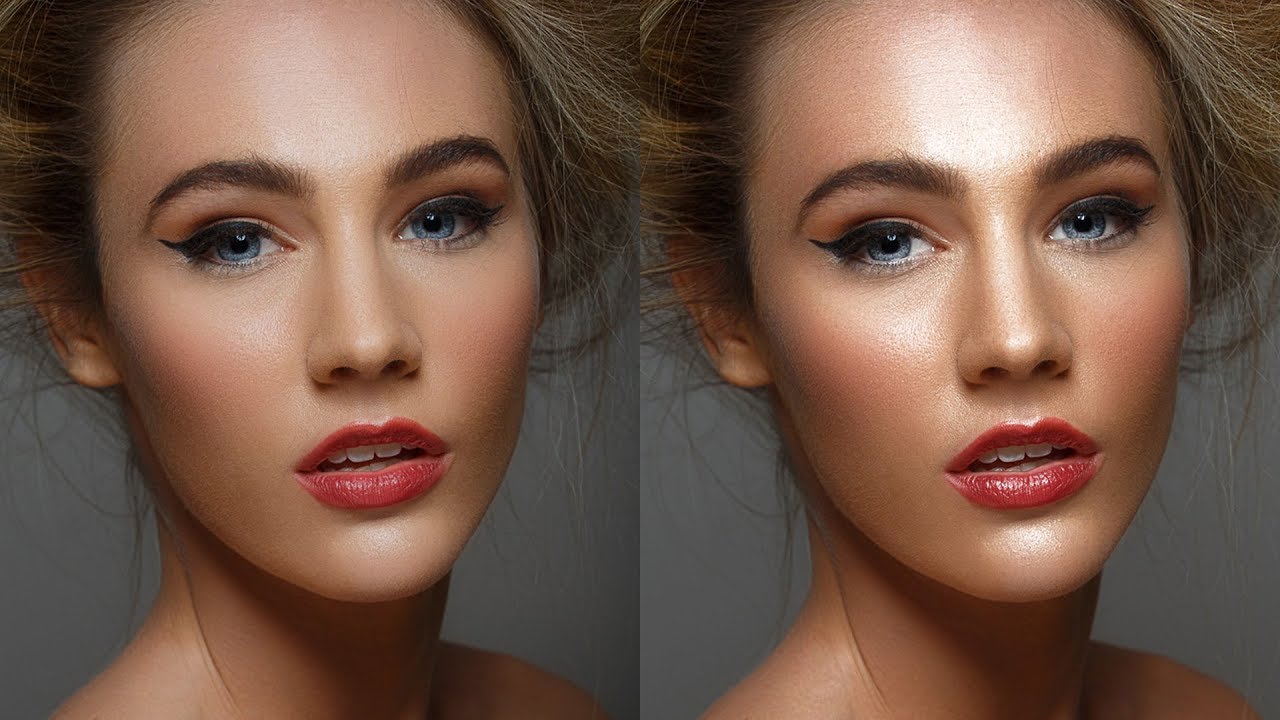
Another Tuesday 2 minute Tutorial and today is how to create a the perfect Skin tones with one button in Photoshop.This effect works really well on portrait style photos with clear and in focus eyes. So make sure to have a look at the pre-selected photos on my website to follow along with this tutorial.
⚫️ I will show you how to:
▪️ Choose the right image
▪️ Select the curves adjustment layer
▪️ Use the mid tone eye dropper.
I hope this video helps and don't forget to subscribe for more awesome videos just like this :)
LINKS:
🎥 How to Enhance and smooth skin in Photoshop 2020
• How to Enhance and smooth skin in Photosho...
📸 Photo links:
https://www.pexels.com/photo/topless-...
🥇My Patreon
/ photographybyfeaver
🌇 Etsy Presets and actions Shop:
https://www.etsy.com/uk/shop/photogra...
👕 Official Merch: (CREATE20 for 20% off)
https://teespring.com/en-GB/stores/ph...
📺 Instagram @photographybyfeaver
https://www.instagram.com/photography...
Повторяем попытку...
Доступные форматы для скачивания:
Скачать видео
-
Информация по загрузке:




![Create Highly Realistic SKIN TEXTURE In Photoshop! [FREE Download]](https://imager.clipsaver.ru/so-ZjeE2MuA/max.jpg)