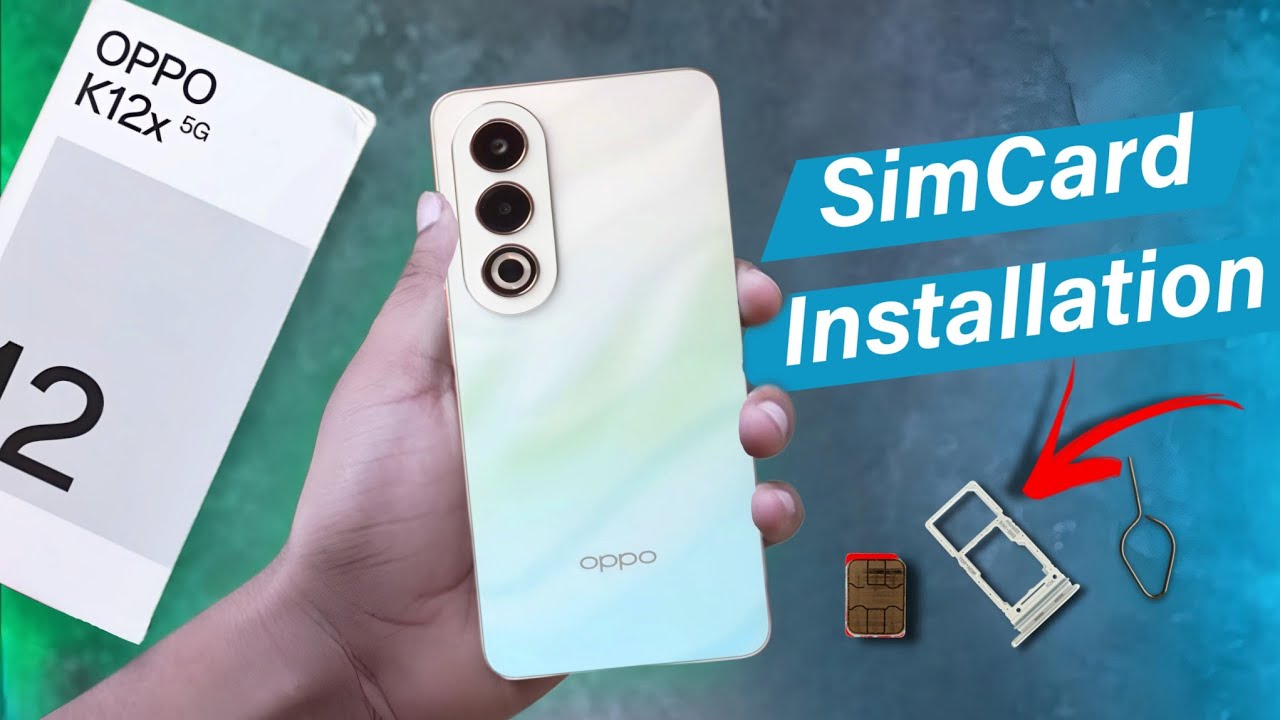
OPPO K12x - How to Insert SIM and SD Card - Step-by-Step Setup Guide
Автор: HardReset.Info
Загружено: 2024-09-23
Просмотров: 5277
Описание:
In this tutorial, we'll demonstrate how to insert a SIM card and SD card into your OPPO K12x smartphone to enhance connectivity and expand your storage capacity. Properly inserting your SIM and SD cards is essential for users who require assistance in setting up their device for optimal use. Whether you need to activate your phone service, add more storage for photos and apps, or manage your cards efficiently, the OPPO K12x offers versatile options to suit your needs with its SIM and SD card slots. We'll walk you through the process of accessing and installing the SIM and SD cards, including the correct orientation and securing them properly. Whether you're looking to get your device up and running or optimize your storage, join us as we explore the SIM and SD card insertion process on the OPPO K12x.
#OPPOK12x #InsertSIM #InsertSDCard #SmartphoneSetup #Connectivity
How to access the SIM and SD card slot on the OPPO K12x
How to properly insert the SIM card into the OPPO K12x
How to insert the SD card to expand storage on the OPPO K12x
How to secure the SIM and SD cards in the tray
How to troubleshoot any issues with SIM or SD card recognition on the OPPO K12x if needed
Find out more: https://hardreset.info/
Follow us on Instagram ► / hardreset.info
Like us on Facebook ► / hardresetinfo
Tweet us on Twitter ► / hardreseti
Support us on TikTok ► / hardreset.info
Use Reset Guides for many popular Apps ► https://www.hardreset.info/apps/apps/
Повторяем попытку...

Доступные форматы для скачивания:
Скачать видео
-
Информация по загрузке: