Why Use R? - R Tidyverse Reporting and Analytics for Excel Users
Автор: Jonathan Ng (Data Pro)
Загружено: 2017-12-23
Просмотров: 89996
Описание:
Learn R for Excel Users Today. Check out the free sample lectures at
https://datastrategypro.com/p/r-tidyv...
Full step by step course with downloadable examples available for just $39
From Excel To Big Data and Interactive Dashboard Visualizations in 5 Hours
If you use Excel for any type of reporting or analytics then this course is for you. There are a lot of great courses teaching R for statistical analysis and data science that can sometimes make R seem a bit too advanced for every day use. Also since there are many different ways of using R that can often add to the confusion. The reality is that R can be used to make your every day reporting analytics that you do in Excel much faster and easier without requiring any complex statistical techniques while at the same time giving you a solid foundation to expand into those areas if you so wish. This course uses the Tidyverse standards for using R which provides a single, comprehensive and easy to understand method for using R without complicating things via multiple methods. It's designed to build upon the the skills you are already familiar with in Excel to shortcut your learning journey. If you're looking to learn Advanced Excel, Excel VBA or Databases then you need to check out this video series. In this videos series, I will show you how to use Microsoft Excel in different ways that will make you far more effective at working with data. I'm also going to expand your knowledge beyond Excel and show you tips, tricks, and tools from other top data analytics tools such as R Tidyverse, Python, Data Visualisation tools such as Tableau, Qlik View, Qlik Sense, Plotly, AWS Quick Sight and others. We'll start to touch on areas such as big data, machine learning, and cloud computing and see how you can develop your data skills to get involved in these exciting areas.
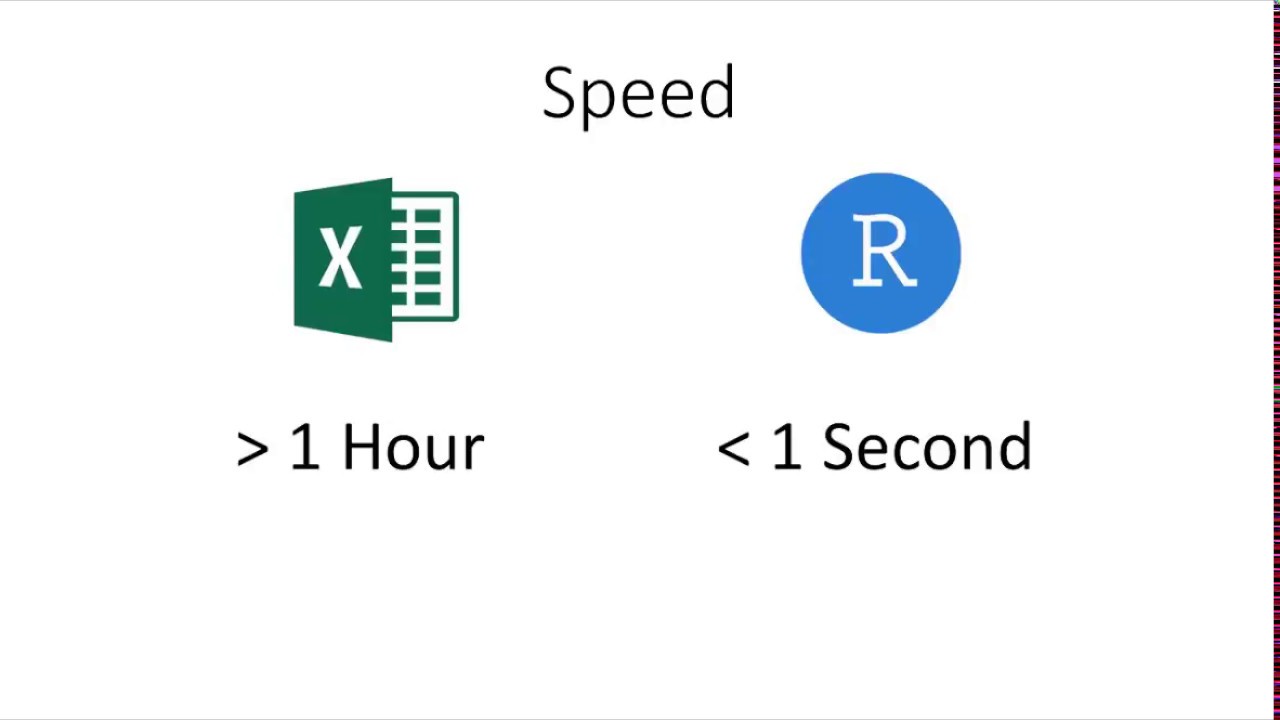
Excel Formulas such as vlookup and sumifs are some of the top reasons for slow spreadsheets. Alternatives for vlookup include power query (Excel 2010 and Excel 2013) which has recently been renamed to Get and Transform in Excel 2016. Large and complex vlookup formulas can be also done very efficiently in R. Using the R Tidyverse libraries you can use the join functions to merge millions of records effortlessly. In comparison to Excel Vlookup, R Tidyverse Join can pull on multiple columns all at the same time. Microsoft Excel Power Query and R Tidyverse Joins are similar to the joins that you do in databases / SQL. The benefit that they have over relational databases such as Microsoft Access, Microsoft SQL Server, MySQL, etc is that they work in memory so they are actually much faster than a database. Also since they are part of an analytics tool instead of a database it is much faster and easier to build your analysis and queries all in the same tools.
My very first R Tidyverse program was written to replace a Microsoft Access VBA solution which was becoming complicated and slow. Note that Microsoft Access is very limited in analytics functions and is missing things as simple as Median. Even though I had to learn R programming from scratch and completely re-write the Microsoft Access VBA solution it was so much easier and faster. It blew my mind how much easier R programming with R Tidyverse was than Microsoft Access VBA or Microsoft Excel VBA. If you have any VBA skills or are looking to learn VBA you should definitely checkout my videos on R Tidyverse. To understand why R Tidyverse is so much easier to work with than VBA. R Tidyverse is designed to work directly with your data. So If you want to add a calculated column that’s around one line of script. In Excel VBA, the VBA is used to control the DOM (Document Object Model). In Excel that means that you VBA controls things like cells and sheets. This means your VBA is designed to capture the steps that you would normally do manually in Microsoft Excel or Microsoft Access. VBA is not actually designed to work directly with your data.
Note the most efficient path is to reduce the data pulled down from the database in the first place. This is referring to the amount of data you are pulling down from your data warehouse or data lake. It makes no sense to pull data from a data warehouse / data lake to pull into another database to query add joins / lookups to then pull it into Excel or other analysis tool. Often analyst build these intermediate databases because they either don’t have control of the data warehouse or they need to join additional information. All of these operations are done significantly faster in a tool such as R Tidyverse or Microsoft Excel Power Query.
Повторяем попытку...
Доступные форматы для скачивания:
Скачать видео
-
Информация по загрузке: