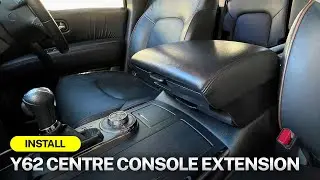
Nissan Patrol Y62 Head Unit - Reverse Camera RCA, Connecting Rear Screen, and Post Install Settings
Автор: Vhedia
Загружено: 2025-03-12
Просмотров: 997
Описание:
How to Set Up Android Head Unit in Nissan Patrol: Reverse Camera, HDMI, and Steering Wheel Controls
In this video, we walk through the setup process for the Android-based head unit in a Nissan Patrol. Learn how to correctly configure your reverse camera, HDMI box, and steering wheel controls to get the most out of your system.
Product: https://vhedia.com.au/product/nissan-...
Key steps covered in the video:
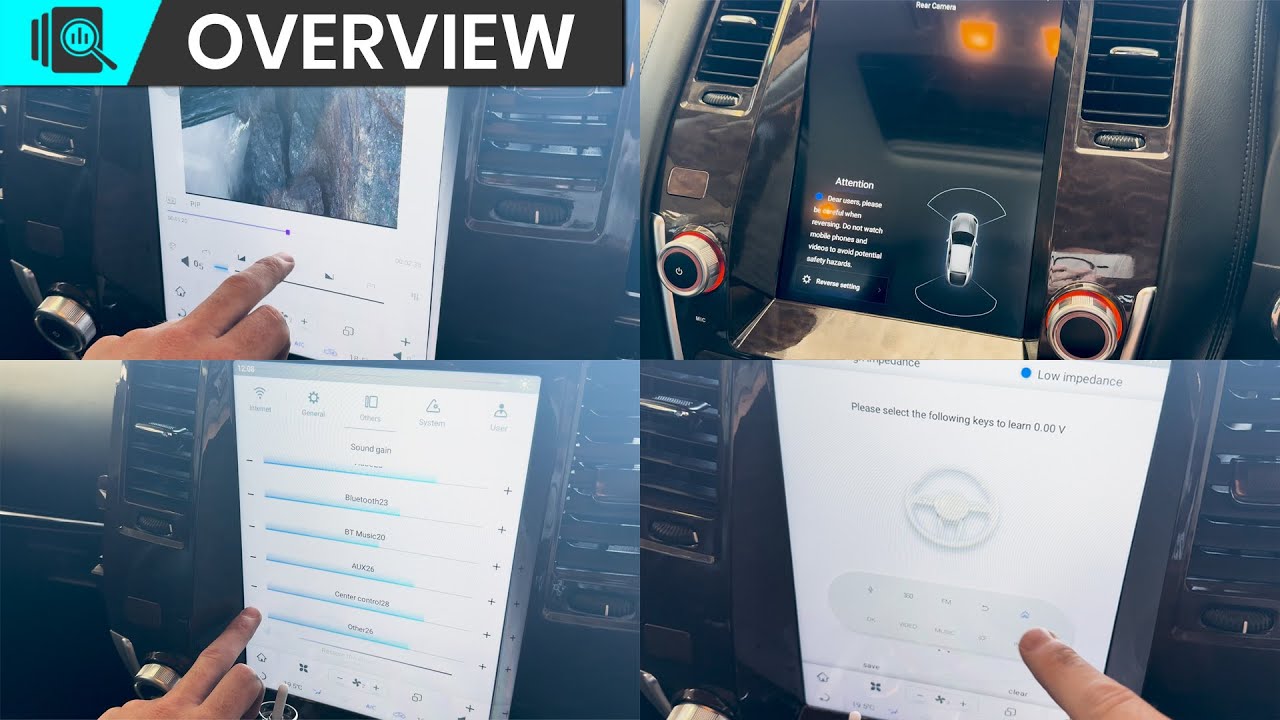
Reverse Camera Setup: Fixing the issue of no signal or blue screen by ensuring the correct RCA plug is used and adjusting the 360 camera settings.
HDMI Box Connection: Properly connecting the HDMI box for movie playback and adjusting sound settings for an optimal experience.
Steering Wheel Controls: Reprogramming your steering wheel buttons (like mode and source) for easy access to key functions.
Factory Reverse Camera Fix: Troubleshooting the factory reverse camera feed by switching settings in the system menu.
Make sure to follow the step-by-step guide to ensure everything is hooked up and functioning perfectly. If you're having trouble with your system, this video will help you troubleshoot and get things working smoothly.
timestamps
0:00 Intro
0:08 Patrol Y62 Checking Camera RCA Cable
1:12 Patrol Y62 Rear Screens
1:54 Patrol y62 T Series Adjusting Sound Low is too Loud
2:33 T Series Patrol Y62 Steering Wheel Control Learning
3:36 T Series Turning OffAfterMarket 360 Camera View
Повторяем попытку...
Доступные форматы для скачивания:
Скачать видео
-
Информация по загрузке: