The BEST Color Shifting Tool for OBS - Tetra Shader Plugin
Автор: Camera Tim
Загружено: 2025-03-17
Просмотров: 1735
Описание:
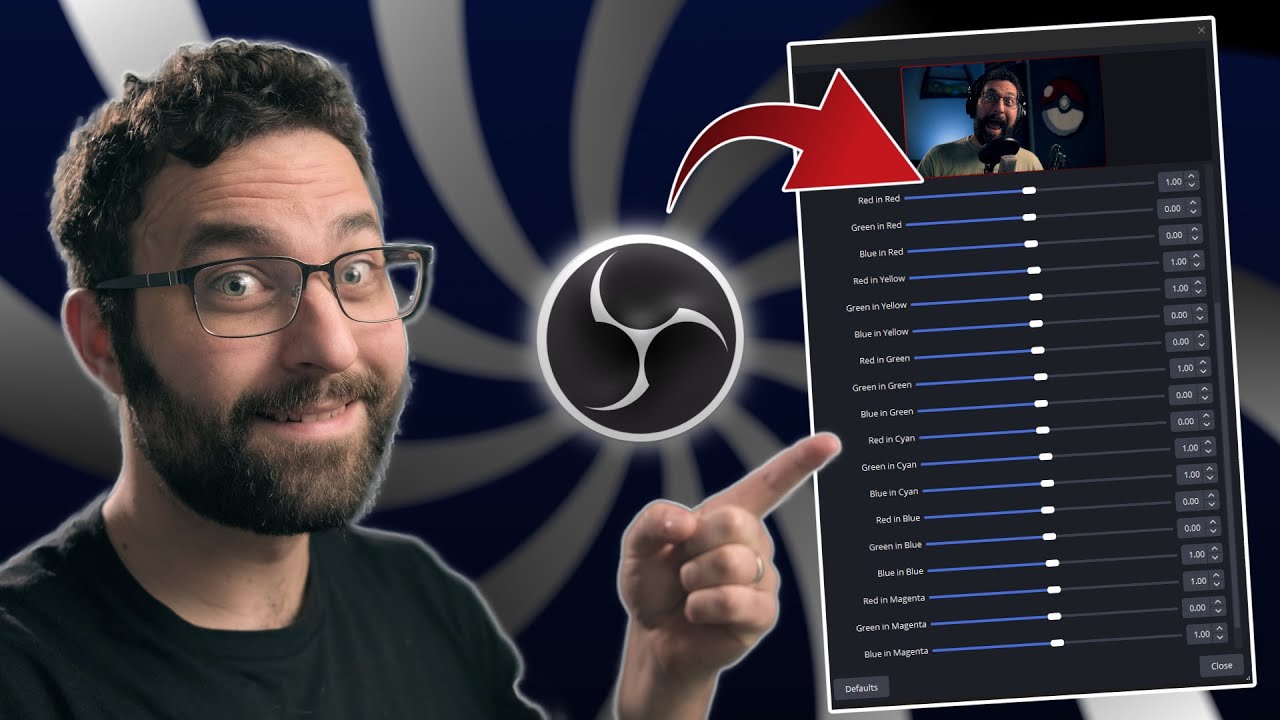
Have you wanted to change or modify your colors but the OBS tools were just way too finicky? That is all fixed with this new shader I developed based on some Tetra concepts I use in DaVinci Resolve. This shader allows you to fine-tune your colors and shift hues with accuracy without breaking your image. You can even single out a specific color by setting all channels in every other color vector to 0.5. So let's say all your colors except Blue had red green and blue set to 0.5, then Blue would be the only color in your image and everything else would be between black and white. Have fun with this!
▬
Links -
Shaderfilter for Tetra:
https://github.com/exeldro/obs-shader...
Fusion Survival Guide:
https://www.groundcontrol.film/a/2147...
9 Nodes to Make Almost Anything in Fusion:
https://www.groundcontrol.film/a/2147...
Fusion: Zero to Hero Course (use the code: CAMTIM for 10% off!):
https://www.groundcontrol.film/a/2147...
CutScene:
https://cutscenesleep.com/
▬
The Socials! -
TWITCH - / cameratim
INSTAGRAM - / seneker_thatsme
TWITTER - / camera_tim
Business inquiries:
Email: [email protected]
▬
00:00 - The Ever-So-Colorful Intro
00:22 - What is Tetrahedral Interpolation?
01:05 - How to Install Shaderfilter and Open the Tetra Shader
01:43 - Color Monitor Plugin - Use this for Reference
02:06 - Viewing the Vectorscope for Reference
02:38 - How Does the Tetra Shader Work?
05:32 - Using Tetra on a Webcam
08:41 - Viewing a 3D LUT Cube for Extra Visualization
10:06 - THIS IS THE OUTRO
Повторяем попытку...
Доступные форматы для скачивания:
Скачать видео
-
Информация по загрузке:





![StreamFX a FONDO - OBS Studio Plugin Tutorial [3D - Desenfoque - Etalonaje - Fuente espejo y más]](https://image.4k-video.ru/id-video/NLY_GNsYM2I)