Setting up the LS2208 Barcode Scanner
Автор: Riley Doering
Загружено: 2015-08-16
Просмотров: 74548
Описание:
Video guide into configuring the LS2208 Barcode scanner for use in the programs developed by Riley Doering for Westwood Electric.
There are five main steps to setting up a fresh LS2208 barcode scanner as a POS device that can be recognized and used in visual basic .NET applications.
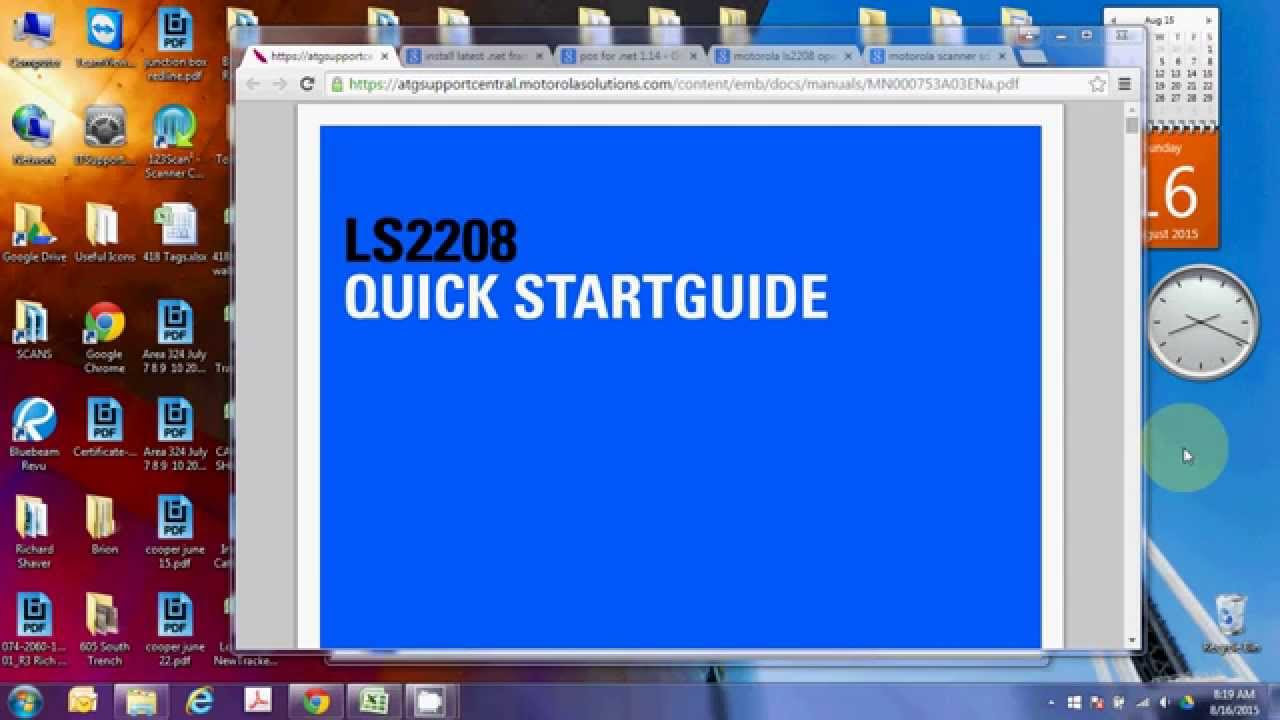
1: Set the scanner to IBM Hand-Held USB mode, if it's not already. Use the LS2208 QuickStart guide at http://bit.ly/1EvThA0
2: Install, update, or activate your .NET framework (new installation from Microsoft at http://bit.ly/1TJ0Ry0 )
3: Install POS for .NET from Microsoft (installation from http://bit.ly/1Pg6HFO )
4: Install OPOS Driver for Symbol Scanners 3.31 from Motorola at http://bit.ly/1A8VJOp
5: Install the Motorola Scanner SDK from http://bit.ly/1GnI1pW
Повторяем попытку...
Доступные форматы для скачивания:
Скачать видео
-
Информация по загрузке:


![ZIVERT - ЛУЧШИЕ ПЕСНИ 2024 [СБОРНИК] @ХитЗаХитом](https://image.4k-video.ru/id-video/fPKYPAWUkeU)


![[How To] make Scannable Barcodes from SKUs with Square || EmiiCreations](https://image.4k-video.ru/id-video/BlRpDCxxL4w)


