Programming the Spartan-6 FPGA: Create and run testbench file
Автор: My FPGA Lab
Загружено: 2023-04-01
Просмотров: 284
Описание:
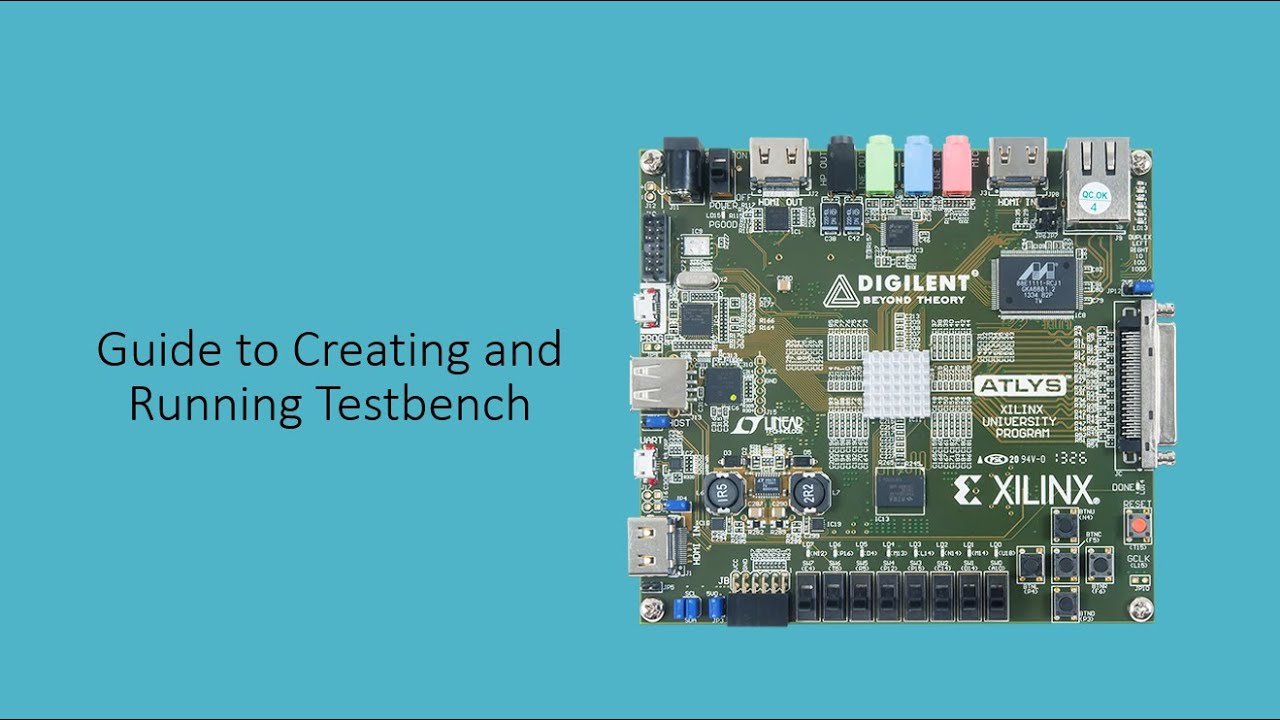
In this tutorial video, we will guide you through the process of creating and running a testbench file on the ISE 14.7 software. A testbench file is a crucial part of the FPGA design process as it allows us to verify the functionality of our design before implementing it on the physical hardware.
To begin, we will open the ISE 14.7 software and create a new project. Next, we will add our design file and create a testbench file. The testbench file will contain the stimuli that we will use to test our design.
Once we have created the testbench file, we will write the testbench code to specify the inputs and expected outputs for our design. We will also simulate the design and the testbench to verify that the output matches our expectations.
Finally, we will analyze the simulation results and debug any issues that we may encounter. This process is essential for ensuring the correct functionality of our design before we implement it on the physical hardware.
By following the steps outlined in this video, you will have a better understanding of how to create and run a testbench file on the ISE 14.7 software, which will ultimately lead to more efficient and effective FPGA designs.
Повторяем попытку...
Доступные форматы для скачивания:
Скачать видео
-
Информация по загрузке: