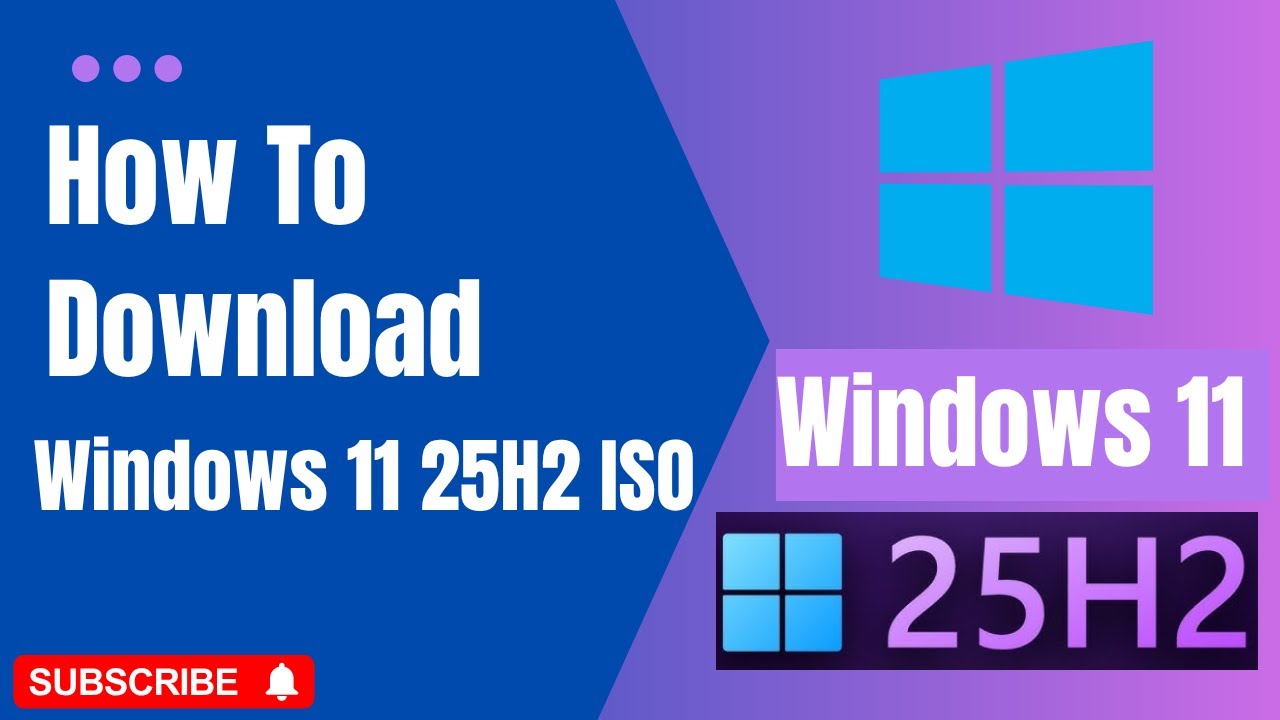
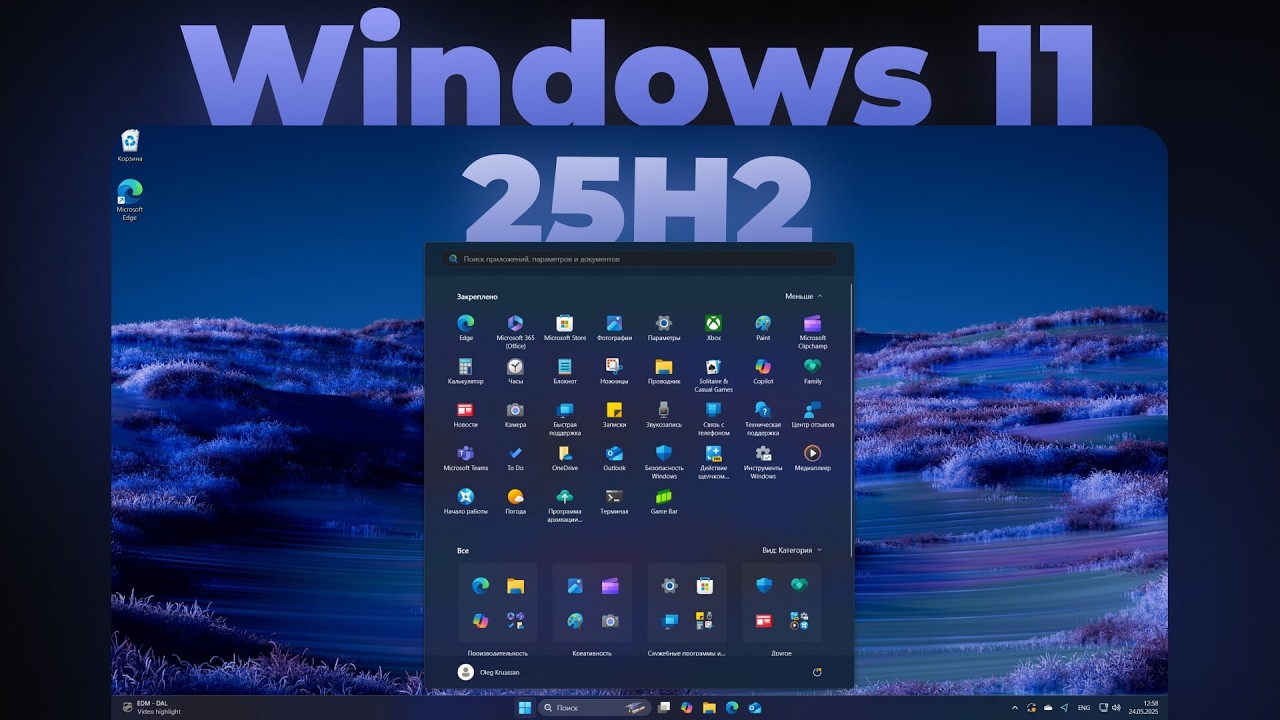
How to Install Windows 11 25H2 (or Any Future Preview) - Full UUP Dump Guide
Автор: Passionate About Tech
Загружено: 2025-07-10
Просмотров: 2970
Описание:
Want to test the cutting-edge features of Windows 11 25H2 before anyone else? This step-by-step tutorial guides you through the safest and most reliable method using UUP Dump to create an ISO and install it on a virtual machine or test PC. Learn how to get early access to any future Windows 11 preview build today!
This guide is perfect for tech enthusiasts who want to explore upcoming features without risking their main computer. We cover everything from creating the ISO to making a bootable USB with Rufus and setting up a secure VirtualBox environment.
🕒 Timestamps:
0:00 - Why You Should Test Windows 11 25H2
0:5- Important: Safety First! (Use a VM)
0:53- Step 1: Finding the Latest Build on UUP Dump
1:27- Step 2: Selecting Your Language & Edition
1:56- Step 3: Extracting the Download Package (CRITICAL TIP!)
3:10- Step 5: (Optional) Creating a Bootable USB with Rufus
4:14- Step 4: Building Your Windows 11 25H2 ISO File
4:40- Step 6: Installing & Testing on a Virtual Machine
🔗 Essential Tools:
UUP Dump: [https://uupdump.net/selectlang.php?id...]
Rufus: [https://rufus.ie/en/]
In this tutorial, you'll learn:
How to download Windows 11 25H2 using UUP Dump.
How to create a Windows 11 25H2 ISO file.
How to make a bootable Windows 11 USB drive with Rufus.
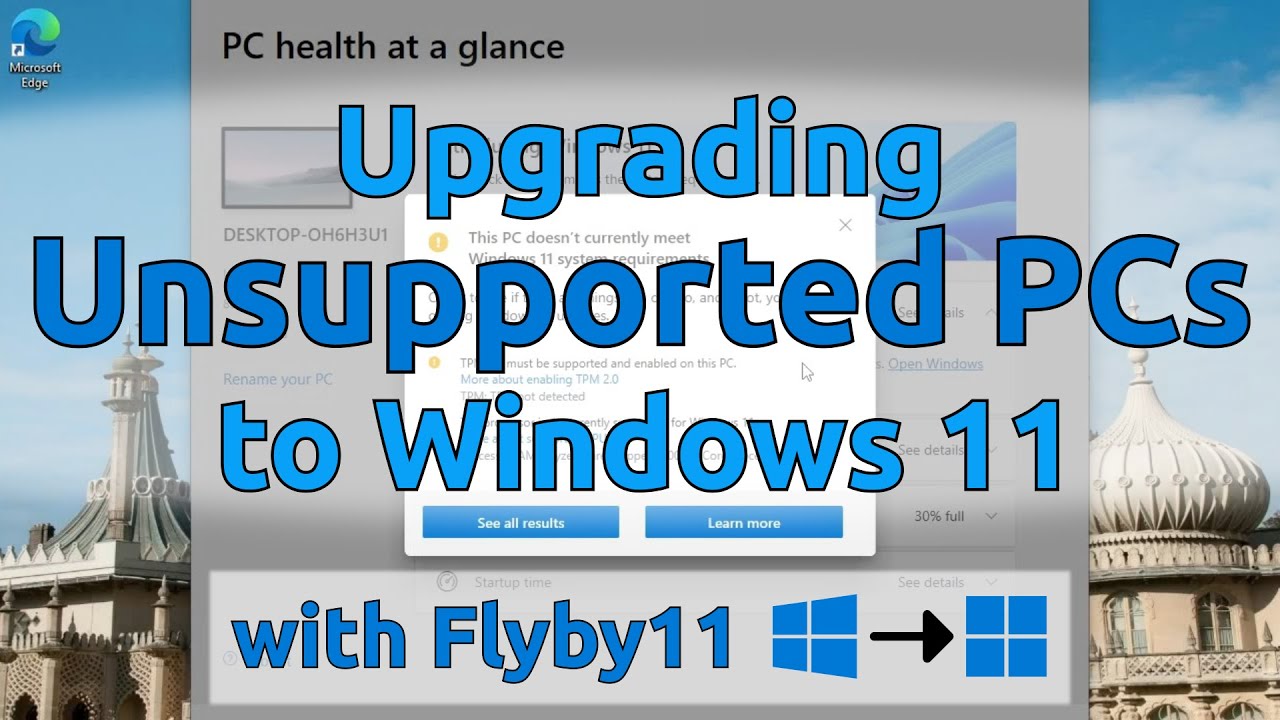
How to bypass TPM and Secure Boot requirements for unsupported hardware.
How to safely install Windows 11 preview builds in VirtualBox.
🔔 Subscribe to Passionate About Tech for more deep-dive tech tutorials!
[ / @passionateabouttech ]
#Windows11 #TechTutorial #UUPDump #25h2 #windows1125h2
Повторяем попытку...

Доступные форматы для скачивания:
Скачать видео
-
Информация по загрузке: