How To Use Facerig with OBS
Автор: Tech Sway
Загружено: 2017-03-08
Просмотров: 135984
Описание:
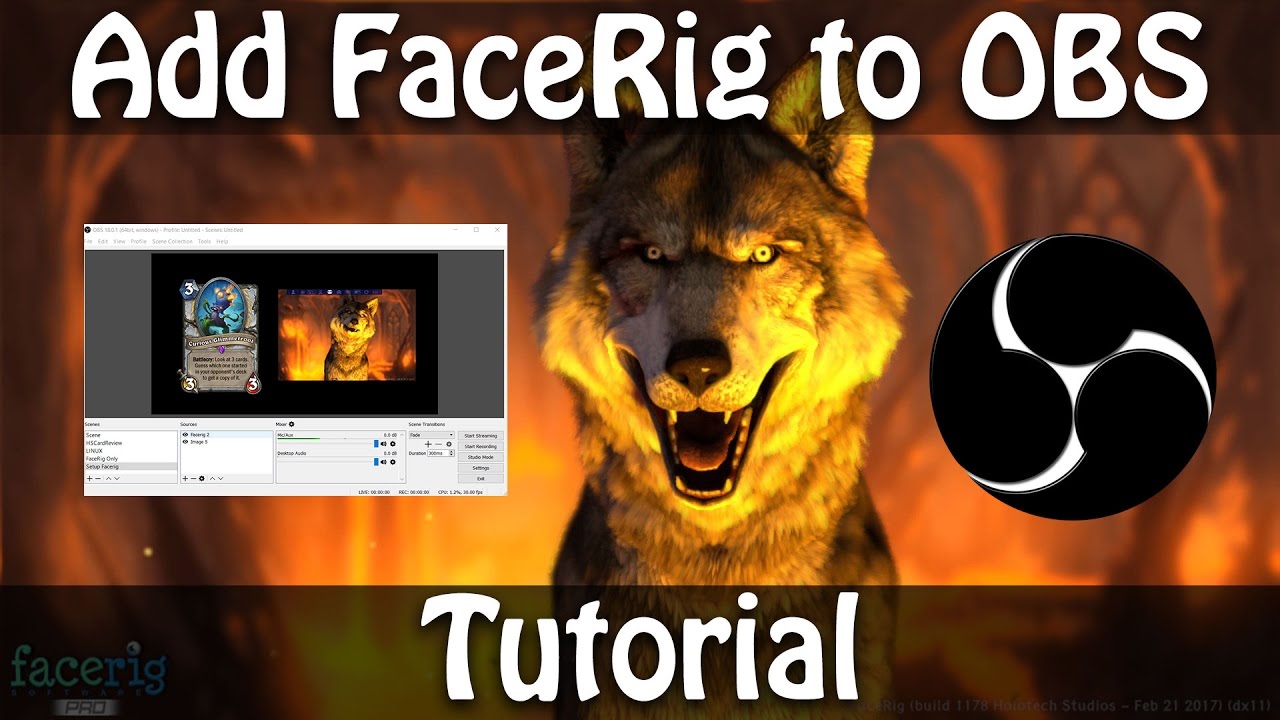
In this video I'll how you how to setup Facerig with a green screen in OBS in under 2 minutes.
Written Instructions
1. Ensure OBS and Facerig are both running
2. In Facerig, switched to the advanced UI.
3. Choose Environments and select the green screen.
4. In the top menu ensure Toggle Broadcast mode on.
5. In OBS add your scence then Add a video capture device in sources
6. Select Facerig virtual camera
7. Right click the virtual camera within the OBS scene or video capture
8. Choose Filters
9. Under the effects tab click the plus sign and choose chroma key.
10. Click Ok
Background Music - Here We Go by RetroVision
Link to previous Facerig video: • Use a 3D Avatar for Streaming | Facerig
Повторяем попытку...
Доступные форматы для скачивания:
Скачать видео
-
Информация по загрузке: