How to set up Audio Levels in a DSLR
Автор: Jared Polin
Загружено: 2014-05-21
Просмотров: 71208
Описание:
http://froknowsphoto.com/audio-levels...
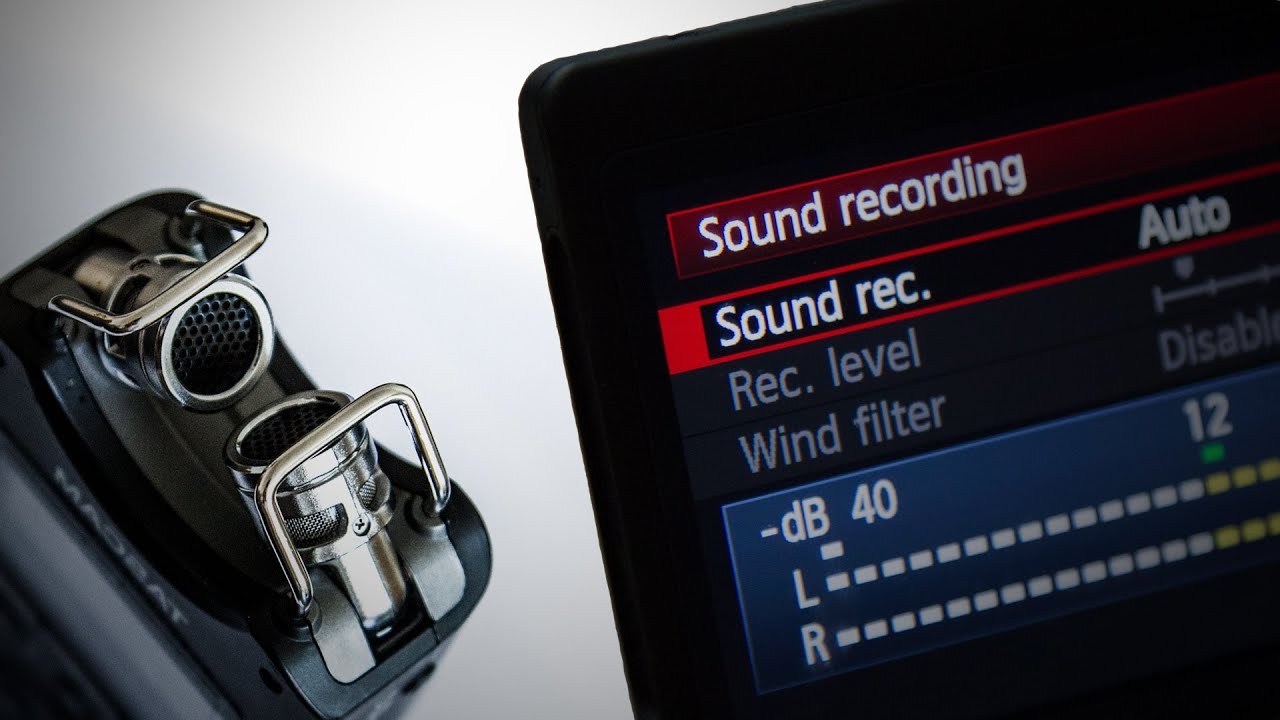
As more and more photographers jump into capturing video there are many things you need to be aware of. One of those things are your audio "levels". Just like setting your camera to manual for shooting stills you will more often than not want to manually set your audio levels.
Before I go to far I know there are some of you out there who have been doing this for a long long time. This video is geared towards people who are just being introduced to capturing audio and video with their cameras.
When I first started recording video for the site I left my audio levels on manual. I did this because I did not know any better. I never had a class on audio recording or had anyone like Stephen explain to me the reasons why you want to set your levels manually. If you go back and listen to these videos you will hear an audible hiss as well as low and high points in the audio.
When you let the camera select the levels automatically it is constantly boosting or crushing your audio which becomes pretty noticeable in the final product.
There are some pretty simple guidelines I follow when I am making videos. First you want to make sure that your audio does not "peak". You can tell peaking audio by the visual representation of the levels hitting the red area. My goal is to keep the levels at the top of the white with only slight bit of the yellow visual bar being reached.
A simple rule of thumb is if you are filming in a loud situation you will probably bring your audio levels way down. Conversely if you are shooting in a quite area your levels may not need to be as high. It generally better to play on the safe side of the levels and keep them lower vs having them blown out. Just like highlights in photos that you can't recover it becomes very hard to recover peaked audio.
When the FroKnowsPhoto Guide To DSLR Video Arrives in a few months you will see an entire section on "Audio". This video was just a simple quick tip that we decided to film and is not part of the forthcoming video guide.
To connect with FroKnowsPhoto please follow below
http://froknowsphoto.com/flashguide/ Check out the FroKnowsPhoto Flash Guide.
http://froknowsphoto.com/fro-video-gu... FroKnowsPhoto Beginner Guide
http://store.froknowsphoto.com/
Facebook: / froknowsphoto
Twitter : / froknowsphoto
Google + : https://plus.google.com/u/0/116504838...
Please Subscribe http://www.youtube.com/subscription_c...
Повторяем попытку...

Доступные форматы для скачивания:
Скачать видео
-
Информация по загрузке: