How to use Microsoft Modern USB Webcam with Teams | Microsoft
Автор: Microsoft Helps
Загружено: 2021-08-23
Просмотров: 27353
Описание:
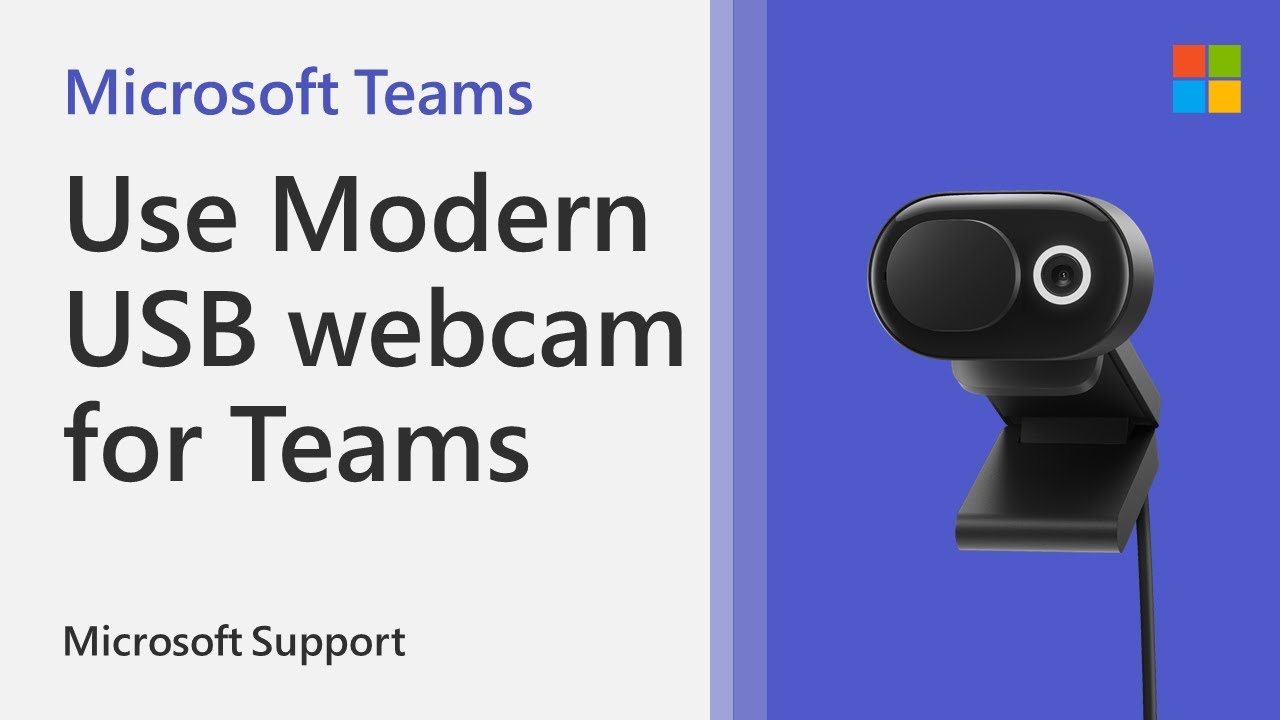
Microsoft Modern Webcam is a Microsoft Teams-certified webcam. It’s a camera that you can use to get high-quality video, so you look your best during Microsoft Teams meetings and calls. This video will show you how to set set up and use Modern USB Webcam.
1. In Microsoft Teams, select Settings and more Teams more icon to the left of your profile picture at the top, then select Settings .
2. In Settings, select Devices.
3. Under Camera, select Microsoft Modern Webcam.
4. To physically adjust the camera, hold the base of camera in one hand. With your other hand, hold the top of the camera, and then tilt it up or down until you appear how you want in the Preview window.
The LED light on the front of your webcam will appear solid white when your camera is in use.
Повторяем попытку...
Доступные форматы для скачивания:
Скачать видео
-
Информация по загрузке: