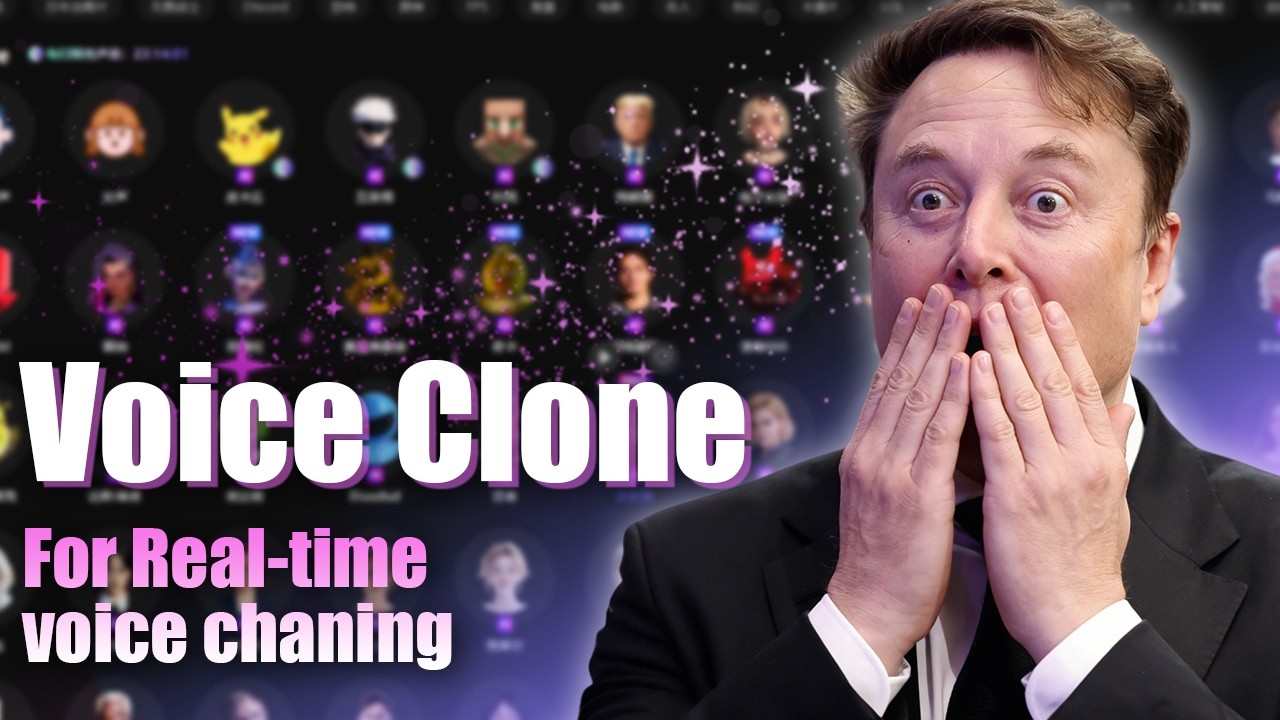
This AI Voice Cloner is Too Good– Real-Time Voice Cloning & Voice Chat Pranks
Автор: EaseUS VoiceWave
Загружено: 2026-01-09
Просмотров: 708
Описание:
Ever wondered if you could sound exactly like your favorite anime character or celebrity? In this video, I’m using an AI Voice Cloner to clone any voice in real time, showing how you can transform your voice for voice chat, gaming, streaming, or pranks.
Free Download EaseUS VoiceWave: https://bit.ly/49drM5Z
Weekly group giveaway in our Discord group 👉🏻 / discord
With just a short, clean audio sample, VoiceWave lets you create a perfect voice model of yourself, friends, or any character. I’ll also show you how to adjust pitch, use pre-made voices, and set it up for live streaming on platforms like Twitch, YouTube, or Discord.
#voicechanger #discord #voiceclone
★★★⌛TIME CODE★★★
0:00 – Clone Any Voice with AI | Real-Time Voice Cloning Demo
0:20 – How to Clone a Voice in VoiceWave (Step-by-Step Tutorial)
1:09 – Using Cloned Voices in Games & Voice Chat (Funny Reactions)
★How to Clone Your Voice?★
Before you upload the audio clip to any voice cloning app, you should clone your own voice or others with explicit consent. We do not encourage harassment or fraud.
Step 1. Prepare a clean recording.
Ensure your audio clip is between 1 and 30 minutes and features only a single speaker without background music or noise. Any noise or interference can reduce the quality of the generated voice.
Step 2. Clone your voice.
Download and open EaseUS VoiceWave. Go to "Voice Creation"-- "Clone Voice Now." Name your voice and upload your recording. Click "Clone Now" to start the process.
Wait about an hour for the system to process your voice and generate your clone.
Step 3. Use your cloned voice.
Next, you can tap "Check Out My Cloned Voice" or find your cloned voice in the Custom tab. From there, adjust its volume, pitch, timbre, and other settings to suit your needs. Once ready, you can use your cloned voice for real-time voice transformation or as a voiceover in videos.
★★★ FOLLOW US ★★★
My Website - https://multimedia.easeus.com/
My Discord - / / discord
My TikTok - / easeus_vocal_remover
Повторяем попытку...
Доступные форматы для скачивания:
Скачать видео
-
Информация по загрузке: