KiCad Tutorial Part 3 | Symbol Editor Complete Beginner Guide
Автор: Engineer’s Point
Загружено: 2026-01-16
Просмотров: 18
Описание:
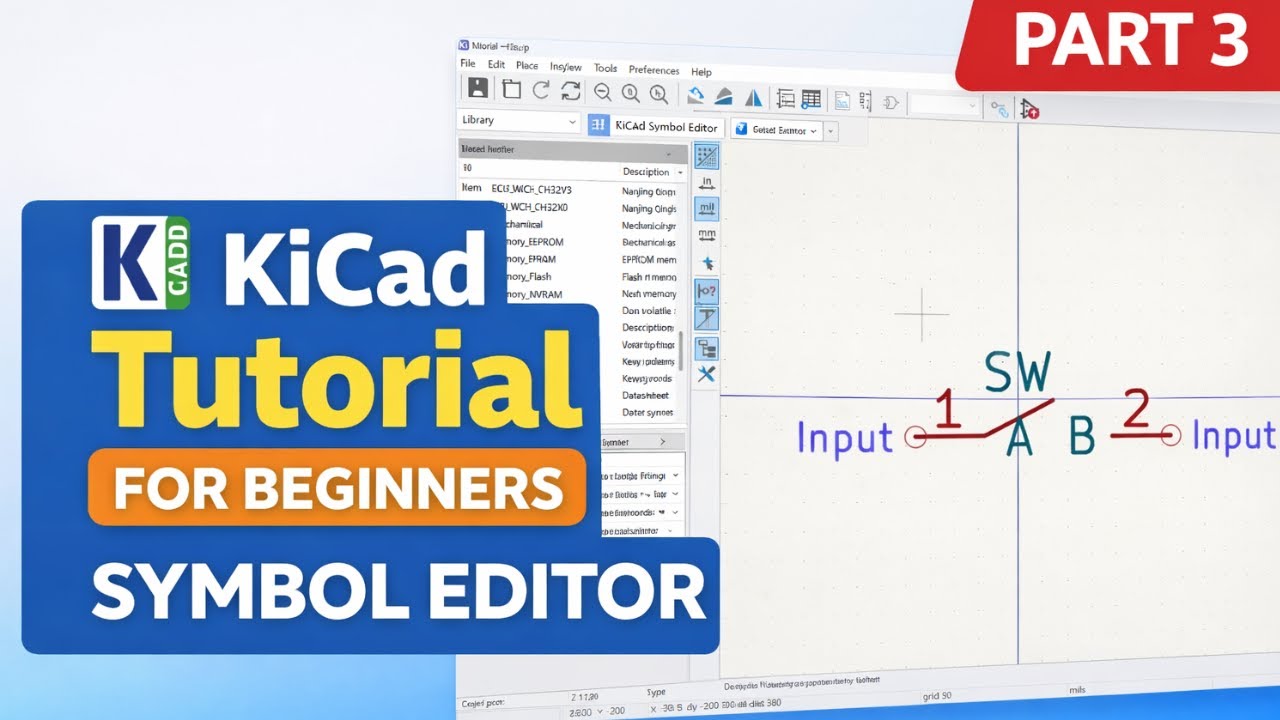
KiCad Tutorial Series – Part 3: Symbol Editor (Create Custom Schematic Symbols)
In this video, we dive into the KiCad Symbol Editor, where you’ll learn how to create, edit, and manage custom schematic symbols for your PCB designs.
What you’ll learn in this video:
Understanding the KiCad Symbol Editor interface
Creating a custom schematic symbol from scratch
Adding pins, pin numbers, and electrical types
Managing symbol libraries and best practices
Saving and reusing symbols in your projects
By the end of this tutorial, you’ll be confident in building your own symbols instead of relying only on default libraries—an essential skill for professional PCB design.
📌 Who this video is for:
Beginners learning KiCad
Electronics hobbyists
PCB designers and engineering students
👉 If you found this video helpful, like, share, and subscribe for upcoming parts where we’ll cover footprints, 3D models, and real-world PCB workflows.
💬 Have questions or suggestions? Drop them in the comments!
Повторяем попытку...
Доступные форматы для скачивания:
Скачать видео
-
Информация по загрузке: