Animating with OpenToonz - Part 4. Adding effects - Glow, Blur & Shadows (4 of 4)
Автор: Darren T
Загружено: 2018-03-09
Просмотров: 14977
Описание:
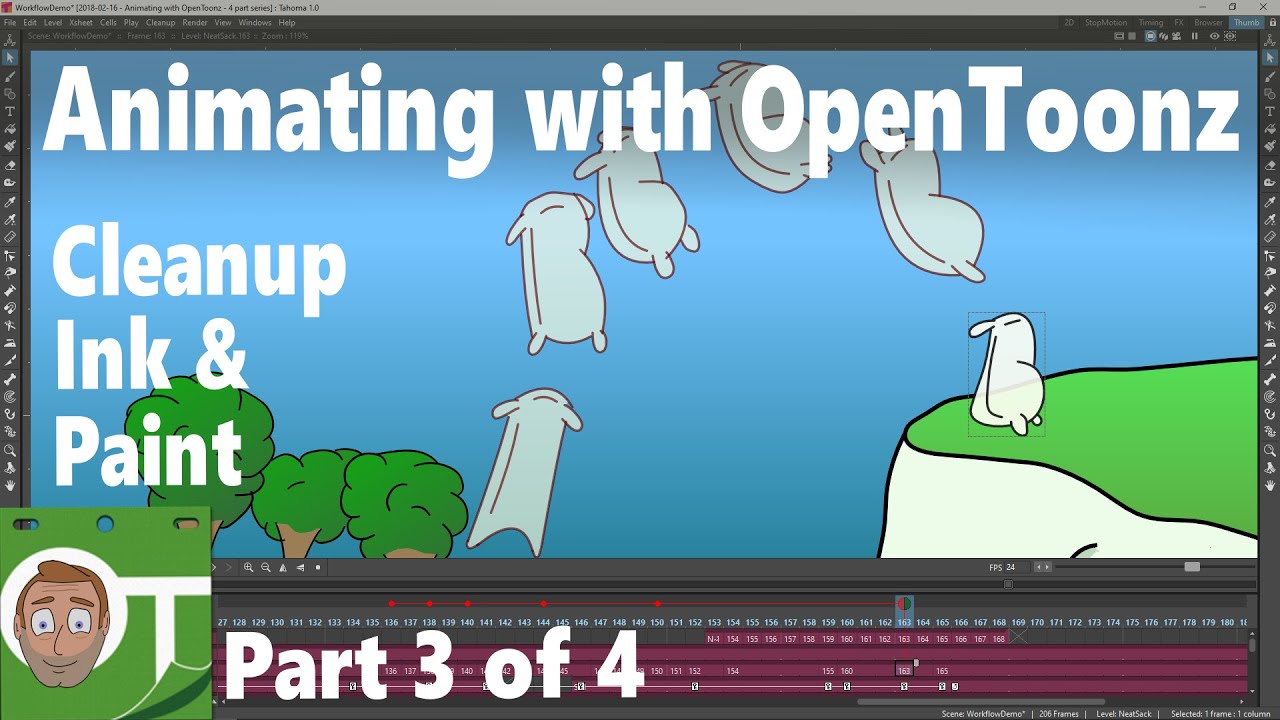
This is the 4th in a series of 4 tutorials on my process to putting an animation together and how you might do it in OpenToonz. First I briefly show you around the parts of the interface to help setup and use the effects and then I talk through how the effects are added and then add some effects to the animation.
The video is quite long, but that's because I give lots of tips and explain & show each step of the process. I also chose to add quite a few effects to finish off this animation, to show them added for a realistic purpose. However, I start simple, with lots of information and speed up as I add the other effects. Feel free though, once you know the basics, to jump straight to the effect you're interested in:
Contents:
00:00 Intro
01:05 Setup a room for editing effects, inc setting up the function editor and showing panels full screen.
03:46 Looking at the schematic panel and the nodes
06:30 Adding a scene-wide effect: COLOR CARD - to create a background colour that can change over time.
(found in FX - Background - Color Card)
10:14 Adding an effect: BASIC BLUR - on the trees when showing close up of the flour sack. Detailing the effect editing process.
(found in FX - Blur - Blur)
15:04 Quick summary of how to add/edit an effect.
15:49 Adding an effect: DIRECTIONAL BLUR - on the flour sack at it jumps.
(found in FX - Blur - Directional Blur)
19:57 Adding an effect: GLOW - on a new drawing of the sun.
(found in FX - Light - Glow)
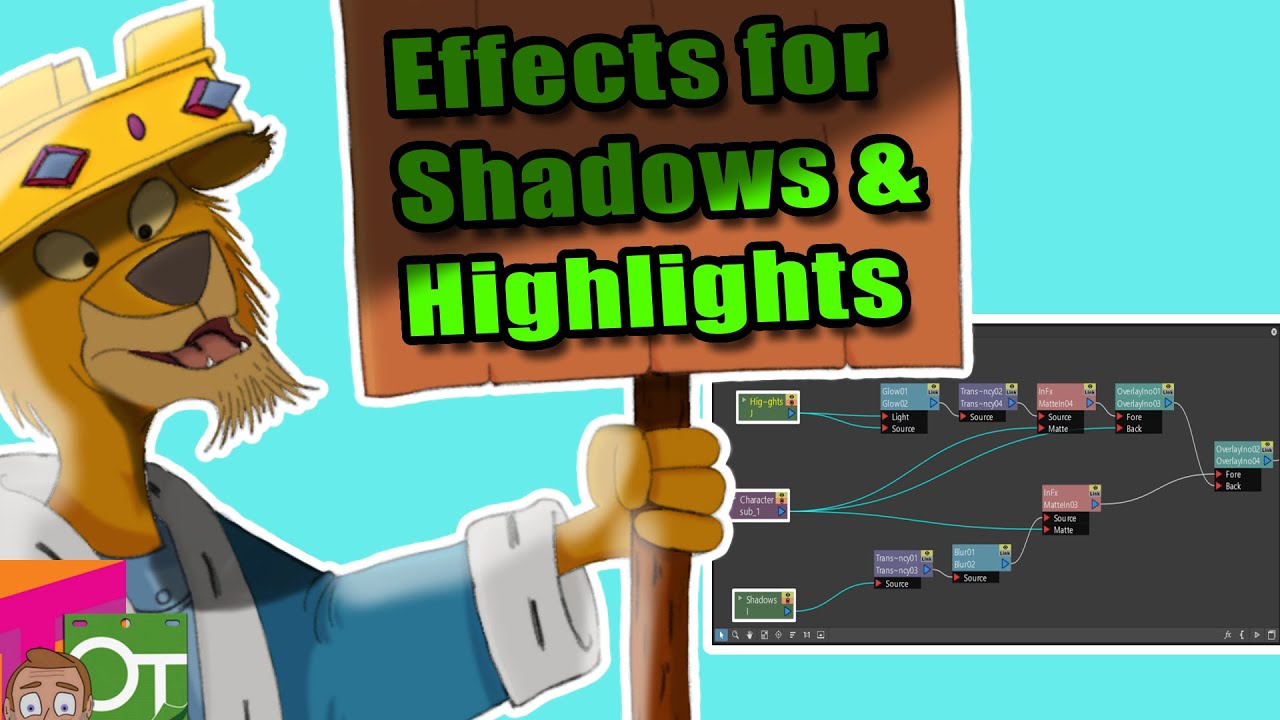
21:09 Adding an effect: BLUR & TRANSPARENCY - on the shadows under the trees.
(found in FX - Blur - Blur & FX - Layer_Blending - Transparency)
22:57 Adding the BLUR & TRANSPARENCY - to a shadow under the flour sack and animating it moving and resizing using the Animate tool.
29:49 Adding the BLUR & TRANSPARENCY - to the puffs of smoke as the sack lands.
30:50 Conclusion and the final animation with all of the effects shown
Part 1: Building a story - with thumbnails, storyboard & animatic: • Animating with OpenToonz - Part 1. The sto...
Part 2: Rough animation with extremes, keys, breakdowns & inbetweens: • Animating with OpenToonz - Part 2. Rough a...
Part 3: Finishing an animation - Cleanup, Ink & paint: • Animating with OpenToonz - Part 3. Finishi...
--------------------------------------------------------------
If you liked what you saw and want to help out, you can buy me a coffee or a Darren Tea ;-)
https://www.buymeacoffee.com/DarrenT
Check out useful OpenToonz-companion software you can download or purchase:
https://gumroad.com/DarrenTAnims
The kit I use and recommendations of useful books:
http://kit.co/DarrenT
--------------------------------------------------------------
Discord: / discord
For help setting up and using OpenToonz, chat with animators & developers and enter animation challenges.
Twitter: / darrentanims
Facebook: https://fb.me/DarrenTAnims
Twitch: / darrentanims
More about me: / darrentanims
outro music courtesy of Voltaire: / voltairemusicpage
Повторяем попытку...

Доступные форматы для скачивания:
Скачать видео
-
Информация по загрузке: