How To Replace iPhone 11 Camera Glass | Tech Repair
Автор: Handyman Tan
Загружено: 2022-02-16
Просмотров: 576
Описание:
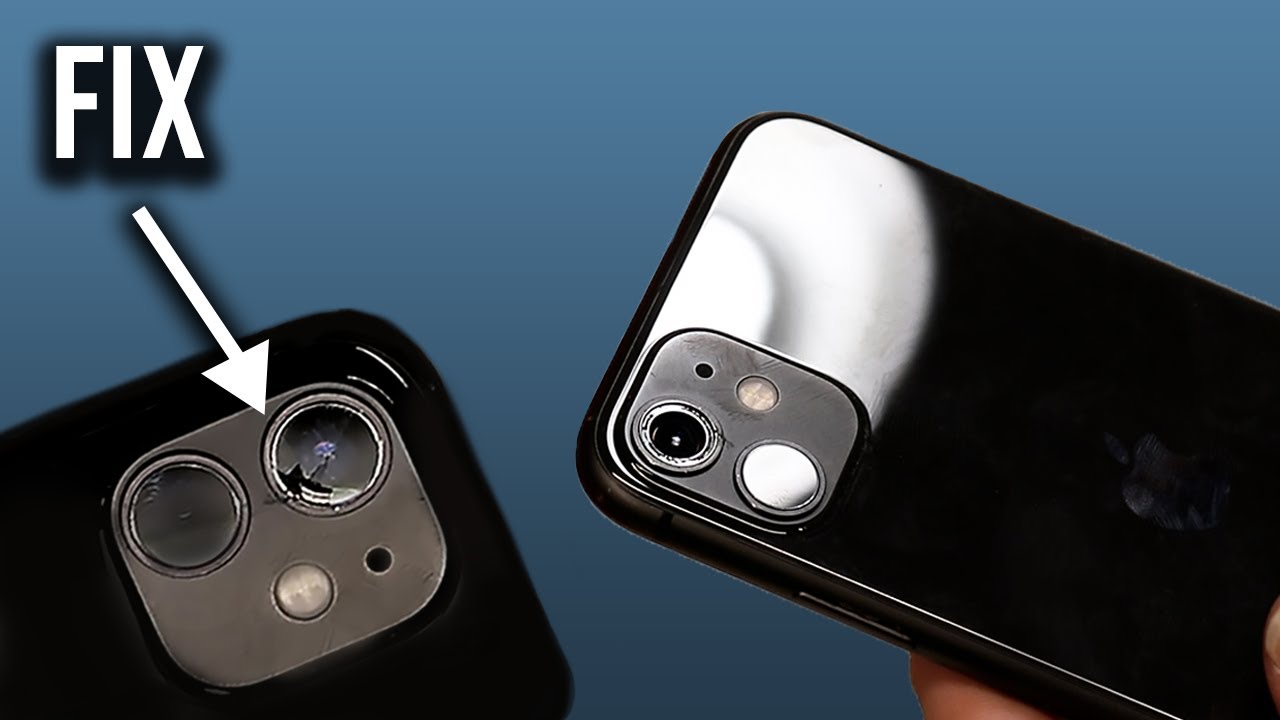
In this video I show you how I replaced the cracked glass on the iPhone 11 camera. This method with work for iPhone 11 pro max as well.
In order for Asurion Insurance (AT&T) to pay for iPhone screen replacements, there must not be any damage to the camera glass. By replacing the camera lens glass yourself (for very cheap) you will be able to get your screen replaced at a uBreakiFix location and have it covered by AT&T iPhone insurance.
Easy to do, but be careful using the knife given with the glass replacement kit. Import not to touch or damage camera lens once the glass is removed. Use the wipes to clean the camera free from dust, dirt, etc before installing the new one.
Please like this video if you found it useful and enjoyed it. Subscribe to my channel more How-To and DIY videos.
Follow me on instagram: @Handyman.Tan
/ handyman.tan
WHAT YOU NEED:
• Glass Replacement Kit purchased from Amazon for $9
https://www.amazon.com/gp/product/B08...
• Heat gun or hair dryer
STEPS:
• Use the knife and tweezers to remove old glass and glue
• Use heat glue to warm up and help remove old glue
• Clean iPhone camera lens to make sure free of dust and dirt
• Remove sticker covering the glue on the new glass lens
• Set new glass over camera lens
• Press and hold firmly on the glass for 30 seconds or so (use heat gun if you feel it is necessary)
Filmed with Canon 80D.
February 2022.
00:00 Intro
00:16 Heat Gun
00:36 Remove Cracked Glass
02:30 Clean & Prep
02:48 Installing New Glass
03:25 Finished Repair
Повторяем попытку...
Доступные форматы для скачивания:
Скачать видео
-
Информация по загрузке:


