ycliper

Популярное

Музыка Кино и Анимация Автомобили Животные Спорт Путешествия Игры Юмор

Интересные видео

2025 Сериалы Трейлеры Новости Как сделать Видеоуроки Diy своими руками

Топ запросов

смотреть а4 schoolboy runaway турецкий сериал смотреть мультфильмы эдисон
Скачать

How to record GREAT Video Lectures (39 Tips)

Автор: GRUMO

Загружено: 2020-04-28

Просмотров: 51781

Описание: Learn how to record a great online lecture and make your talking head videos look awesome. Download the checklist at https://grumo.com/lessoncheck

Recommended video recording equipment:

DSLR Camera - https://amzn.to/3bMNTAe
Lens - https://amzn.to/3aMh84C
Small HD camera - https://amzn.to/2W7jBkL
Webcam - https://amzn.to/2VIWDll
Shotgun microphone - https://amzn.to/3cY5N37
Wireless lav microphone - https://amzn.to/2VJjE7r
Shotgun mic adjustable arm - https://amzn.to/2y4ZSdG
3 Point LED lighting set - https://amzn.to/2xVKAIj

==============================
THE LECTURE QUALITY CHECKLIST
==============================
Click on the time stamps to jump to each section:

VIDEO QUALITY (0:53)
==============================
Video is in landscape mode (with a 16:9 aspect ratio)
Video is high definition (1080p or higher)
The camera lens is clean (image is not cloudy or blurry)
The video fills in the entire frame (there are no black bars around the video)
The video is not shaky
My face is centered in the frame
My eyes are 1/3rd from the top of the frame
The camera lens is at the same level of my eyes
My face is evenly lit and can be seen clearly
My face is always in focus
The camera is properly white-balanced
The exposure is fixed
The background is darker than my face

AUDIO QUALITY (4:31)
==============================
I can hear my voice loud and clear (levels should hover around -6db)
I'm using a dedicated microphone for recording
There are no background noises (AC / traffic / fans / barking / kids yelling)
There are no random pop noises
Audio and video are in sync
I have a dedicated room or area to record my lectures

STUDIO QUALITY (5:43)
==============================
My camera is secured and stable either on a tripod or solid surface
I've taken measures to ensure my studio is as sound proof as possible
The background in the video is clean and organized
The background is blank or with items that are related my the topic
I can control the light that enters the recording room
I'm using at least two light sources which I can control with a dimmer
If using a chair, I made sure it doesn't squeak

DELIVERY QUALITY (7:07)
==============================
I have a clean professional appearance (hair is not a mess / food in teeth)
I'm wearing proper attire (avoid wrinkles / checkered patterns)
I have good posture
I'm looking at the camera lens when I'm talking
I'm relaxed and talking in a friendly manner
I don't forget to smile at least once per lesson
I have edited all mistakes
I've deleted or avoided filler words such as “um”/ “uh” / “er”
I've rehearsed at least once what I'm going to say
I get to the point and avoid ranting
I have a glass of water near me when recording
I'm keeping a positive attitude
I have a clear idea of Why I'm teaching this course

Thanks for watching!

Peace - Love - Cookies

Miguel ‪@GRUMO‬

Не удается загрузить Youtube-плеер. Проверьте блокировку Youtube в вашей сети.
Повторяем попытку...
How to record GREAT Video Lectures (39 Tips)

Поделиться в:

Доступные форматы для скачивания:

Скачать видео

  • Информация по загрузке:

Скачать аудио

Похожие видео

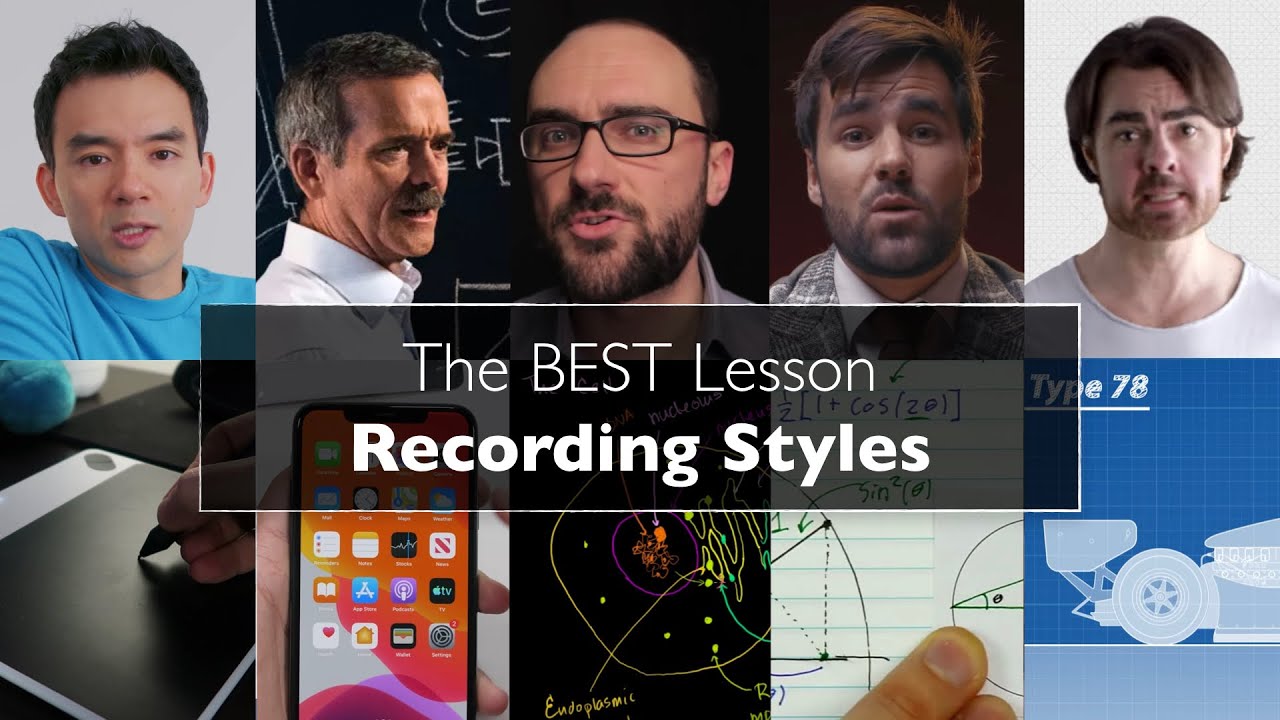
The BEST Lesson Recording Styles (9 Styles with Examples)

The BEST Lesson Recording Styles (9 Styles with Examples)

Удивительная правда о конспектировании во время лекций

Удивительная правда о конспектировании во время лекций

How to Make YOUTUBE Tutorials LIKE A BOSS (All you need in 12 Minutes)

How to Make YOUTUBE Tutorials LIKE A BOSS (All you need in 12 Minutes)

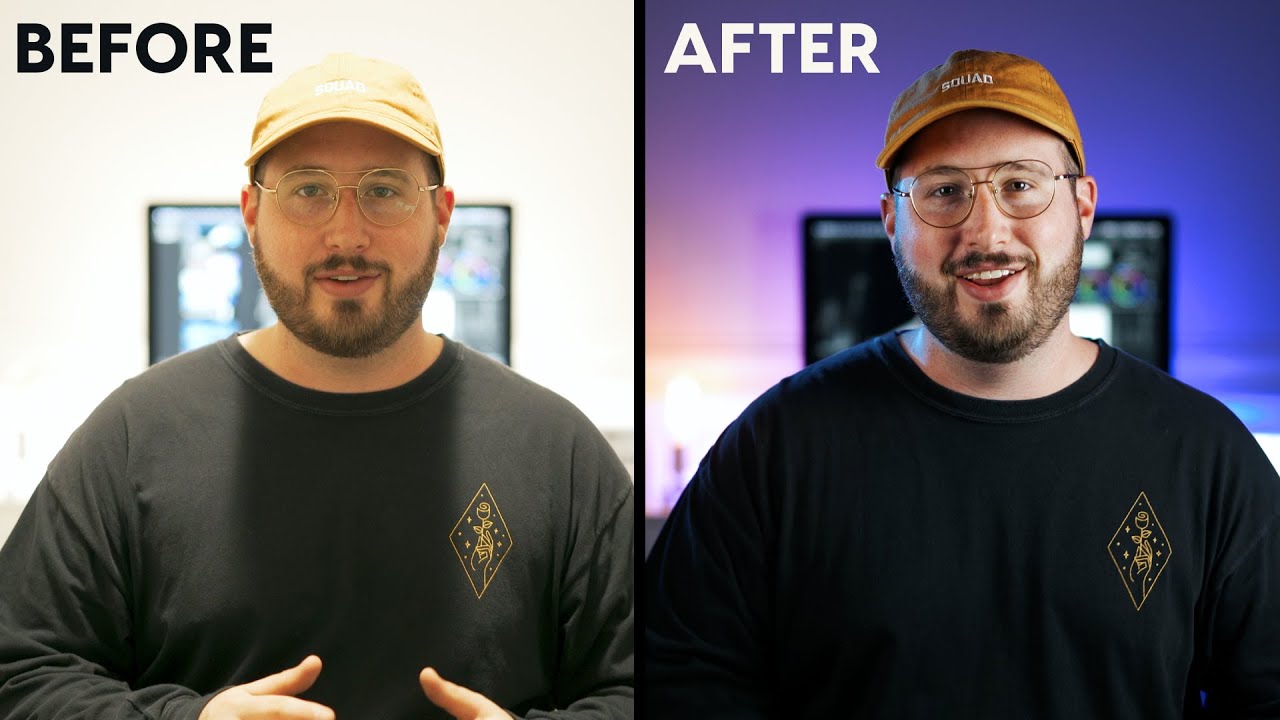
Освещение для видео на YouTube — сделайте свои видео ВЫДАЮЩИМИСЯ!

Освещение для видео на YouTube — сделайте свои видео ВЫДАЮЩИМИСЯ!

Filming Conferences for Clients | Freelance Videographer | Orlando - Vlog 73

Filming Conferences for Clients | Freelance Videographer | Orlando - Vlog 73

ИНТЕРВЬЮ С ДВУМЯ ЧЕЛОВЕКАМИ (КАК ЕГО СНЯТЬ)

ИНТЕРВЬЮ С ДВУМЯ ЧЕЛОВЕКАМИ (КАК ЕГО СНЯТЬ)

How To Record an Online Lecture (Tutorial + Complete Checklist)

How To Record an Online Lecture (Tutorial + Complete Checklist)

Как я пишу поверх своих видео с помощью iPad — Учебное пособие

Как я пишу поверх своих видео с помощью iPad — Учебное пособие

Как естественно читать сценарий видео (не делая миллион дублей)

Как естественно читать сценарий видео (не делая миллион дублей)

Worlds Cheapest and Amazing Camcorders - EPIC VIDEO

Worlds Cheapest and Amazing Camcorders - EPIC VIDEO

How I make EDUCATION VIDEOS

How I make EDUCATION VIDEOS

Как выбрать ЧАСТОТУ КАДРОВ для съёмки видео

Как выбрать ЧАСТОТУ КАДРОВ для съёмки видео

Экономьте время, используя iPad для создания видеоуроков для онлайн-обучения | Beard Squared

Экономьте время, используя iPad для создания видеоуроков для онлайн-обучения | Beard Squared

Online Course Recording – How to Record & Edit Course Videos

Online Course Recording – How to Record & Edit Course Videos

Create Engaging Lecture Videos from an iPad or Tablet | Teach Through Video Series

Create Engaging Lecture Videos from an iPad or Tablet | Teach Through Video Series

Я повторил одно видео в 13 разных программах (и пожалел...)

Я повторил одно видео в 13 разных программах (и пожалел...)

How To Shoot A One Camera Interview In 12 Easy Steps

How To Shoot A One Camera Interview In 12 Easy Steps

Вся настройка студии YouTube НА ОДНОМ СТОЛЕ!

Вся настройка студии YouTube НА ОДНОМ СТОЛЕ!

Обучение с помощью планшета (полное руководство + демонстрация)

Обучение с помощью планшета (полное руководство + демонстрация)

How to Record Your Computer Screen and Make AMAZING Videos with Microsoft's Clipchamp

How to Record Your Computer Screen and Make AMAZING Videos with Microsoft's Clipchamp

© 2025 ycliper. Все права защищены.


  • Контакты
  • О нас
  • Политика конфиденциальности


Контакты для правообладателей: [email protected]