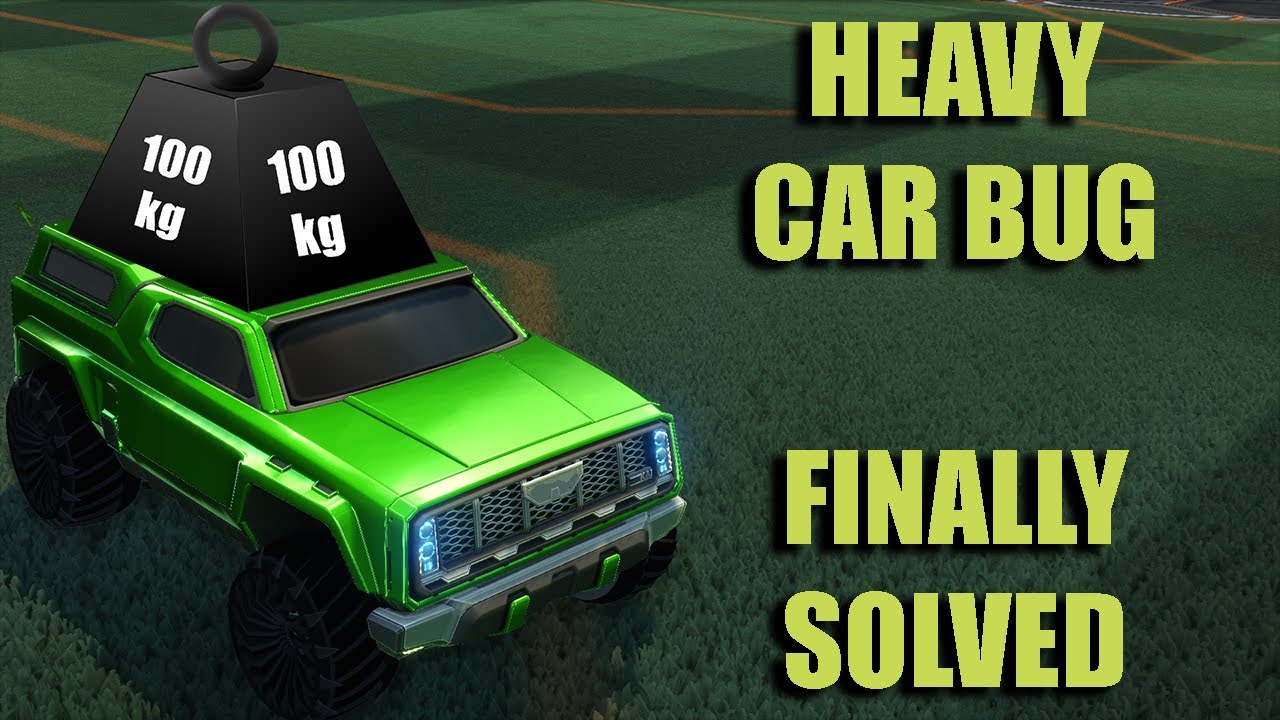
Heavy Car Bug Workaround | Priority Fix | Rocket League
Автор: Shintox
Загружено: 2020-10-26
Просмотров: 19530
Описание:
The problem lies with background processes running higher then they should.
As a work around we're going to temporarily change the priority of their processes as well as the processes of other commonly used programs on your PC.
Please Note: Some programs' processes tend to revert to their default priority after a time. If this occurs, you may need to look into a program like Process Lasso (this is what I use) to prevent them from doing this. Discord and Spotify in particular are repeat offenders.
First Disable any unnecessary start up programs.
Step 1: Ensure all Programs you don't need running are turned off.
Step 2: Open Task manager Then Select "More details" (if necessary) and click the Start up Tab.
Step 3: Disable EVERYTHING you don't need while playing rocket league. (They will still function, they will just take a little longer to start when clicked)
Step 4: Restart your PC
Second, we're going to change the priority of the programs that run while we play. These changes will revert back to normal when you restart the PC.
Open ALL programs you plan on using while playing rocket league including Rocket league it self. If on steam be sure to open the overlay in game by pressing "Shift+Tab" then Alt+Tab out and take the following steps.
Step 1: Open Task manager and Select "More details" (if necessary)
Step 2: Select the "Details" Tab
Step 3: Right click where it says "Name" and click "Select Columns"
Step 4: Find and check the "Base priority" option
Step 5: Left click where it says "Base priority"
IMPORTANT: Do not change the priority of any windows or windows related services. If you don't know what it is, don't change it. There are no windows services that run "Above normal" by default, but there ARE windows programs that run at "HIGH" leave them ALONE.
Step 6: Set any program that is listed as "Above Normal" to "Normal" by right clicking on it, clicking "Set Priority", and selecting "Normal"
Step 7: Sort the list by name by clicking "Name" at the top of the list.
Step 8: Search for ANY process related to Steam, EPIC Games, or Unreal, and set their priorities to "Below normal"
Step 9: Find any programs you may be using in the list and set all their related processes to "Below Normal" Such as Spotify or discord.
Step 10: Set Rocket League's priority to "High"
Step 11: Alt tab back into the game and start playing!
Notes:
Some Processes fire up mid game so if you notice the bug while you're playing check the process list to see if any new processes from steam or epic have started and set them to "Below Normal"
If you close rocket league and start it again without restarting your PC it's process will be listed as "Below normal" So you'll have to set Rocket League's Process back to "High" if you restart the game.
This is not a fix all problems solution, I suggest you follow all other Rocket League performance guides before attempting this. If you STILL have the heavy car double check your processes and then post on the reddit.
I take no responsibility to any damage you cause to your pc from following this guide, I'm not entirely sure HOW you can cause damage doing this unless you REALLY mess it up, but just in case... not my fault.
▬▬▬▬▬▬▬▬▬▬▬▬▬▬▬▬▬▬▬
🔔 Hit that bell to be alerted the second I publish a video!
Support me for $1 a month: / shintox
🐦Twitter: / shintox
🎧 Discord: / discord
Twitch: / shintoxtv
Повторяем попытку...
Доступные форматы для скачивания:
Скачать видео
-
Информация по загрузке: