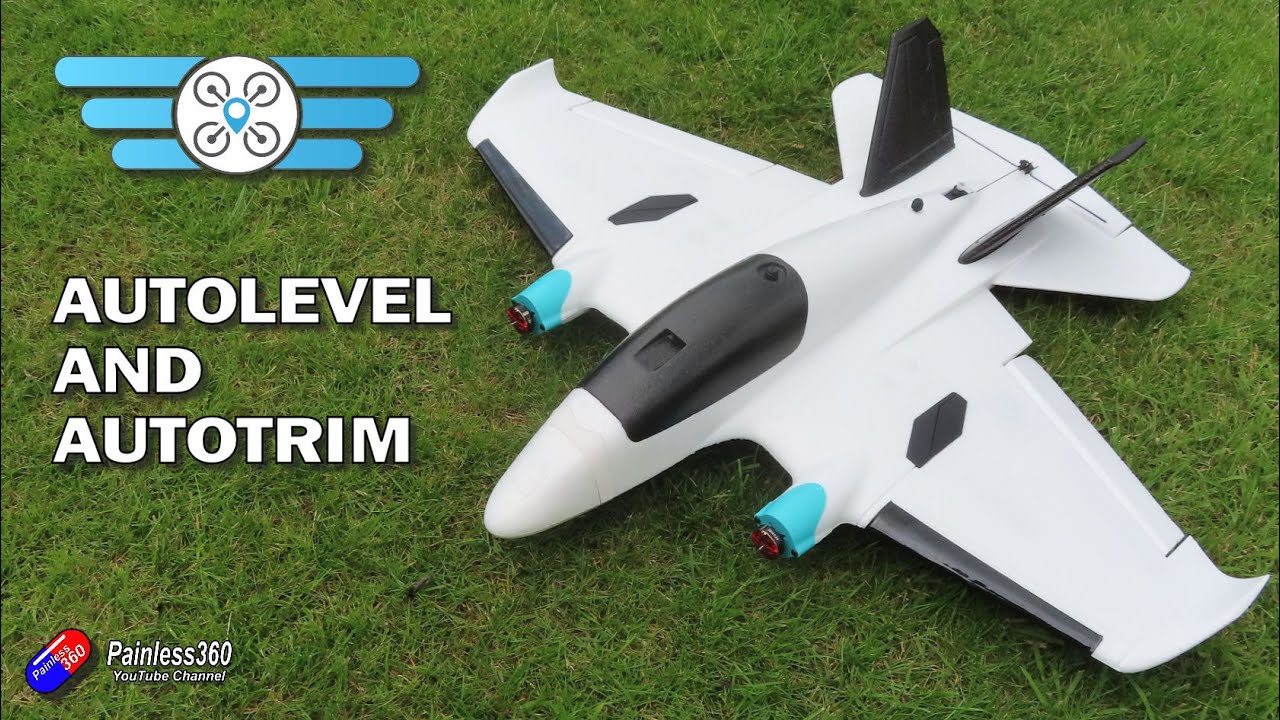
iNav Servo Auto Trim Tutorial - AeroScout Plane w/ Radix Graphical OSD and Golfers asking questions!
Автор: Dave Merc Productions
Загружено: 2020-03-18
Просмотров: 3942
Описание:
iNav Servo AutoTrim Tutorial - AeroScout Plane with Radix Graphical OSD and Golfers asking questions! This video is about how to use iNav servo AutoTrim to set the servo mid points on the servo tab in iNav automatically while flying. You will need to setup a SERVO AUTOTRIM switch on your RC Transmitter and configure it in iNav on the Modes tab then follow the steps below and/or watch this video • iNav Servo Auto Trim Tutorial - AeroScout ...
How to use iNav SERVO AUTOTRIM:
1. This is intended to be used while flying with radio trims centered.
2. Fly straight, choose which mode suites you best, (passthrough, angle or acro).
3. Enable SERVO AUTOTRIM mode, and keep flying straight for 2 seconds.
After 2 seconds it will set new midpoints based on the average servo position during those 2 seconds.
4. If your are NOT happy with the new midpoints then disable SERVO AUTOTRIM mode
and it will revert back to the old settings.
5. If you want to keep the new midpoints then keep SERVO AUTOTRIM turned on, land aircraft and disarm. New midpoints will be saved.
6. Then you can switch off SERVO AUTOTRIM
Also see my AutoTune Video
• iNav Servo Auto Tune Tut - AeroScout Plane...
Повторяем попытку...

Доступные форматы для скачивания:
Скачать видео
-
Информация по загрузке:


![☀ Как настроить флапероны на INAV 2.0+? [Inav flaps]](https://imager.clipsaver.ru/Yz3fV16Dbcg/max.jpg)