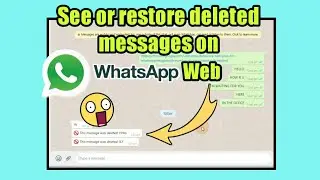
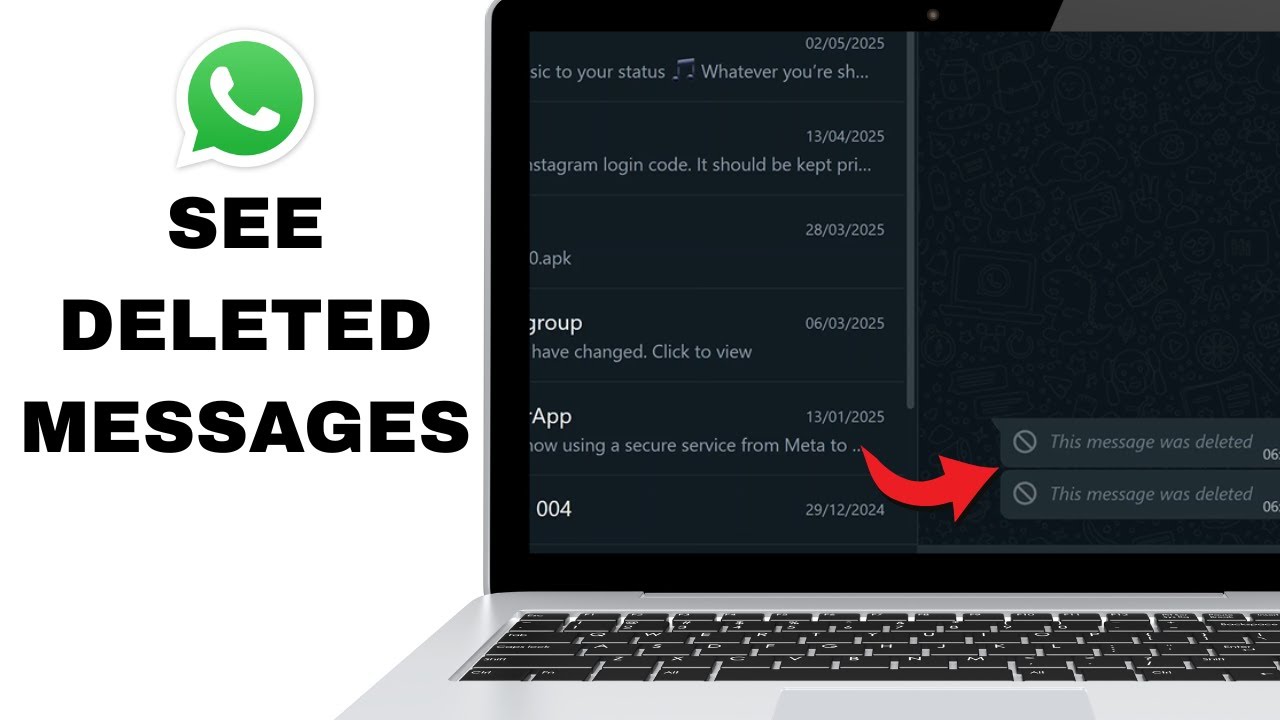
How To See Deleted Messages On Whatsapp Web
Автор: WebPro Education
Загружено: 2025-06-30
Просмотров: 9440
Описание:
Learn how to view deleted messages on WhatsApp Web with this step-by-step tutorial. Discover reliable methods and tools that allow you to retrieve or read messages even after they’ve been deleted safely and effectively. Ideal for users seeking clarity or record-keeping on WhatsApp conversations.
How To See Deleted Messages On Whatsapp Web:
Open Google Chrome and search for "Google Extensions".
Click on “Extensions – Chrome Web Store” from the search results.
In the search bar, type "WA Web Plus by Elbruz Technologies".
Click “Add to Chrome” to install the extension.
Open WhatsApp Web and go to any chat that contains deleted messages.
Click on the “Extensions” icon at the top right of the address bar and select the extension you just added. ''WA Web Plus by Elbruz Technologies''.
Once the extension opens within WhatsApp Web, ensure the "Enhancement" tab is selected.
Check the box labeled “Restore deleted messages” to enable the feature.
#WhatsAppWeb #DeletedMessages #WhatsAppWebTips
----My Gear for Youtube videos----
Main Camera (iPhone 13 pro): https://amzn.to/3GZztve
Tripod: https://amzn.to/35acqRa
Cell Phone Tripod Adapter: https://amzn.to/3v3wFuI
Lights: https://amzn.to/3vkoGK7
As full disclosure, I use affiliate links on this channel and purchasing through these links earns me a small commission. The price you pay will be the same!
Website: https://www.webproeducation.org
Facebook: / webproeducation.org
Twitter: / webpro_e
Instagram: / webproeducation
Повторяем попытку...
Доступные форматы для скачивания:
Скачать видео
-
Информация по загрузке:



![EMOTIONAL VIBES [2025] – DEEP HOUSE, VOCAL HOUSE, NU DISCO & CHILLOUT MIX](https://image.4k-video.ru/id-video/T7I8ZrwQ1FA)