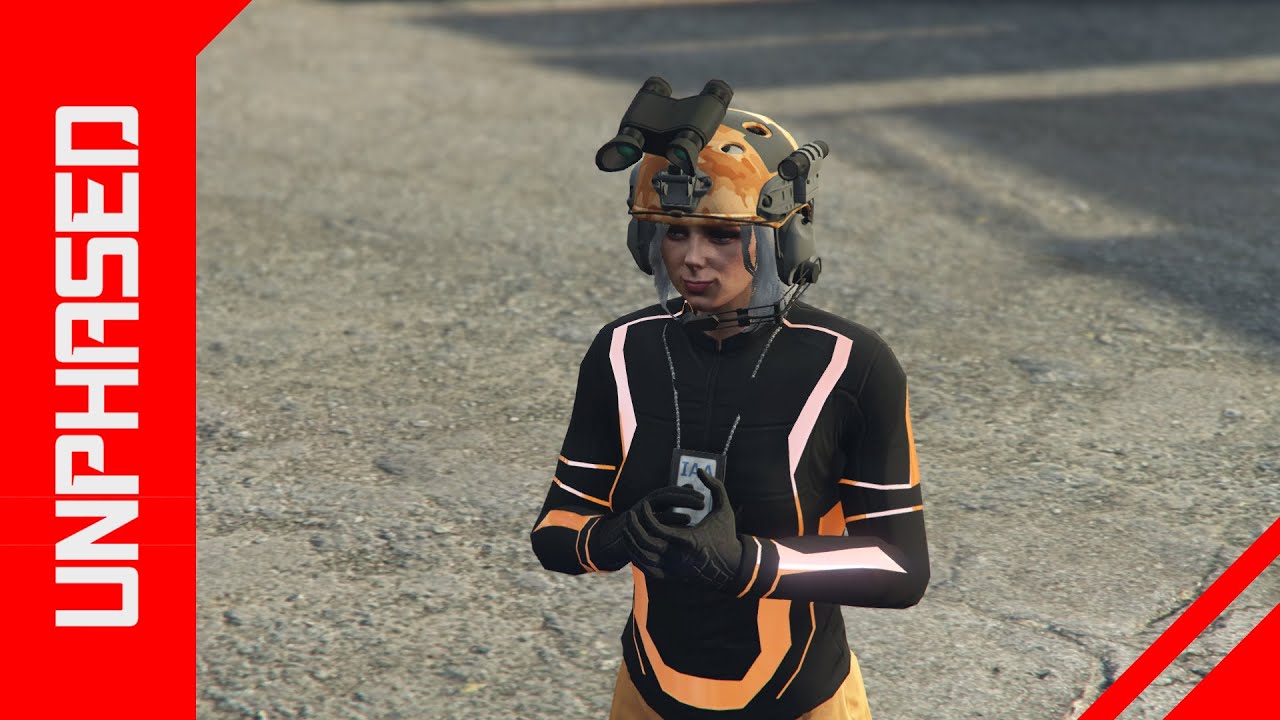
GTA 5 *VERY EASY* GET COLOURED COMBAT HELMETS & RIOT HELMETS - ADVERSARY COLOURS *SOLO*
Автор: Unphased Gaming
Загружено: 2019-12-10
Просмотров: 12070
Описание:
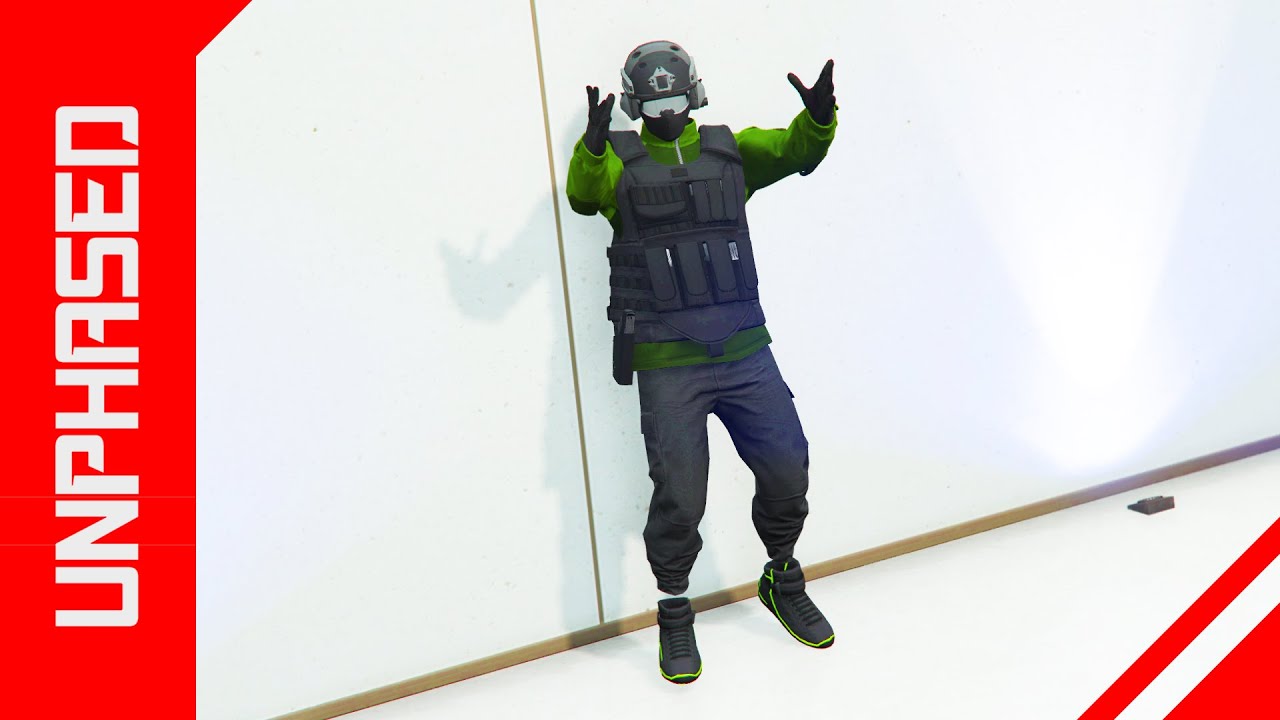
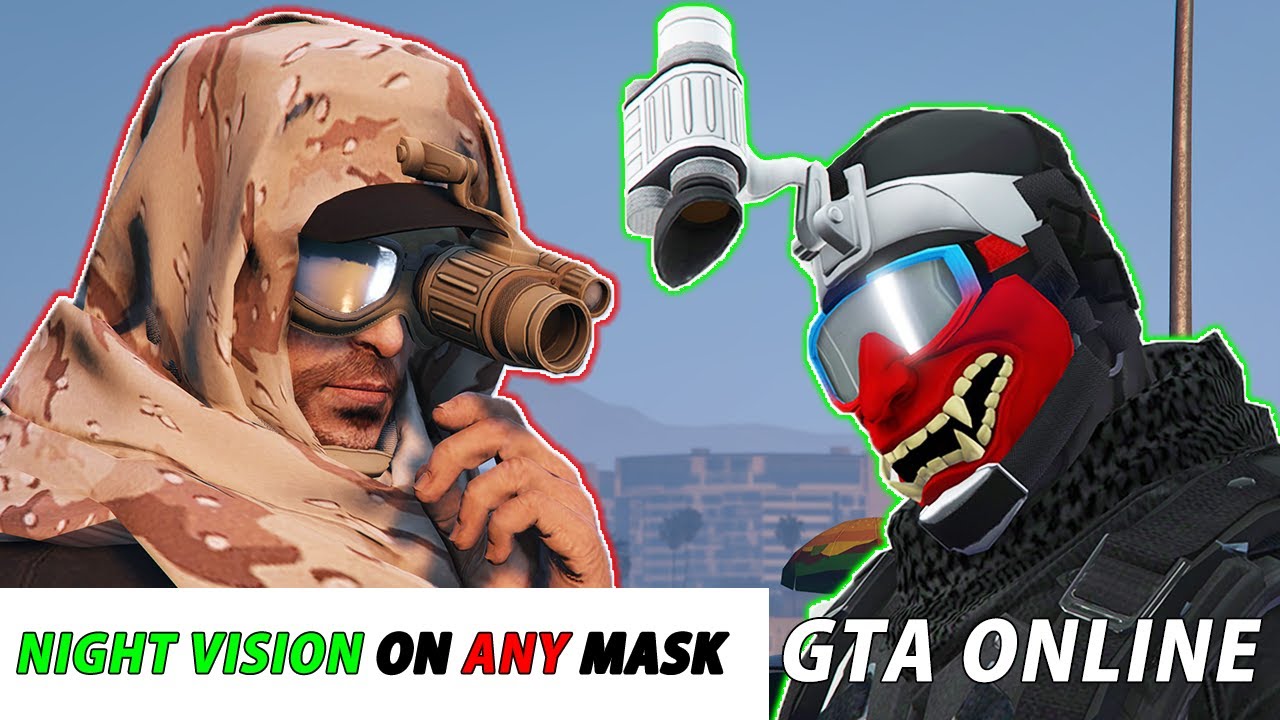
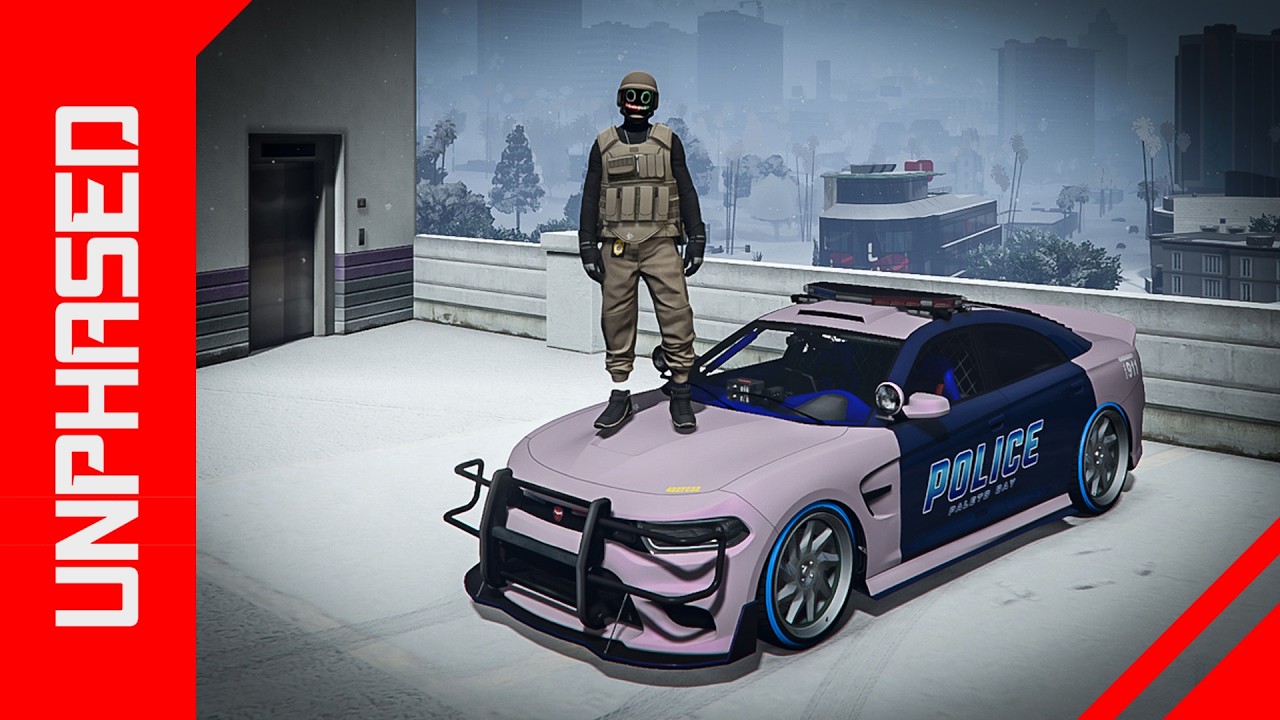
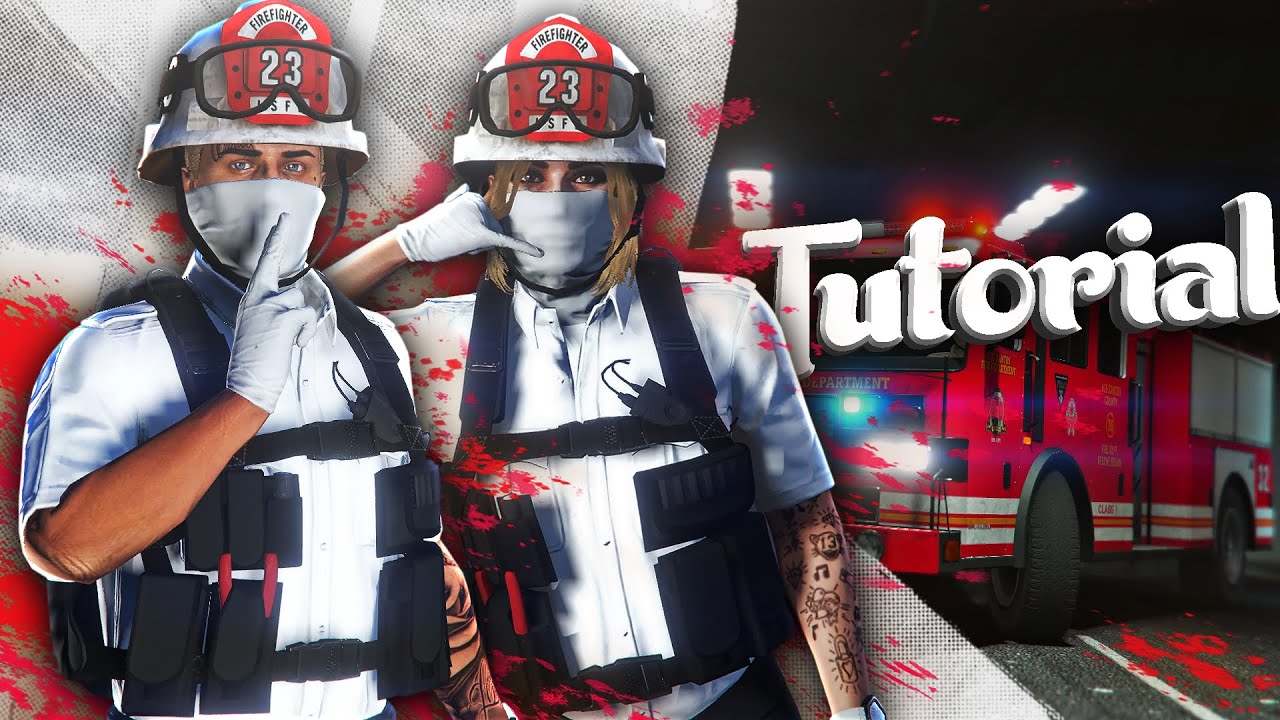
THIS IS A SUPER EASY METHOD TO OBTAIN ADVERSARY COLOURED HELMETS THAT CANNOT BE BOUGHT OR OBTAINED.
HERE ARE THE HELMETS YOU NEED TO SET AS YOUR BIKE HELMET IN ORDER TO CHANGE THE COLOURS...
Quad Combat & Dual Combat
Black Open-Face Helmet = Orange
Gray Open-Face Helmet = Green
Pink Open-Face Helmet = Purple
White Open-Face Helmet = Pink
Riot Shielded Helmets
Snakeskin Helmet = Orange
Digital Helmet = Green
Boost Helmet = Purple
Tropic Helmet = Pink
*Riot Helmet
*
Cobble Helmet = Orange
Death Helmet = Green
Cubist Helmet = Purple
Digital Helmet = Pink
Need: CEO, Car, Purchase desired helmets
1. Put on the first style of helmet from the desired section that you want to flip (ex: quad, dual, riot, etc)
2. Open Interaction Menu - SecuroServ - Register as a CEO
3. Go to your Interaction Menu - Style - and change your Bike Helmet to the style that will create the flip (ex: black open-face helmet, gray open-face helmet, etc) AND set Helmet Visor to “Up” and save outfit
4. With your Interaction Menu open, press to enter any car and you will notice that your helmet comes off
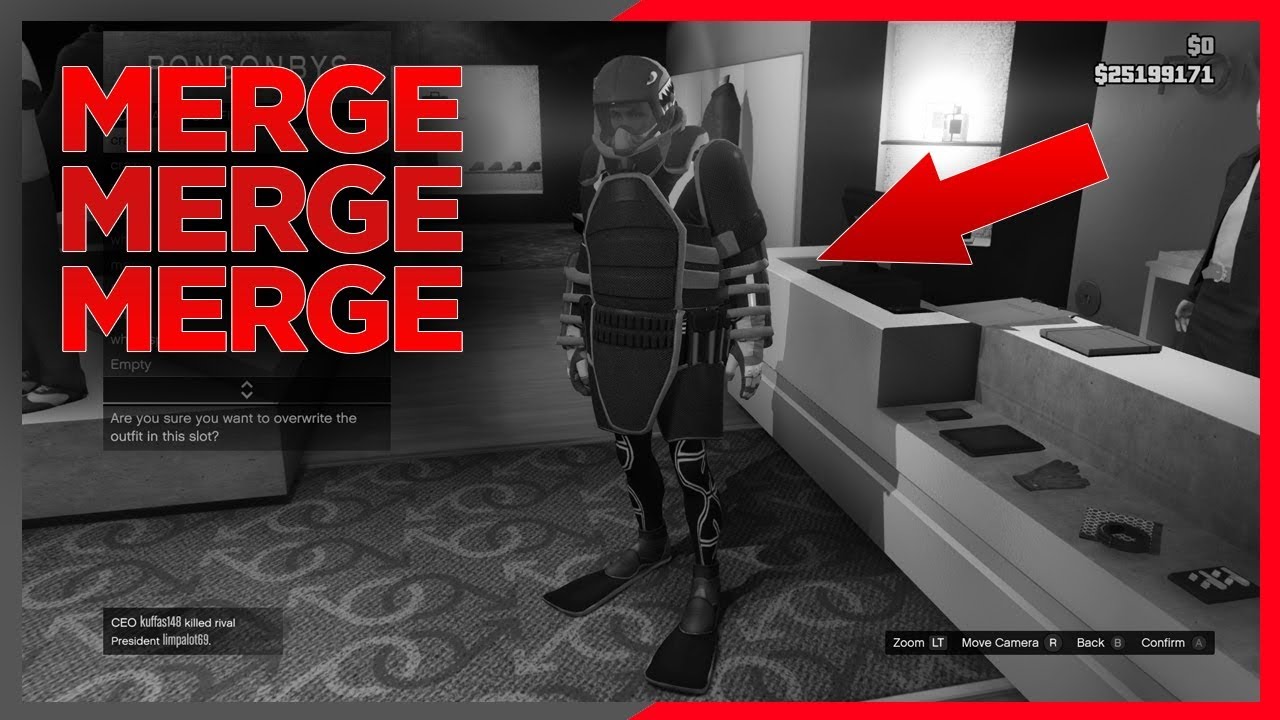
5. Now go to SecuroServ - Management - Style - click right once on your d-pad to Founders and click left once on your d-pad to go back to None and you will see that the helmet appears with the visor up
6. With your Interaction Menu still open, Press to exit car and scroll back to Style - Helmet Visor “Down” and the helmet will change to the desired color
7. Save your outfit You can repeat this process quickly by swapping the Biker Helmet in the Interaction Menu and making sure your Helmet Visor is “Up”
Donate: https://www.paypal.me/UnphasedGaming
Twitter - / unphased_gaming
Повторяем попытку...
Доступные форматы для скачивания:
Скачать видео
-
Информация по загрузке: