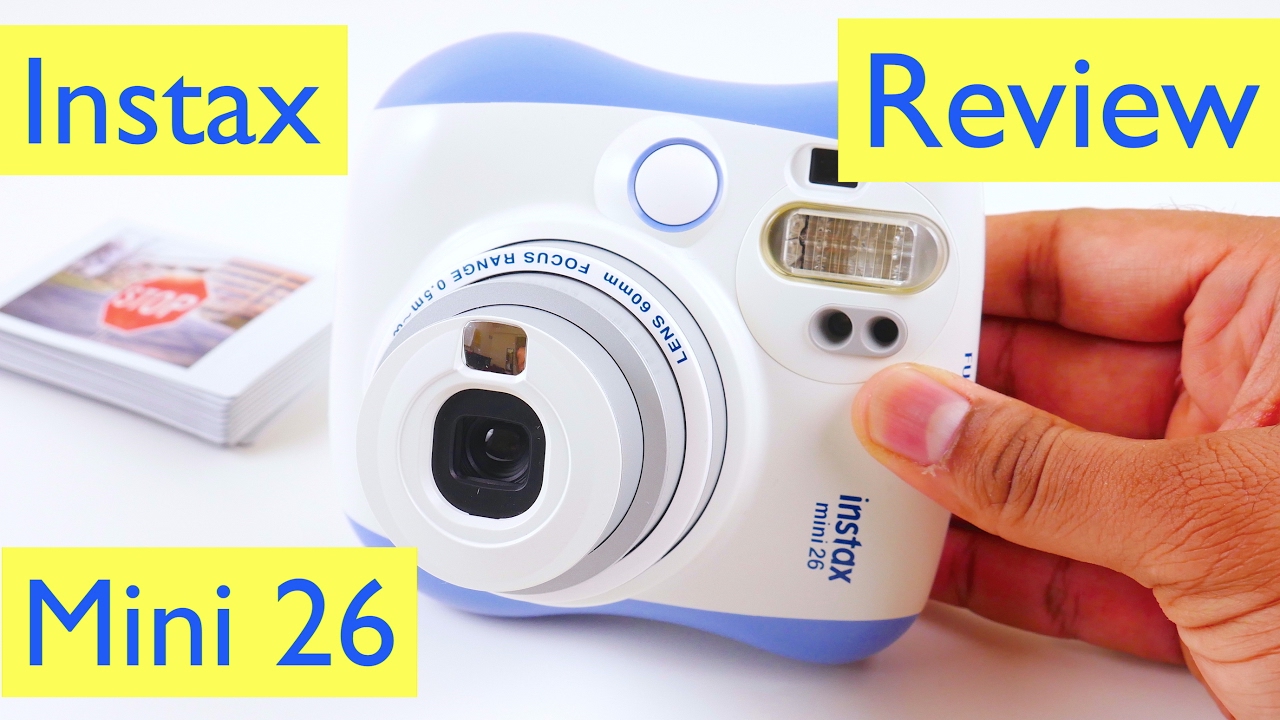
Fujifilm Instax Mini 26 Review and Test
Автор: ReviewLamp
Загружено: 2017-02-14
Просмотров: 45922
Описание:
This video: Fujifilm Instax Mini 26 Review (+ Rainbow Film Bundle)
Link to the Fujifilm Instax Mini 26: http://amzn.to/2kvJjut
Film for the Fujifilm Instax Mini 26: http://amzn.to/2kIbiba
Case for Fujifilm Instax Mini 26: http://amzn.to/2koqnD1
Batteries for Fujifilm Instax Mini 26: http://amzn.to/2kHYguE
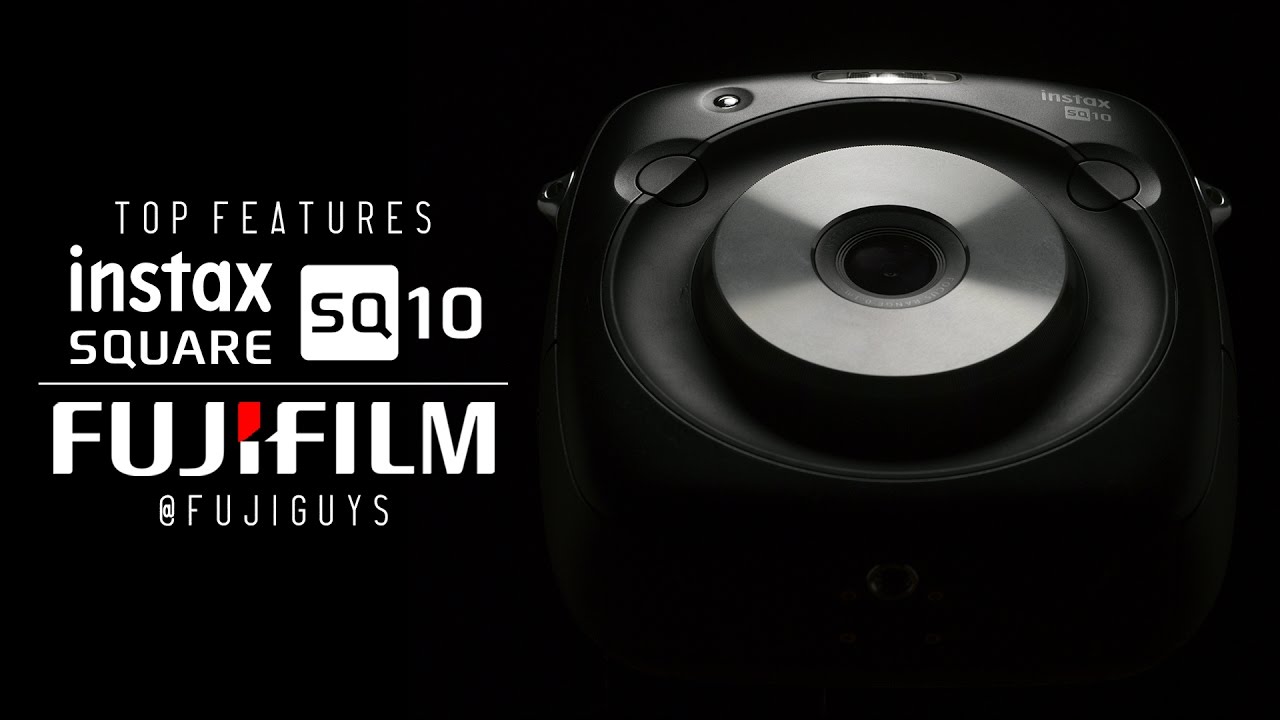
Today I’m reviewing the extremely interesting Fujifilm Instax Mini 26. The Instax mini 26 is a instant film camera and is probably the least expensive camera in the Instax line. Now instant camera tech isn’t exactly new technology. In fact, the first instant cameras were invented and sold as early as the 1950s. Over the last few years though, instant cameras have made a rather quirky comeback, mainly thanks to Fuji’s Instax line of cameras. And just like all of Fujifilm’s other Instax cameras, the Fujifilm Instax mini 26, has an almost cartoonish exterior design. It almost looks like something Dora the explorer would use to take a picture. It’s currently available in four colors: pink, blue, white and black. I’ll leave links to all the different colors below, in case you’re looking to buy one. The unit I am testing today is blue. Built into the front of that chunky plastic body is a fixed 60mm lens and to the right of that is the extremely important flash. On the back of the Fuji Instax Mini 26 is a large compartment into which you load the cartridge of film. Each cartridge allows you to print 10 photos and you don’t wanna open up this compartment till you’re done taking all 10 pictures. If you do open it up, you’ll end up damaging all the remaining photos . They do currently provide a single cartridge with the camera, which can get you started with 10 pictures. They also provide two 3V lithium batteries that live behind this compartment above the film. To the left of that is the viewfinder. Now most people who’ve only taken pictures on a smartphone might not be familiar with the concept of an optical viewfinder. This is what you have to look through, with one eye, to frame your shot. And what’s important to remember is that unlike your smartphone, the camera has no autofocus, so you have to focus by physically moving forward and backwards, till the image in the viewfinder is sharp. It will take some getting used to and you will struggle a bit in the beginning, but you will get the hang of it. I guess that’s why Fuji includes film for the first 10 pictures. Right under the viewfinder is the red power button to turn on and turn off the camera. To the left of that is a small lcd screen which shows the number of photos left in the film cartridge, the camera mode, and the lighten or darken command. Now there are 3 distinct modes in the Fujifilm Instax Mini 26 camera. Auto mode, where there is nothing displayed on the screen, the flash mode where the flash symbol is seen, and the landscape mode. Auto mode is what you’ll mostly use for general shooting. The flash mode is for low-light shots and the landscape mode is for shooting distant, expansive shots. You can adjust the camera modes using the mode button, to the left of the screen. There’s another button to the left of this one. This allows you to lighten or darken the image. So for example if you take a picture and find that’s it’s either too dark or too light, you can hit the lighten or darken button and re-take the same picture to get a better result. Now taking pictures with the Fujifilm Instax Mini 26 is actually pretty simple. Turn on the camera and the lens extends. Look through the viewfinder and make sure your subject is correctly framed and is in focus. When you’re ready, hit the shutter button which is on the top edge. The camera takes the picture and a picture prints out of a slot on the left hand edge. Now the picture will initially be completely white and it will seem as if the camera didn’t take the picture. Wait a few minutes and suddenly the image begins to appear and it becomes much clearer and more saturated over the next few minutes.
Повторяем попытку...
Доступные форматы для скачивания:
Скачать видео
-
Информация по загрузке: