Как исправить вылеты «Проводника» в Windows 11
Автор: WinAppsTutorials
Загружено: 2026-11-22
Просмотров: 2
Описание:
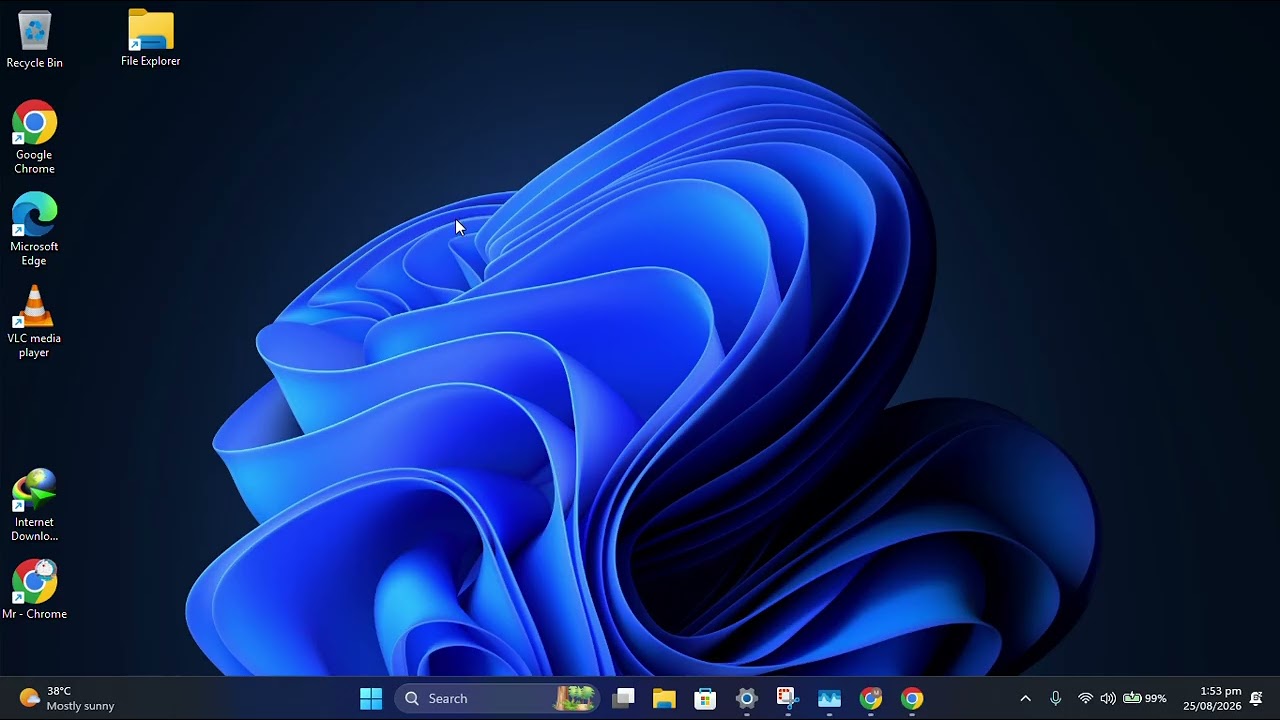
How to Fix File Explorer Crashing in Windows 11 in this step-by-step guide.
If File Explorer keeps crashing, closing unexpectedly, or freezing in Windows 11, follow these fixes to stabilize it.
This guide covers restarting File Explorer, clearing File Explorer history, checking for faulty shell extensions, updating Windows and drivers, and repairing corrupted system files.
Follow these steps in order: restart File Explorer from Task Manager, clear File Explorer history, disable recently installed shell extensions, install the latest Windows updates, and run System File Checker to repair damaged files.
By the end, you should know how to fix File Explorer crashing in Windows 11 and keep folders opening reliably.
#Windows11 #FileExplorer #Windows11Fix
Повторяем попытку...
Доступные форматы для скачивания:
Скачать видео
-
Информация по загрузке: