Samsung Galaxy A36: Screen Rotation Not Working - How to Fix
Автор: HardReset.Info
Загружено: 2026-02-02
Просмотров: 14
Описание:
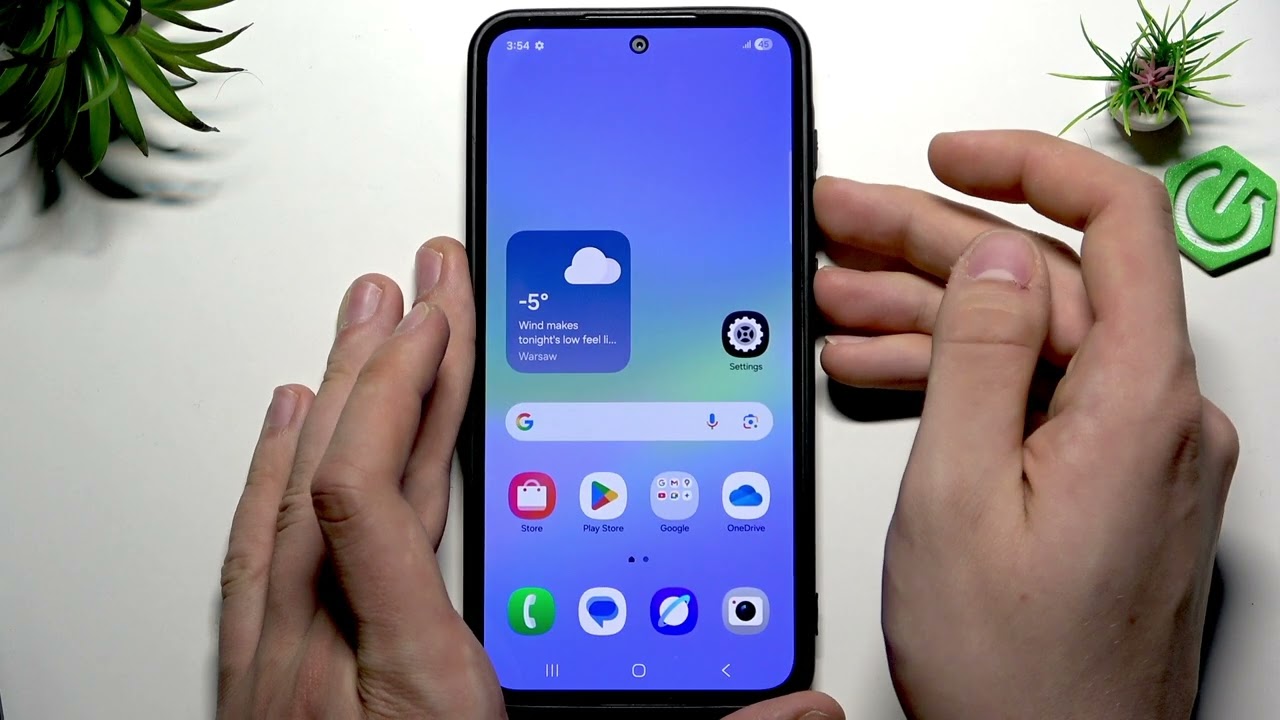
In this video I show simple and effective steps to fix screen rotation on the SAMSUNG Galaxy A36. If your screen won't rotate or Auto-rotate seems missing, you will learn how to toggle Auto-rotate from the Quick Panel, add the Auto-rotate button if it is not visible, test the gyroscope with a sensor app or Samsung Members diagnostics, restart the phone to refresh sensors, and when to contact Samsung support if the sensor is likely broken. These quick checks help determine whether the issue is a setting, a software glitch, or a hardware fault and will save you time before seeking repair.
How to fix screen rotation on SAMSUNG Galaxy A36?
How to enable Auto-rotate on SAMSUNG Galaxy A36?
How to test the gyroscope on SAMSUNG Galaxy A36?
0:00 Intro - What we will fix
0:07 Open Quick Panel and toggle Auto-rotate off then on
0:24 Add Auto-rotate button via the pen/edit icon if missing
0:37 Toggle Auto-rotate and try rotating the screen
0:50 Download a gyroscope test app from Play Store and check sensors
1:17 Use Samsung Members diagnostics and grant required permissions
1:22 Restart the phone (hold Power + Volume Down → Restart) to refresh sensors
1:49 When to contact Samsung support - possible hardware issue
#Samsung #GalaxyA36 #ScreenRotation #AutoRotate
Find out more:
https://www.hardreset.info/devices/sa...
Follow us on Instagram ► / hardreset.info
Like us on Facebook ► / hardresetinfo
Tweet us on Twitter ► / hardreseti
Support us on TikTok ► / hardreset.info
Use Reset Guides for many popular Apps ► https://www.hardreset.info/apps/apps/
Повторяем попытку...
Доступные форматы для скачивания:
Скачать видео
-
Информация по загрузке: