Convert Any Image to Editable Vector Logo in Adobe Illustrator (Image Trace)
Автор: BrushNest
Загружено: 2026-07-03
Просмотров: 92
Описание:
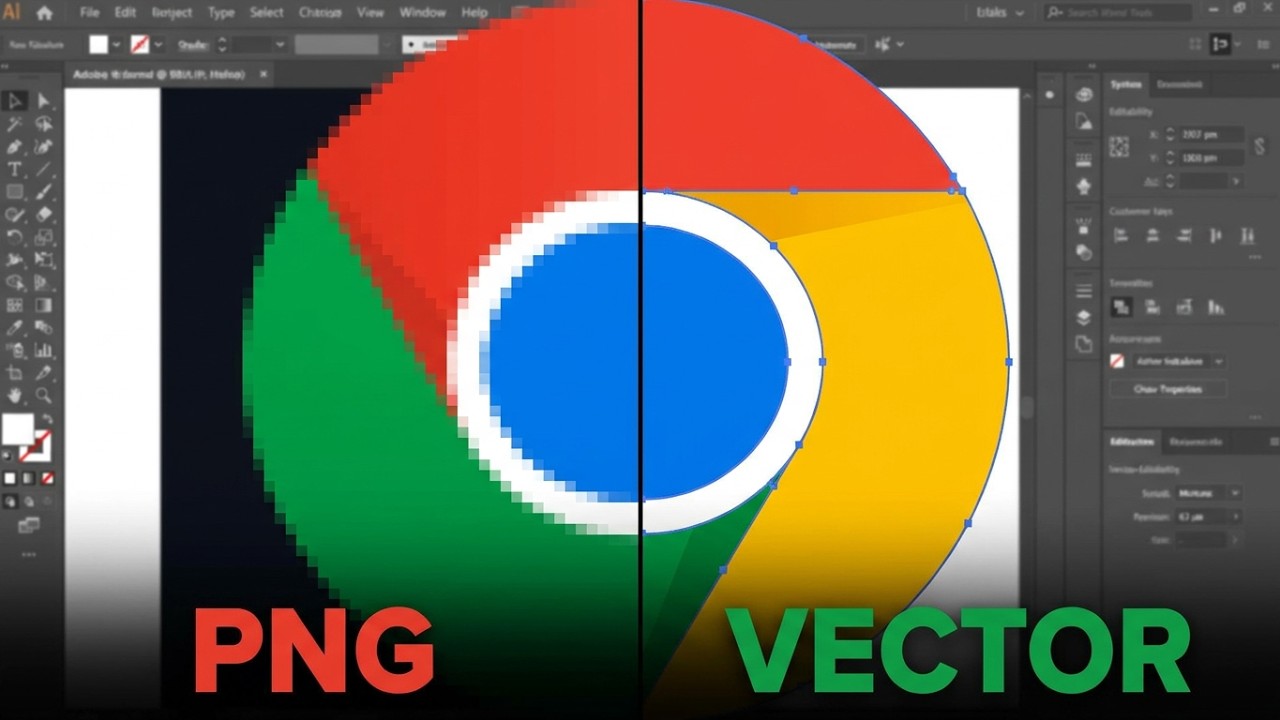
Want to convert any logo or image into an editable vector in Adobe Illustrator? In this step-by-step tutorial, you'll learn how to use the Image Trace feature to create a clean vector logo that you can fully edit, recolor, resize, and separate into individual objects.
Watch More Videos on -
👉 illustrator Tutorials - • Adobe illustrator Tutorials
👉 Productivity Designs - • Productivity Tools
This method is useful for designers, logo editors, print professionals, Cricut users, and anyone working with vector graphics.
In this video you'll learn:
Import any logo or image into Adobe Illustrator
Use the Image Trace feature
Adjust Image Trace settings for better results
Modify Paths, Corners, and Noise values
Expand the traced artwork
Ungroup and edit individual vector objects
Change colors and move separate logo elements
Create scalable vector graphics for print and digital use
adobe illustrator image trace, image trace tutorial, convert image to vector, convert logo to vector, adobe illustrator tutorial, vector logo tutorial, editable logo illustrator, illustrator image trace settings, image to svg illustrator, vectorize image, logo editing illustrator, illustrator expand image trace, image trace explained, adobe illustrator for beginners, create vector logo, svg tutorial, illustrator vector tutorial, graphic design tutorial, adobe illustrator tips, illustrator logo editing, png to vector tracing, convert png jpg image to vector,
#AdobeIllustrator, #ImageTrace, #VectorLogo, #GraphicDesign, #IllustratorTutorial, #VectorGraphics, #LogoDesign, #SVG, #DesignTutorial, #AdobeCreativeCloud
Повторяем попытку...
Доступные форматы для скачивания:
Скачать видео
-
Информация по загрузке: