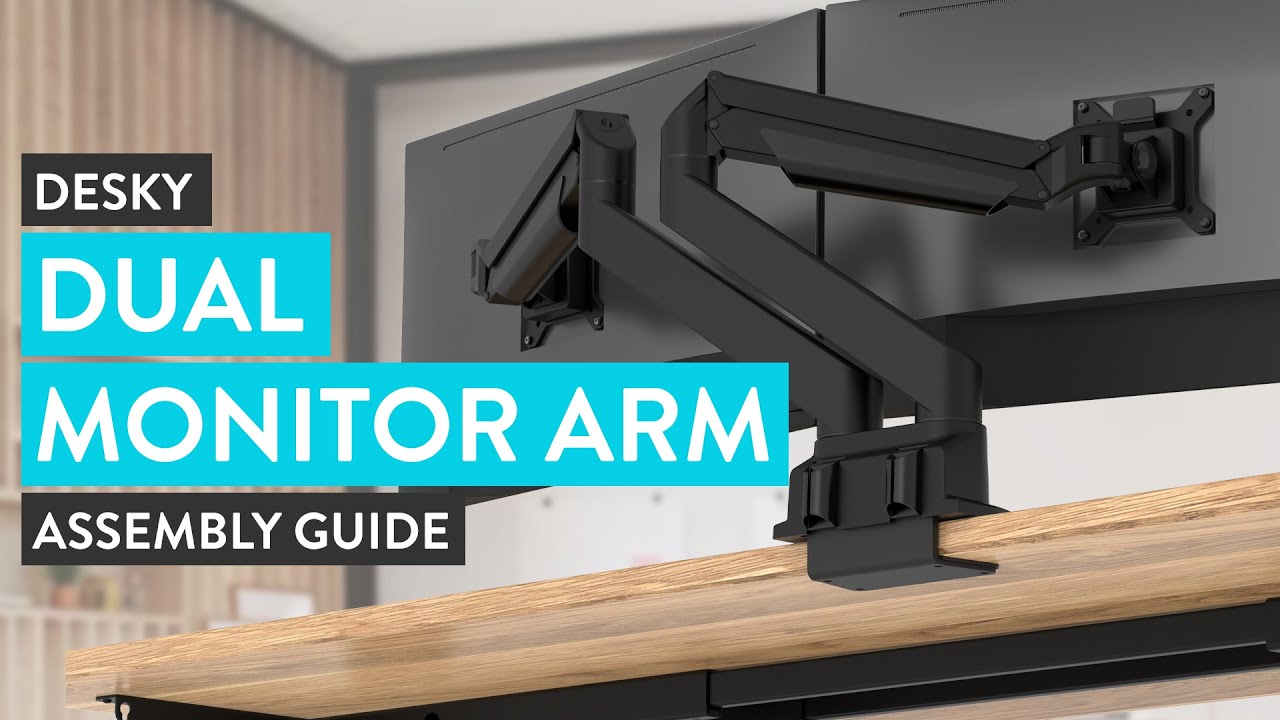
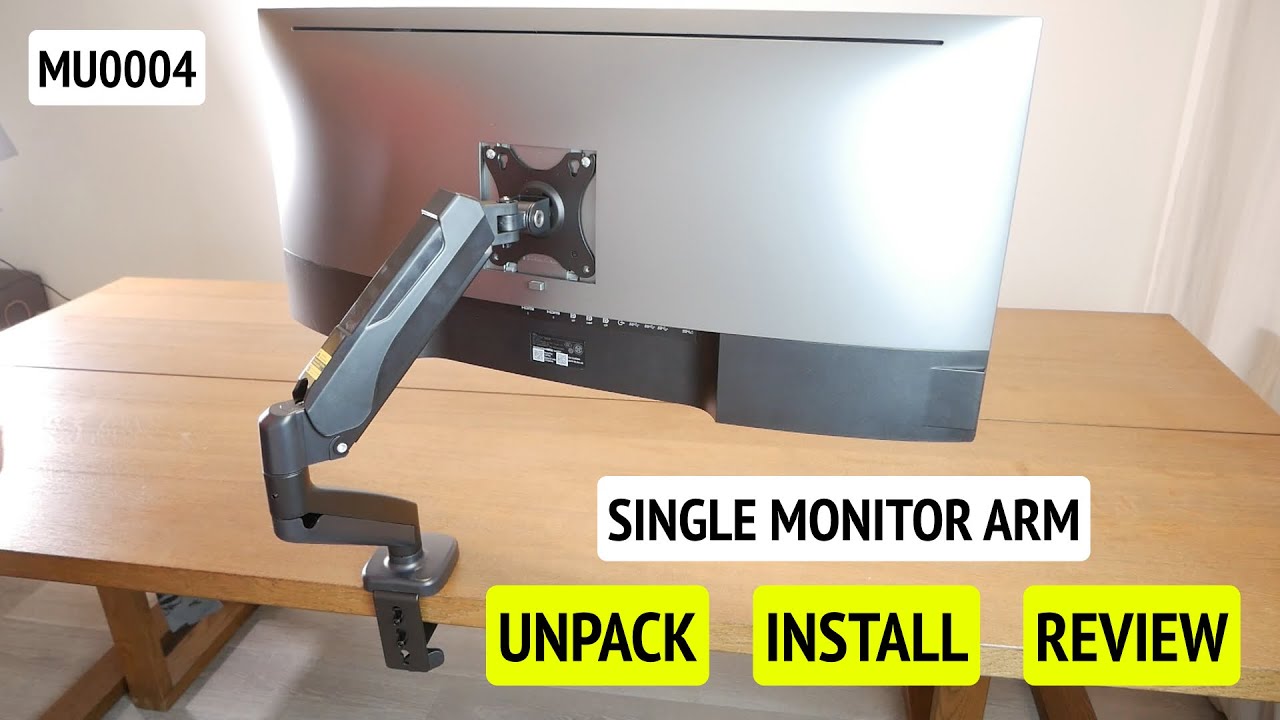
How to Install MOUNTUP Dual Monitor Desk Mount MP0005
Автор: MOUNTUP
Загружено: 2024-01-18
Просмотров: 13606
Описание:
0:03 Package list
0:07 Apply pads to base bottom
0:18 C-clamp installation
0:33 Grommet installation
0:56 Install lower arm to the base
1:00 Install upper arm
1:04 Install two screws on the back of the monitor
1:09 Attach the monitor on the VESA plate
1:18 Organize the cables
----------------------------------------------------------------------------------------------------------------------------------------------------------
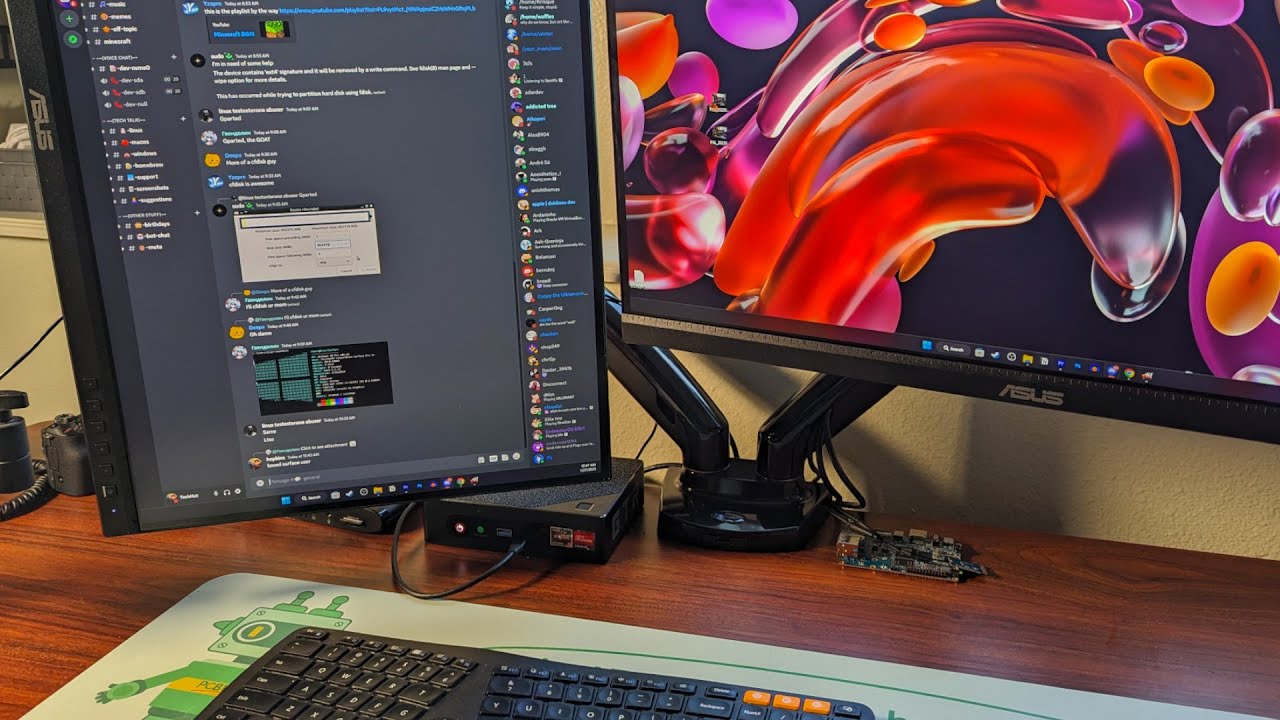
MP0005 dual monitor mount fits screens up to 32 inches diagonal and 17.6 lbs; compatible with VESA patterns 75x75 mm and 100x100 mm. It works with most monitor brands, including Dell, Acer, Alienware, AOC, Asus, BenQ, LG, NEC, Planar, Samsung, ViewSonic, etc.
Website: https://bit.ly/3StM1UA
Amazon US: https://www.amazon.com/dp/B07Z7ZM8CJ?...
----------------------------------------------------------------------------------------------------------------------------------------------------------
Learn more - https://mountup.com/
----------------------------------------------------------------------------------------------------------------------------------------------------------
After-sales: [email protected]
Wholesale, collab: [email protected]
#monitorarm #ergonomics #mountup #desksetup #diy #workfromhome #homebusiness
Повторяем попытку...

Доступные форматы для скачивания:
Скачать видео
-
Информация по загрузке: