How to create a Staff home page in Microsoft Teams
Автор: Mike Tholfsen
Загружено: 2020-09-17
Просмотров: 65191
Описание:
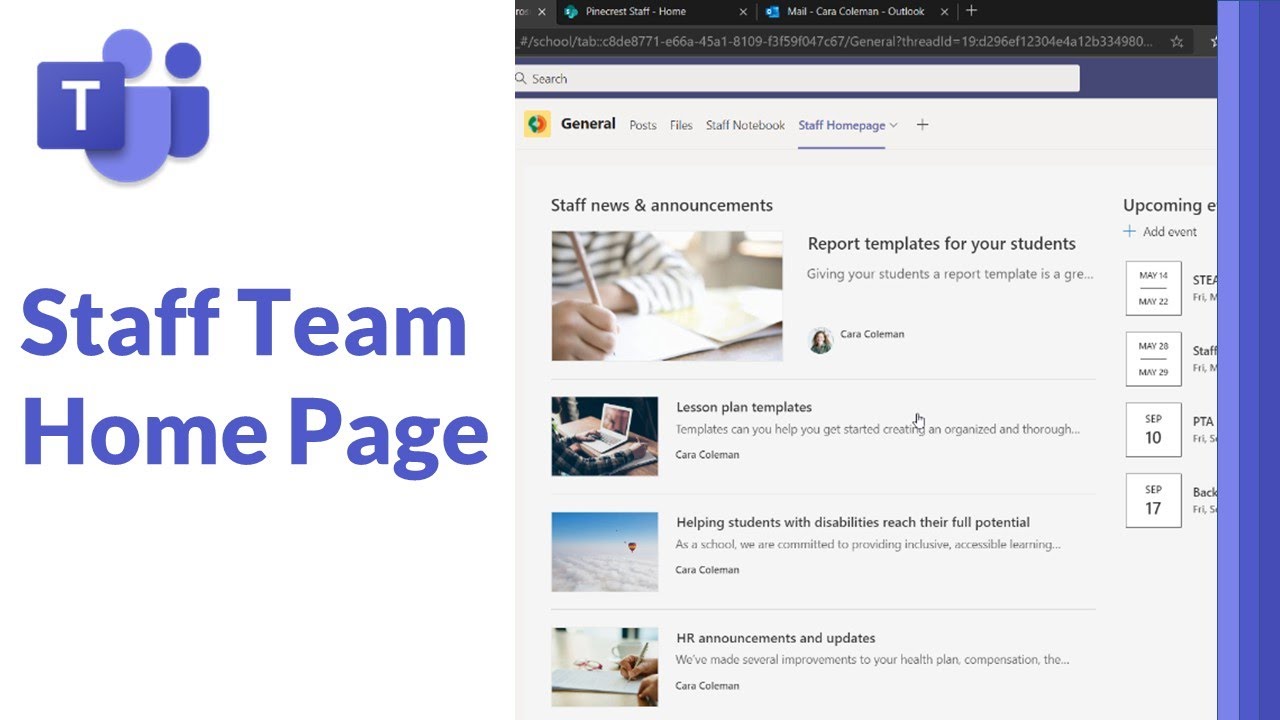
A step-by-step tutorial on how to create a Staff home page in Microsoft Teams. This uses a free SharePoint education template and I show how to easily create and add a home page and add to your Microsoft staff team.
By creating a Staff home page in Microsoft Teams, it makes it easier to collaborate with peer and colleagues. It only takes a few minutes to set up and looks great!
NOTE: This is a personal project and the opinions expressed in this video are my own, not those of my employer (Microsoft)
📝 Table of contents
0:00 Get the template started at lookbook.microsoft.com
1:28 Start Staff Home page provisioning
2:00 Start customizing SharePoint web parts
6:00 Add Stream web part
6:50 Add SharePoint staff site into Teams
7:36 Remove template pages
✅ More free SharePoint education templates are at https://lookbook.microsoft.com
For a Microsoft Teams tutorial and lots of tips and tricks, check out my Teams quick tip video playlists:
📺 All Teams quick tips video playlist: • Microsoft Teams quick tip videos
📺 Teams meetings playlist: • Microsoft Teams meetings
📺 Teams Assignments playlist: • Microsoft Teams Assignments quick tip videos
--------------------------------------------------------------------------------
🔔 Subscribe to my Channel: https://aka.ms/MikeYouTubeSubscribe
*Connect with me on Social:
Twitter: / mtholfsen
LinkedIn: / miketholfsen
Instagram: / mtholfsen
Pinterest: / miketholfsen
TikTok: / mtholfsen
Wakelet: https://www.wakelet.com/@mtholfsen
*Distance Learning Resources:
Microsoft EDU Remote site: https://www.microsoft.com/en-us/educa...
Teams EDU Quick Start Guide: https://aka.ms/TeamsEDUQuickGuide
Webinar series: https://aka.ms/RemoteLearningPlaylist
Resource, training and tips collection: https://aka.ms/RemoteLearningWakelet
#MicrosoftTeams #SharePoint
Повторяем попытку...
Доступные форматы для скачивания:
Скачать видео
-
Информация по загрузке: