How to Access All iCloud Photos using ANY device
Автор: phoneandpctips
Загружено: 2022-03-11
Просмотров: 84
Описание:
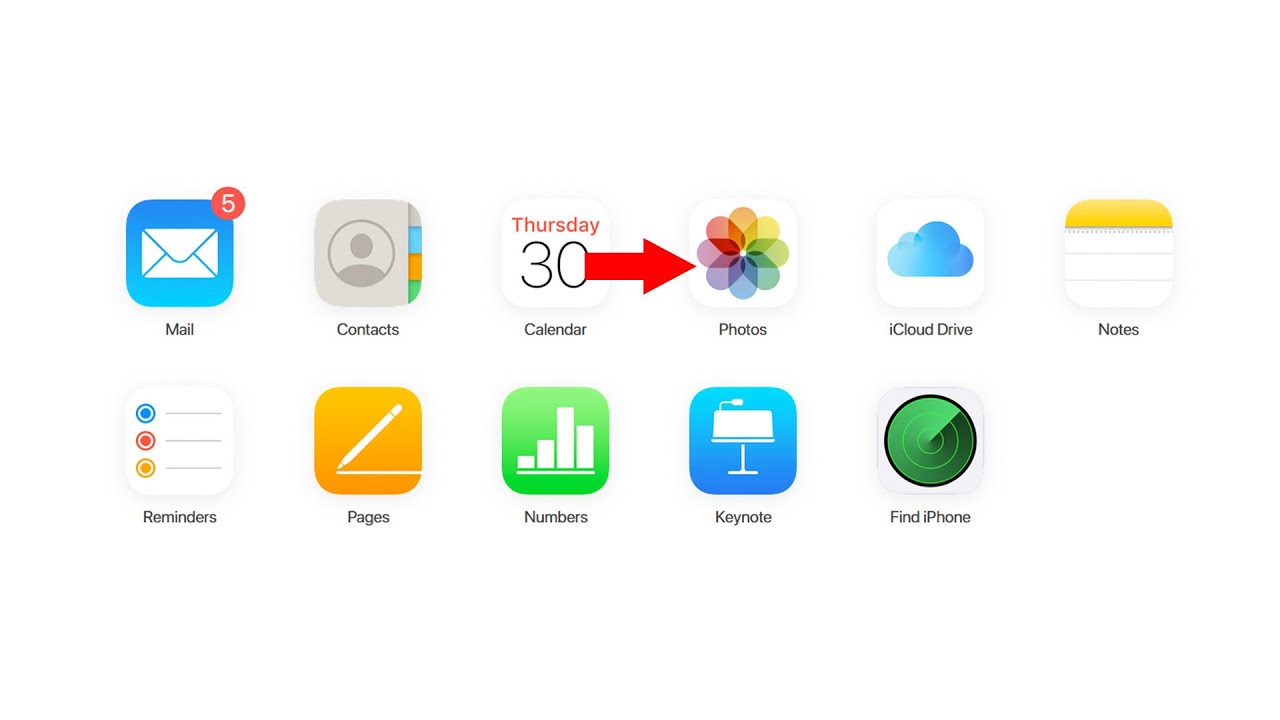
In this video today we will see How to access iCloud Photos using any device. You might use your iPhone or else if you want you can use any other device like your Laptop, Computer also to access iCloud Photos.
To view the photos that are present in the iCloud with the help of your iPhone what you do is open any browser and then you will open this website icloud.com. Now if you are using your iPhone then you will see this message Do you want to sign into iCloud with this Apple ID. So if this is your Apple ID you can select continue and then you have to just use your Face ID. But suppose if this is not Apple ID and if you want to use another Apple ID then select this option "Use a different Apple ID" and then you will enter your Apple ID. Next. Enter the password for the Apple ID. Next and there is a security message that appears which says that my apple id is being used to sign into a device and it will show the location. So if I want to allow, I will select Allow and the verification code is sent to me which I have to enter. So let me note down the verification code. So once I enter the verification code I have to trust the browser and if I go to photos I will be able to see the photos that are present in the iCloud.
Subscribe to my YouTube channel: / @kundanbhattarai
Watch some of our videos:
How to activate and show followers on Facebook profile using phone
https://studio.youtube.com/video/yqd2...
iPhone apps keeps crashing frequently
https://studio.youtube.com/video/rS8L...
How to download videos from Google drive
https://studio.youtube.com/video/pXs0...
Play store not downloading apps
https://studio.youtube.com/video/aMKj...
#viewiCloudPhotos
#accessiCloudPhotos
Повторяем попытку...
Доступные форматы для скачивания:
Скачать видео
-
Информация по загрузке: