How to Turn On Remote Play & Features on Xbox Series X (Power Options)
Автор: YourSixTech
Загружено: 2024-07-26
Просмотров: 9692
Описание:
To enable remote play and features on your Xbox Series X, follow these steps:
Enable Remote Features on Your Console:
Press the Xbox button on your controller to open the guide.
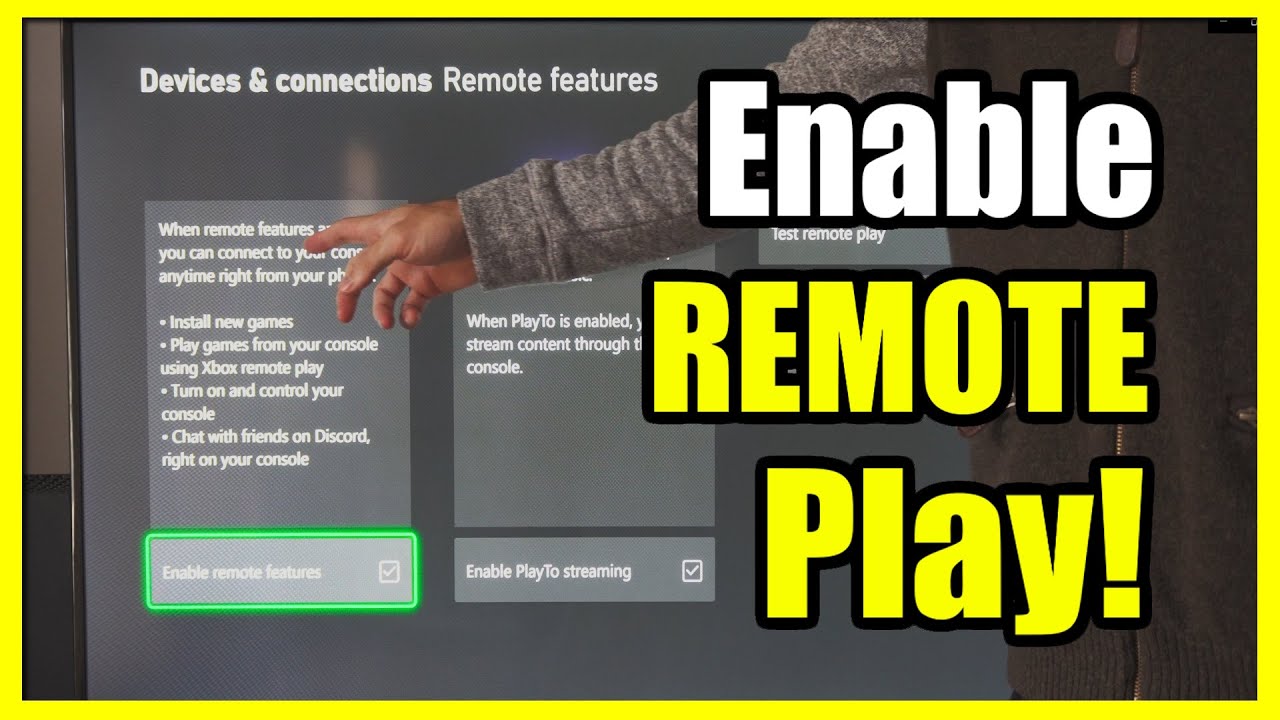
Navigate to Profile & system - Settings - Devices & connections - Remote features.
Select the Enable remote features checkbox.
Under Power options, choose Sleep. Note that if your console’s power mode isn’t set to Sleep, remote play won’t work.
Set Up Remote Play on Your Mobile or Windows Device:
Mobile Device:
Open the Xbox mobile app.
Select the My Library icon and choose Consoles.
Pick the console you want to connect to and press Remote play on this device.
Windows Device:
Open the Xbox app for PC.
Click on your profile picture and select View profile.
Under Where I play, choose Add a console and follow the steps shown.
...
Twitter: https://twitter.com/YourSixStudios?la...
Twitch: / yoursixstudios
Discord: / discord
Instagram: / yoursixstudios -
((( Subscribe to my LIVE STREAMING )))
((( Gaming Channel "YourSixGaming" )))
/ @yoursixgaming ...
((( Subscribe to my ADVENTURE CHANNEL )))
((( Travel, Cameras & More "YourSixAdventures)))
/ @yoursixadventures
Повторяем попытку...
Доступные форматы для скачивания:
Скачать видео
-
Информация по загрузке: