StroboPLUS HDC Tuner Video Instructional Manual - 10 Selecting a Preset
Автор: PetersonTuners
Загружено: 2022-04-19
Просмотров: 2026
Описание:
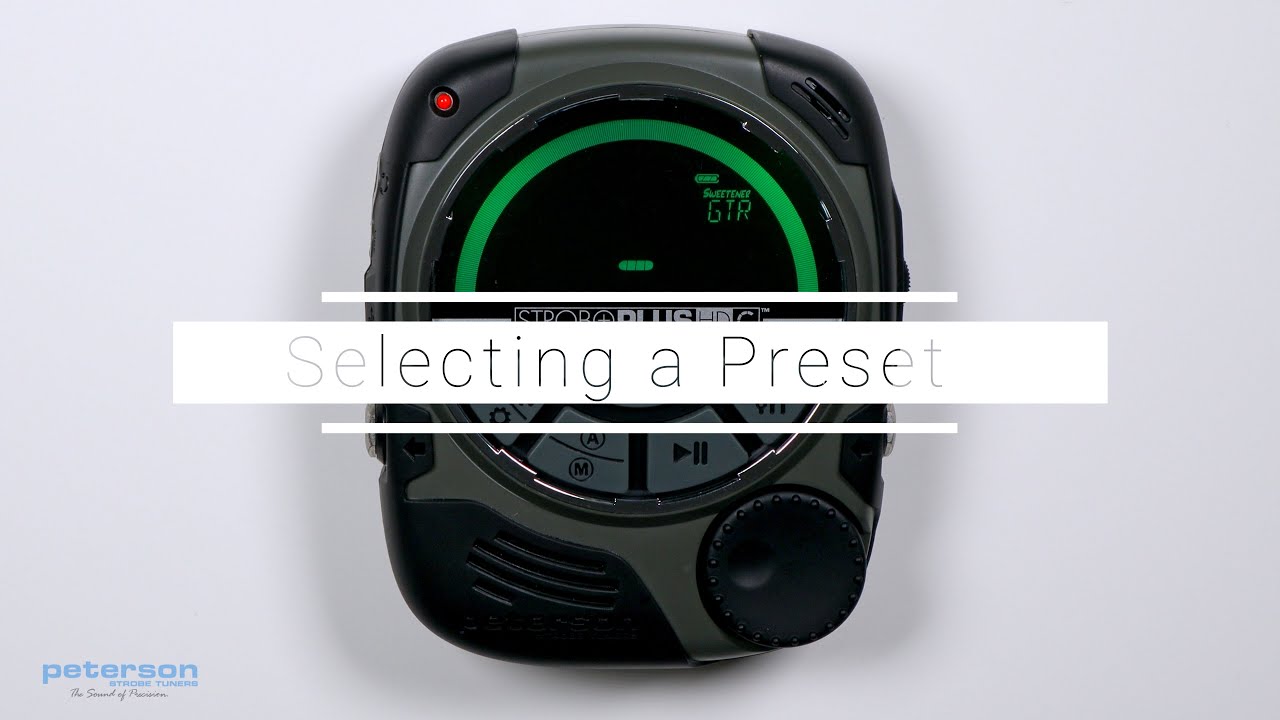
Selecting a Preset:
Press the Parameter Button until the three-letter Preset name flashes. Use the Value Wheel to select one of over 200 built-in Presets. Click either the Value Wheel to exit or allow the active parameter to time-out. To quickly set your selected Preset back to the default ( EQU ), press and hold the Value Wheel for two seconds.
By default, the Presets you use most will re-position to the top of the Preset list, allowing you to access your most recently used presets with just a few button pushes.
https://www.petersontuners.com/produc...
00:00 | Selecting a Preset
00:10 | Preset Selection Procedure
00:26 | Reset Preset to EQU
00:36 | Auto-Order Preset Default
Повторяем попытку...
Доступные форматы для скачивания:
Скачать видео
-
Информация по загрузке: