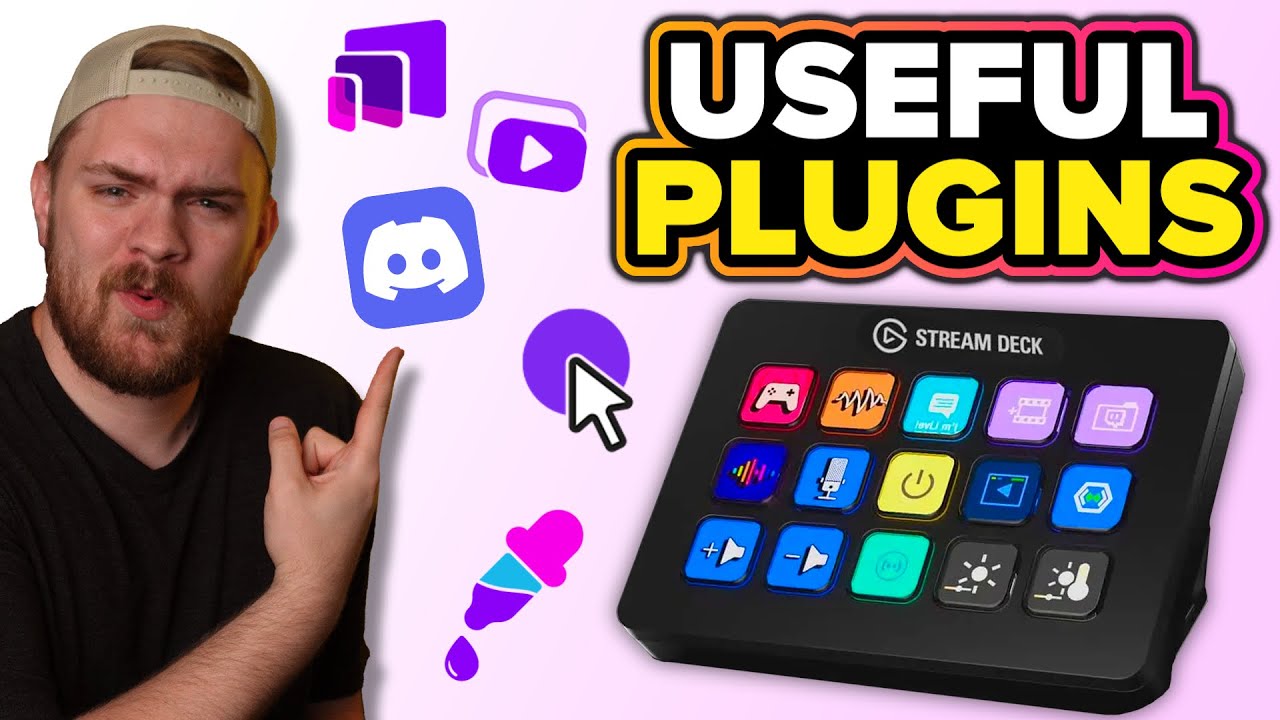
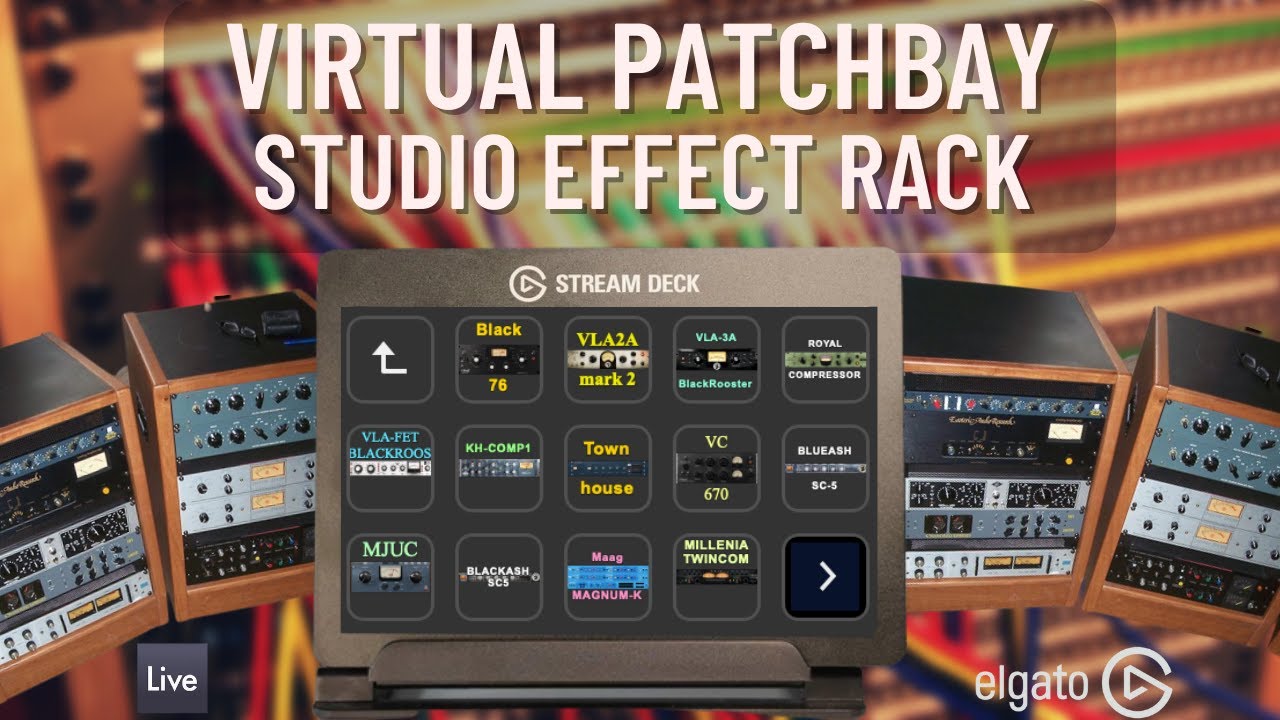
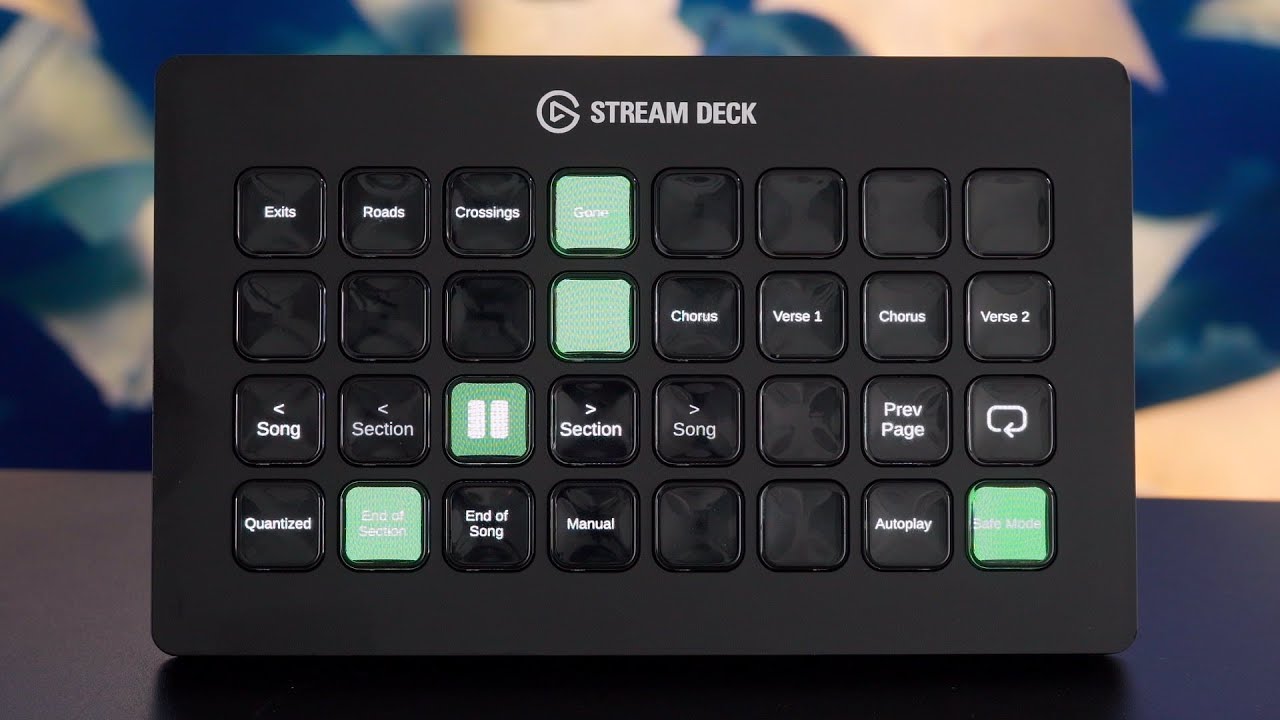
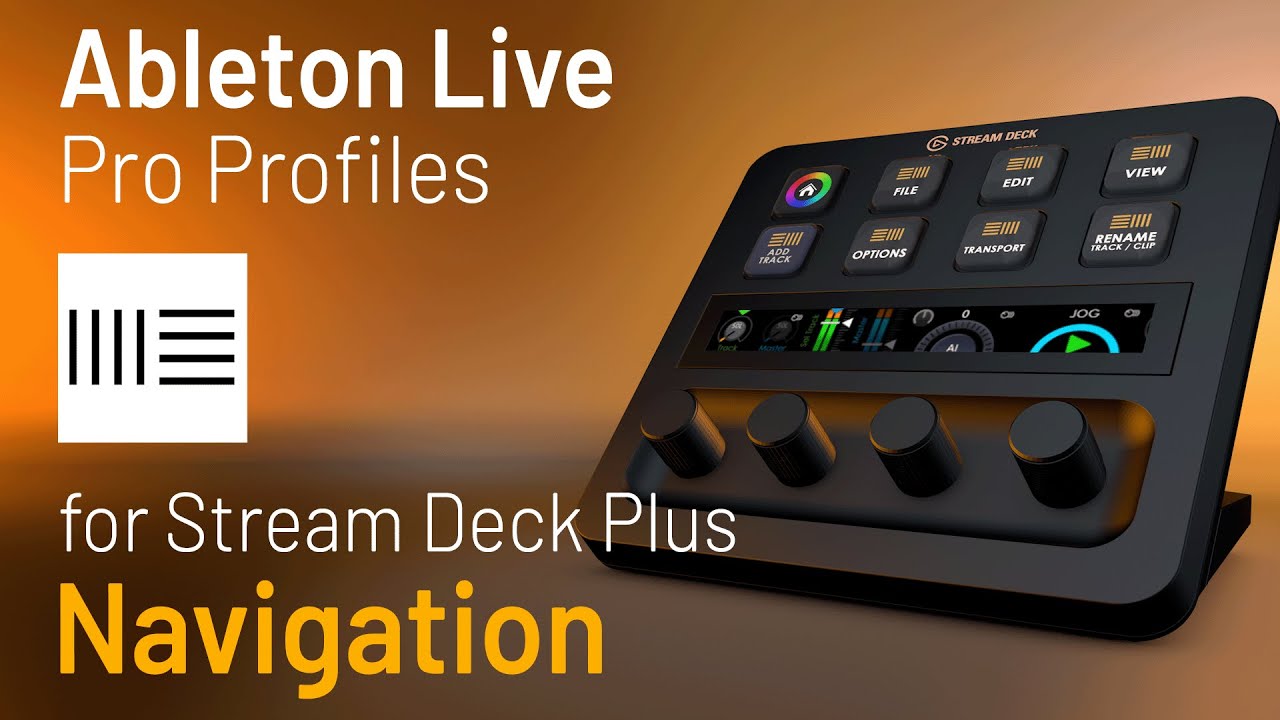
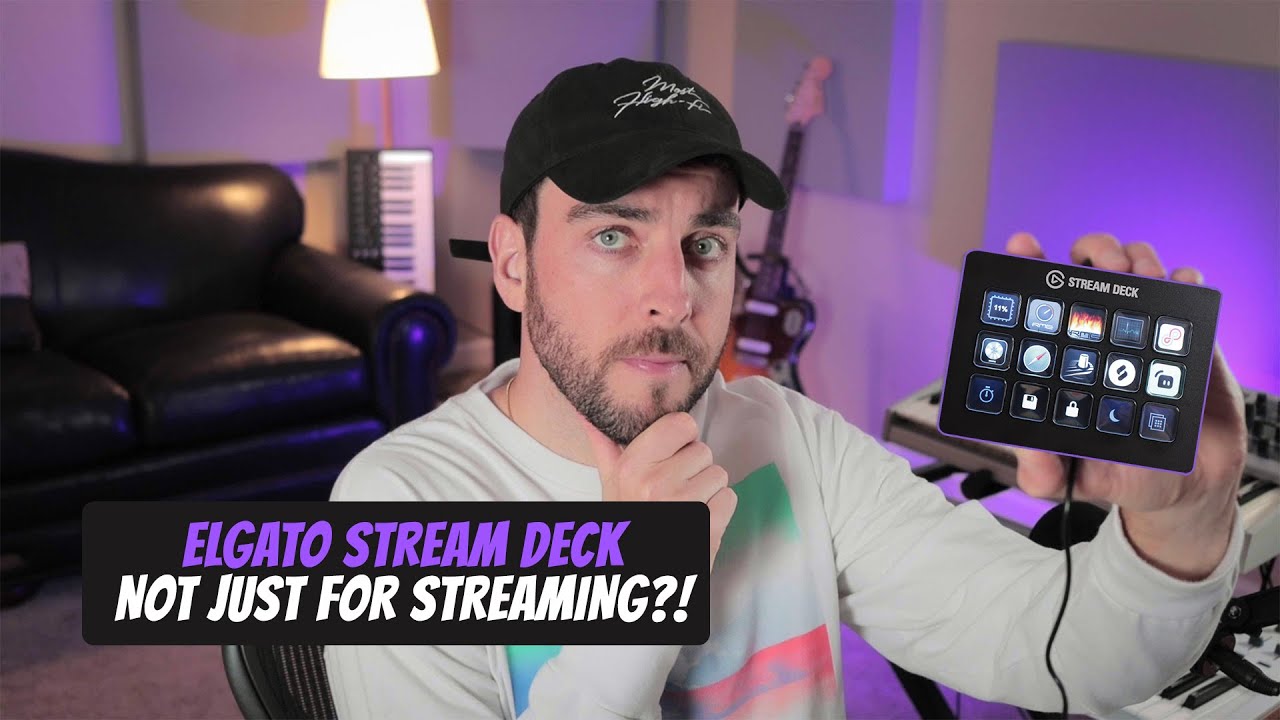
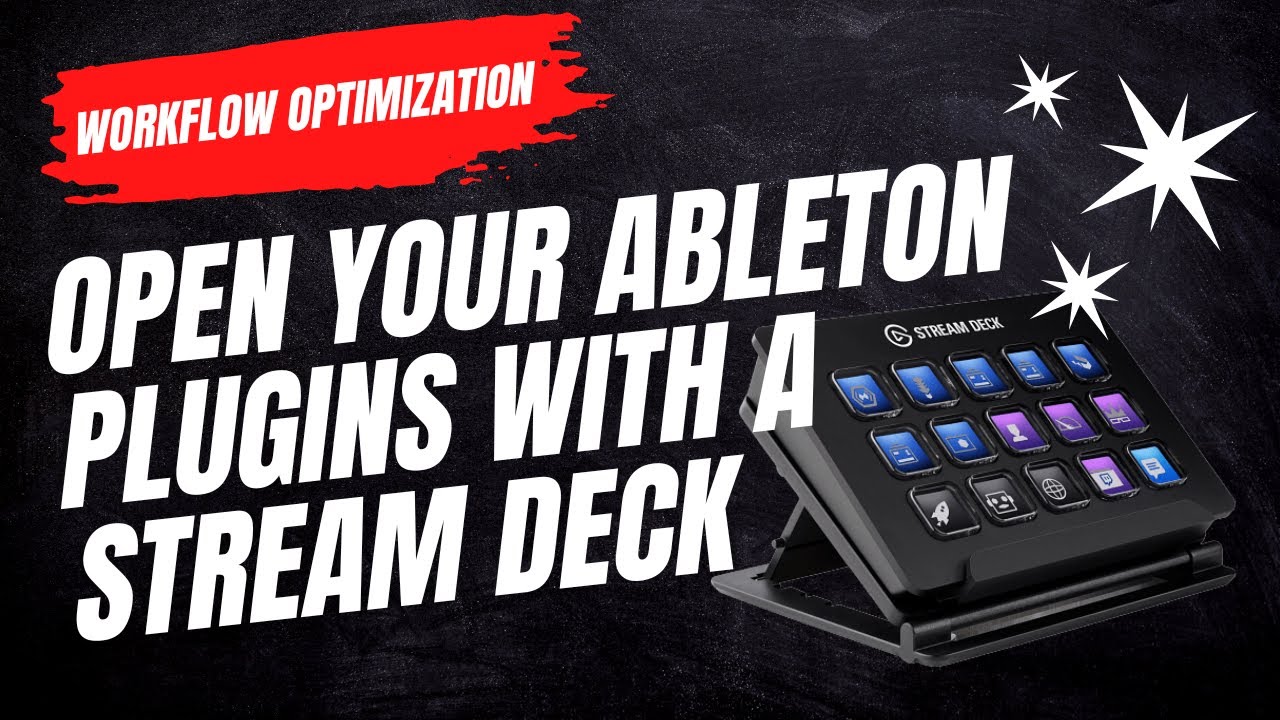
How to use your Stream Deck with Ableton Live and Keyboard Maestro.
Автор: SLATIN
Загружено: 2022-11-09
Просмотров: 18502
Описание:
Get a weekly Mixing and Mastering tip from me each Monday:
https://www.slatin.pro/weekly-tip-new...
Get the free Stream Deck Icon Pack here:
https://www.slatin.pro/streamdeck
If you're spending too much time clicking around and want to optimize your Live workflow, get my free Ableton Extension! Set your own hotkey/shortcut to close individual or multiple plugins with a touch of a button.
Free download link:
https://www.slatin.pro/plugin-closer/
What is the difference with Ableton's integrated "hide plugins" option?
This app closes the actual plugin windows as If you manually press the close button, but with a shortcut. This way, your plugins don't pop up on the screen when you go back to a specific track, and it is much easier to access the plugins you need. You can close unlimited plugins just by pressing your custom hotkey. Very useful when opening long preset chains.
Also, since Ableton hides the plugins and doesn't close them, your CPU can spike, and graphics can glitch. This extension solves that issue.
The ultimate time-saver and workflow optimization app (at least for me).
If you find it useful, share it with your friends ✨
*Only works on MAC (OSX).
*Live Plugin Closer is not related in any way to Ableton
*Ableton and Live are trademarks of Ableton AG.
Follow me on my socials:
/ slatinize
/ slatin.pro
/ slatinize
Повторяем попытку...
Доступные форматы для скачивания:
Скачать видео
-
Информация по загрузке: