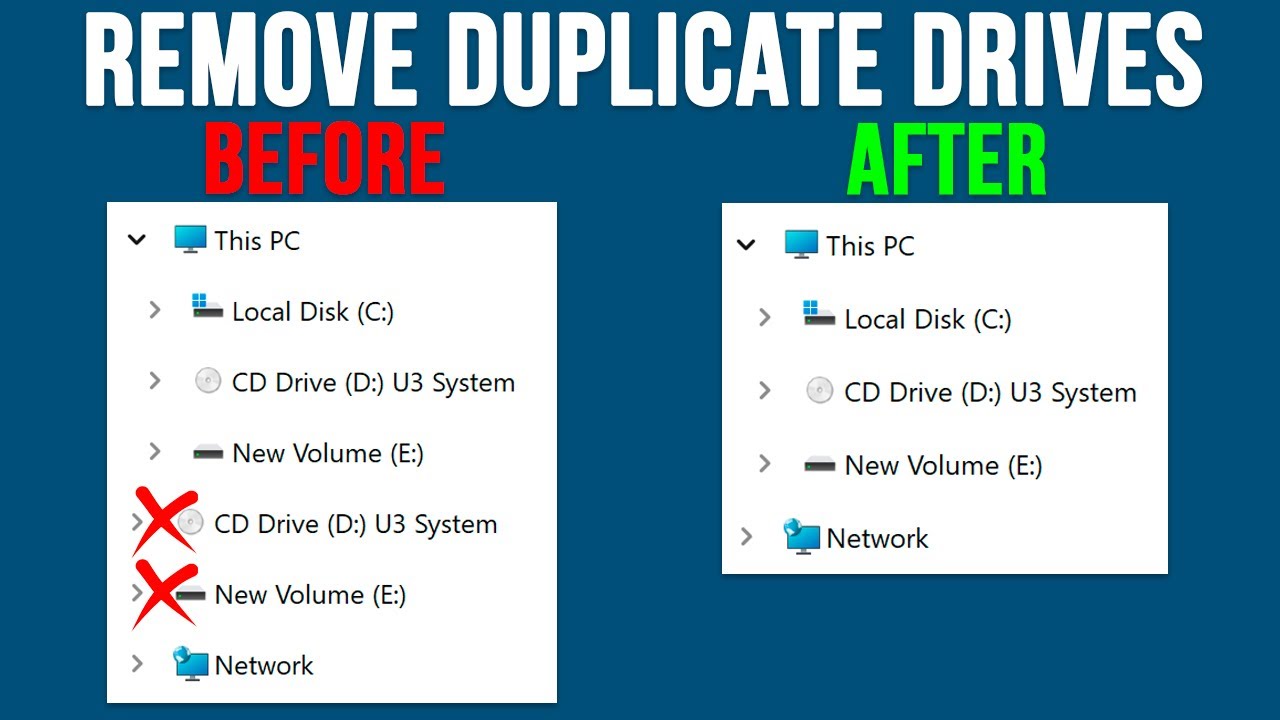
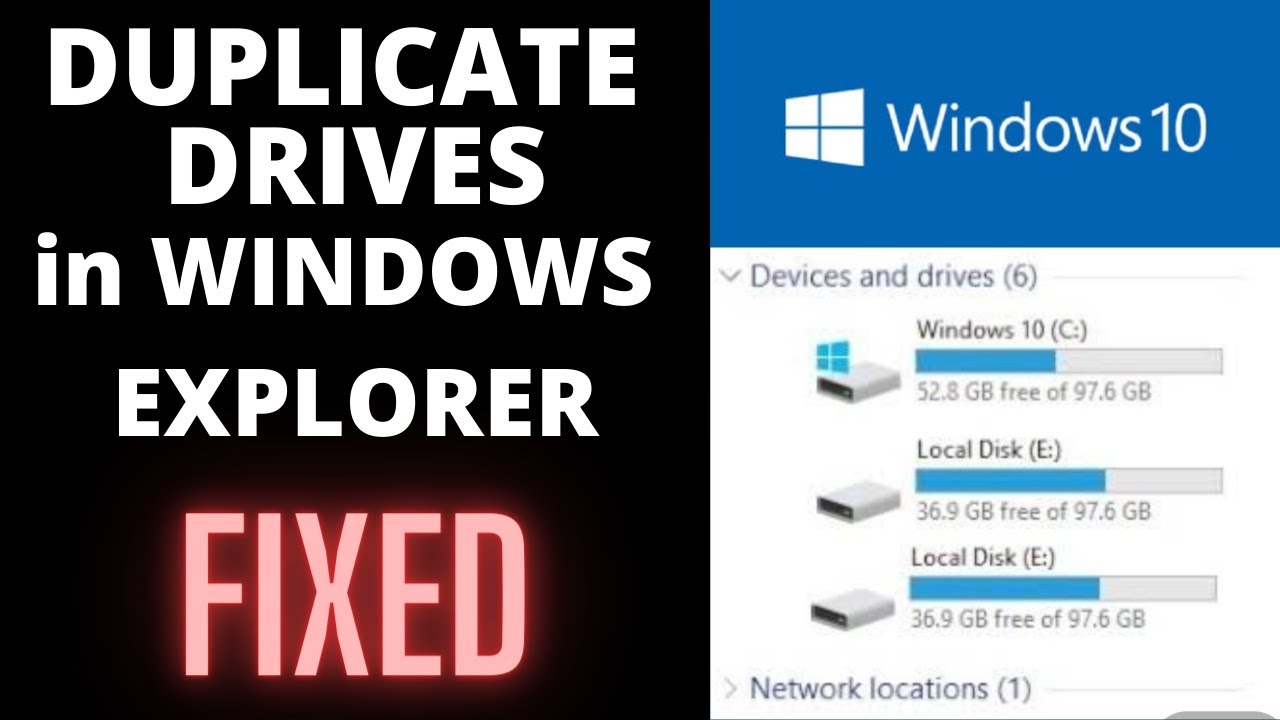
Duplicate drives appearing in Windows explorer - Solved - Drives appearing twice in my computer
Автор: ULTIMATE info HUB
Загружено: 2021-06-02
Просмотров: 6159
Описание:
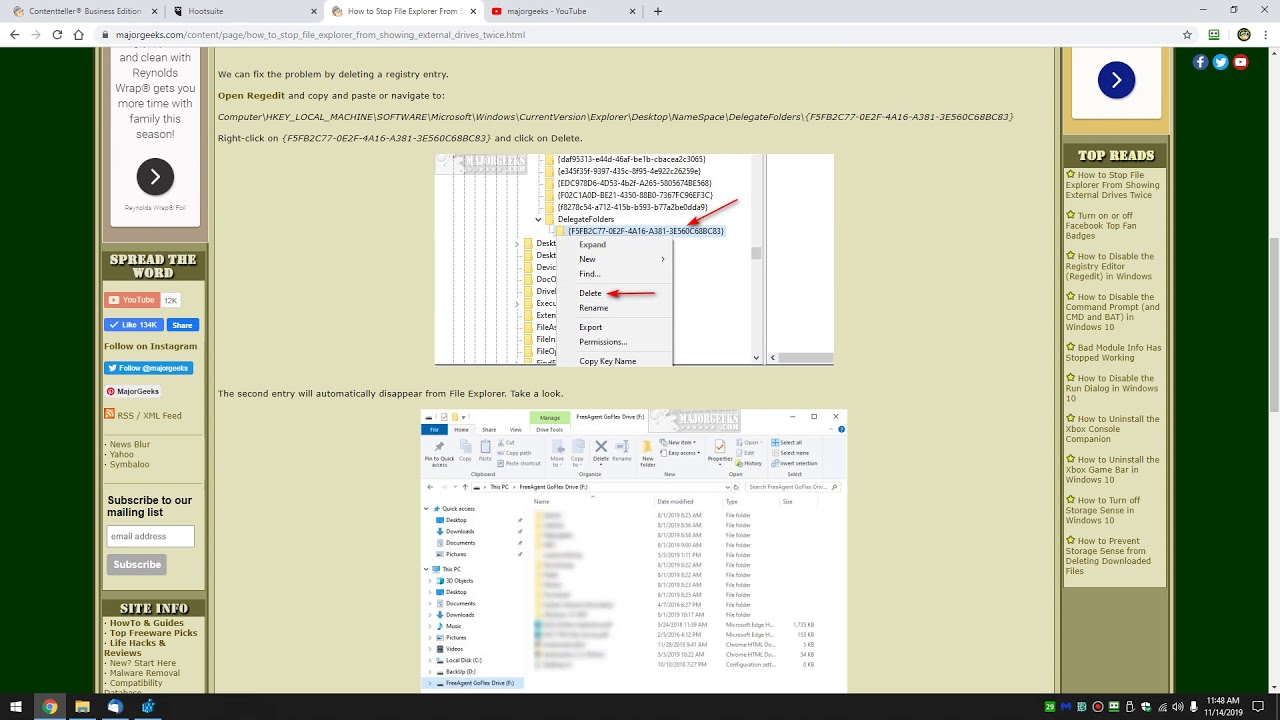
This video provides a solution to solve duplicate hard drives appearing in Windows 10 explorer. If same drives are shown twice in your windows 10 explorer follow these steps to solve this issue. Solutions for both 32 and 64 bit Windows are provided. For 32 bit Windows, just go to the first path and rename the folder as shown in the video. For 64 bit video, in addition to doing the first step, go to the second path and rename the folder that appear in the delegate folders as suggested in the video. The issue will be solved.
Please like the video, comment, and subscribe my channel for more interesting videos.
#duplicate drives in my computer fixed
#same drive appears twice in windows explorer solved
#why hard drives appear twice in windows
Повторяем попытку...
Доступные форматы для скачивания:
Скачать видео
-
Информация по загрузке: