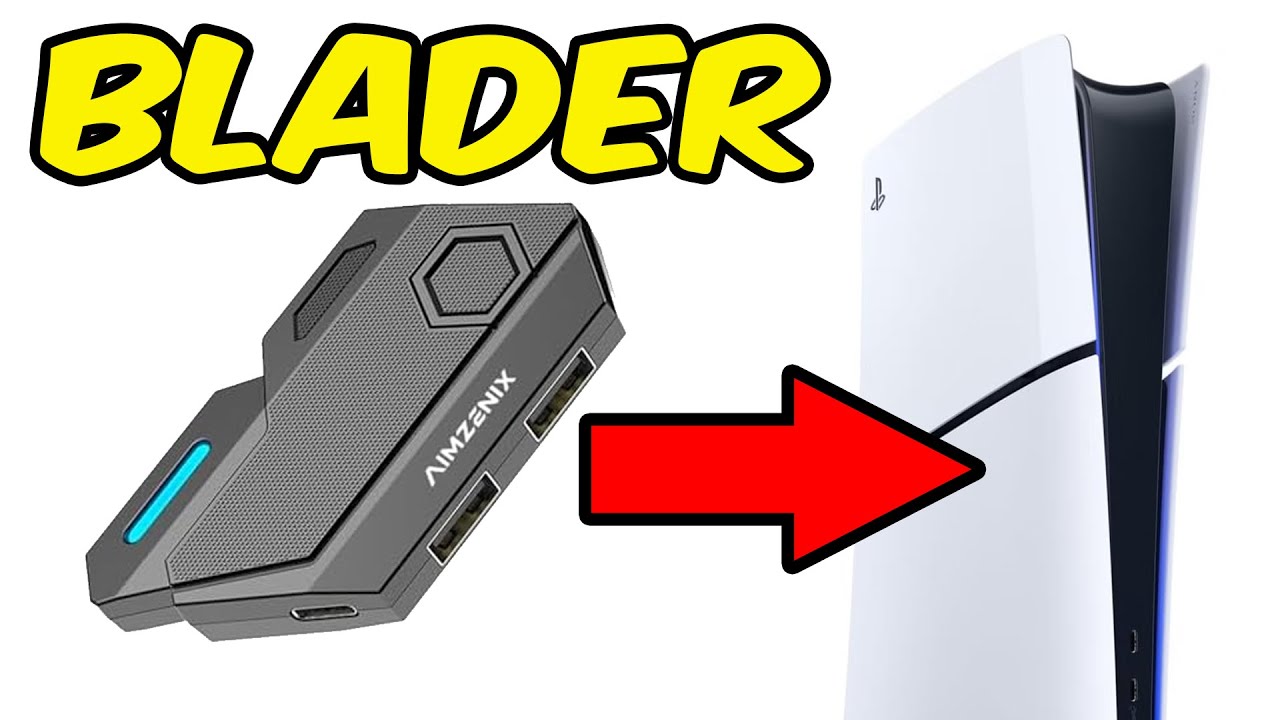
【PS5 MnK Adapter】How to Connect Keyboard and Mouse Adapter to PS5. PS5 Keyboard and Mouse Adapter
Автор: HYCARUS Gaming
Загружено: 2023-08-21
Просмотров: 10898
Описание:
Features: APP Support, Aim Assist, ADS Mode, FPS Adaption, Curves Adjustment, Dead Zone Compensation, Mouse Sensitivities Adjustment, Multiple Keybinds, Smoothness Adjustment, Y-axis Inversion, Colorful Lighting Effect, etc.
Where to Buy:
https://www.amazon.com/dp/B0CGHYFSKJ (US Buyers)
https://www.amazon.co.uk/dp/B0CH85F9ZK (UK Buyers)
https://hycarus.com/products/hycarus-... (Global Buyers)
What Games Can I Play with this Adapter?
This adapter supports keyboard and mouse for ALL available games on below platforms:
PS5, PS4, PS3
Nintendo Switch
Xbox Series X/ S, Xbox One X/ S, Xbox One, Xbox 360
How to Set Up Keyboard and Mouse on PS5:
1. Change the controller communication method to "Use USB Cable" on PS5. Steps: Settings - Accessories - Controller (General) - Communication Method - Use USB Cable;
2. Enable "Remote Play" on PS5. Steps: System - Remote Play - Enable Remote Play (On);
3. Connect the Monster adapter to PS5 first, and then connect the LAN Cable, Keyboard, Mouse and 3.5mm Headset (if necessary) according to the method shown in the figure (Note: the LAN cable must be under the same network as the PS5 console);
4. Open the APP (keep Bluetooth turned on), search and connect the Monster adapter, and switch the mode to "PS5" after the connection is successful;
5. Click "Bind" and follow the prompts to log in the PSN account (Note: this account must be the same PSN account that is logged in on your PS5);
6. Select "Ethernet Connection" to enter the pairing code interface;
7. Open the remote play pairing code on PS5 console. Steps: System - Remote Play - Link Device. Fill in the pairing code displayed on the screen into the APP interface and save it. If the PURPLE light stays solid, it means the pairing is successful.
8. Click the arrow on the right side of the "Bind" interface to enter the PS5 parameter setting interface. You can choose "Edit", "Replace" or "Delete", and click "Save" after the setting is completed.
9. In the process of playing games, the parameters can be modified on the APP at any time and synchronized to the PS5 gameplay.
Special Note:
1. After the Monster adapter is successfully connected with PS5, the PS5 controller will be turned off automatically.
2. The PSN account entered on the APP must be consistent with the PSN account registered on PS5, otherwise the connection will fail;
3. If you accidentally unbind your PSN account on the APP, you don't need to log in to your PSN account when you bind it for the second time, just click "Manually enter ID", then click "Next" to enter the pairing code and save it.
4. If you use a keyboard and mouse with high power consumption, it is recommended to connect an additional power supply to the corresponding interface on the Monster adapter;
5. The keyboard and mouse interface can be used interchangeably;
6. Before using the APP, the Bluetooth on your mobile phone must be turned on.
Quality After-sale Technical Support:
If you encounter any problems when using this PS5 keyboard and mouse adapter, you can first refer to the HYCARUS YouTube videos ( / @hycarusgaming ) to troubleshoot the problem. If the problem persists, email the following information to: [email protected]. We'll get back to you as soon as possible.
1. What is your product model?
2. Which game console are you using this product on?
3. What's the brand of your keyboard and mouse?
4. Detailed problem description with short video if possible.
Other Topics:
1. Keyboard and Mouse Adapter for PS5
2. Keyboard and Mouse Adapter for PS4
3. Keyboard and Mouse Adapter for Xbox One
4. Keyboard and Mouse Adapter for Xbox Series S
5. Keyboard and Mouse Adapter for Xbox One Apex Legends
6. Keyboard and Mouse Adapter for Overwatch 2
7. Keyboard and Mouse Adapter for PS4 Apex Legends
8. Keyboard and Mouse Adapter for Xbox
9. Keyboard and Mouse Adapter for Nintendo Switch/Xbox one/ PS4/ PS3
10. How to Set Up Keyboard and Mouse on PS5
11. How to Set Up Keyboard and Mouse on PS4
12. How to Set Up Keyboard and Mouse on Xbox
13. How to Set Up Keyboard and Mouse on PS5 Fortnite
Повторяем попытку...
Доступные форматы для скачивания:
Скачать видео
-
Информация по загрузке: