How To Share 'Ask Me a Question' Responses To Instagram Stories
Автор: WebPro Education
Загружено: 2025-04-28
Просмотров: 905
Описание:
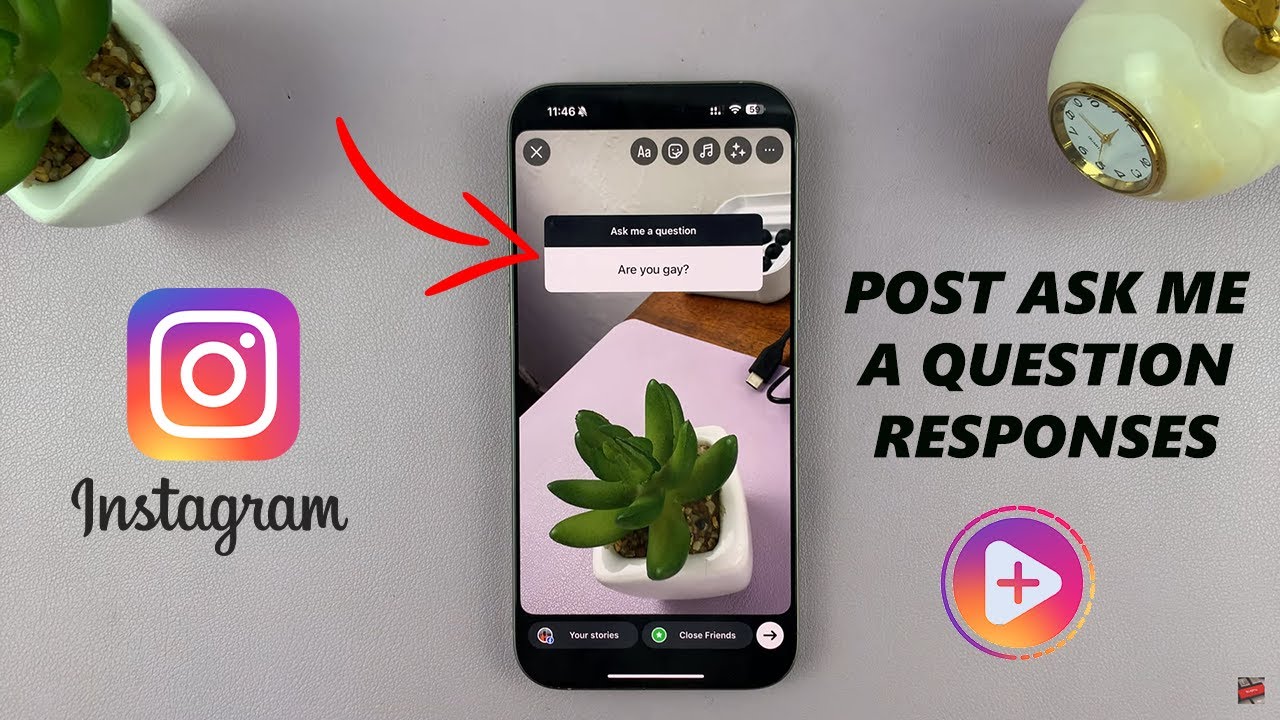
Here is how to Post 'Ask Me a Question' responses directly to your Instagram Stories.
Whether you’re running a Q&A session, connecting with your followers, or just having some fun, I’ll walk you through each step super easily.
How To Share 'Ask Me a Question' Responses To Instagram Stories
Go to your Instagram story
Tap on activity in the bottom left corner
Go back to your posted Story.
Tap on a response you want to answer.
Select "Share Response".
This will open a new Story draft with the response displayed.
You can now add text, images, GIFs, or any decorations you like.
Then hit "Your Story" to share it with everyone
#InstagramTips #InstagramStories #AskMeAQuestion #SocialMediaTutorial #IGStories #InstagramQandA #StoryTips #InstagramGrowth #SocialMediaHelp #ContentCreation
----My Gear for Youtube videos----
Main Camera (iPhone 13 pro): https://amzn.to/3GZztve
Tripod: https://amzn.to/35acqRa
Cell Phone Tripod Adapter: https://amzn.to/3v3wFuI
Lights: https://amzn.to/3vkoGK7
As full disclosure, I use affiliate links on this channel and purchasing through these links earns me a small commission. The price you pay will be the same!
Website: https://www.webproeducation.org
Facebook: / webproeducation.org
Twitter: / webpro_e
Instagram: / webproeducation
Повторяем попытку...
Доступные форматы для скачивания:
Скачать видео
-
Информация по загрузке: