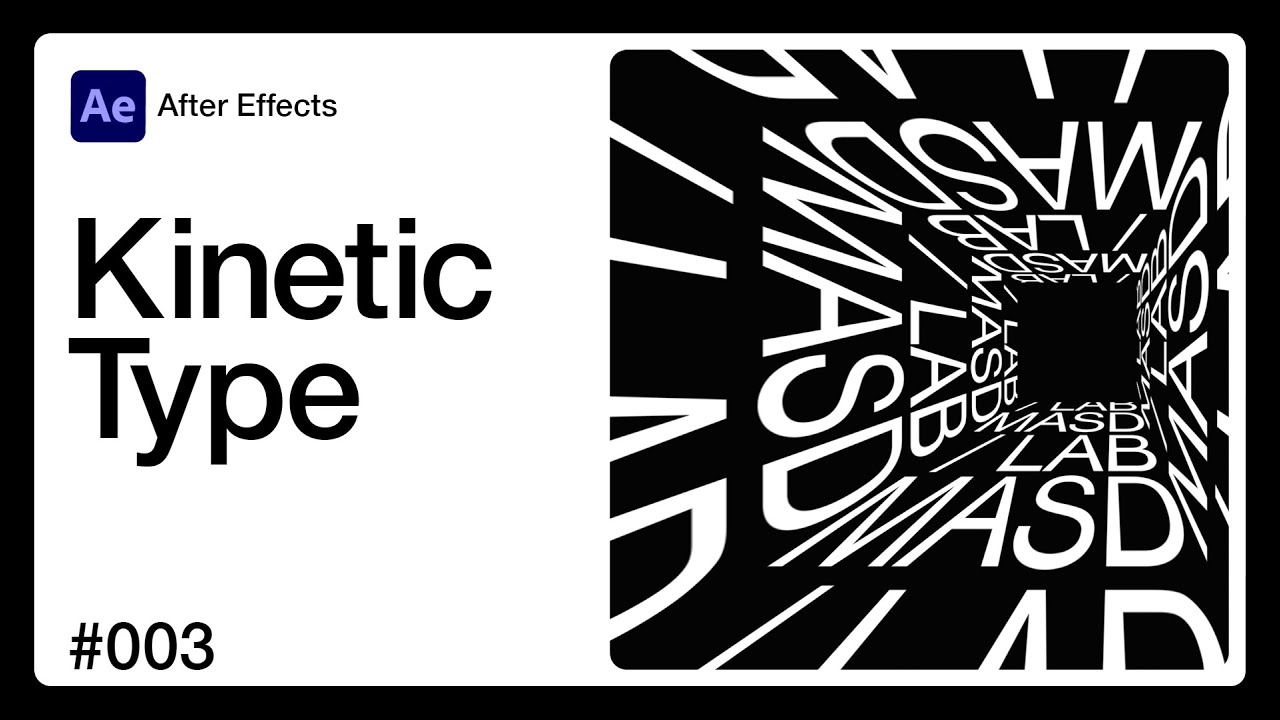
Kinetic Typography with Cloner and Dynamics
Автор: Masd*Lab
Загружено: 2024-09-28
Просмотров: 7516
Описание:
"If you enjoyed this tutorial, consider supporting my work for just $1 at https://bit.ly/3ZNu6fL – you'll also get free scripts and working files as a thank you!"
Level Up Your Skills! 🚀 ✨ Step-by-step tutorial: https://bit.ly/3N4vHGs
💡 Support & access exclusive files: https://bit.ly/3ZJmGu2
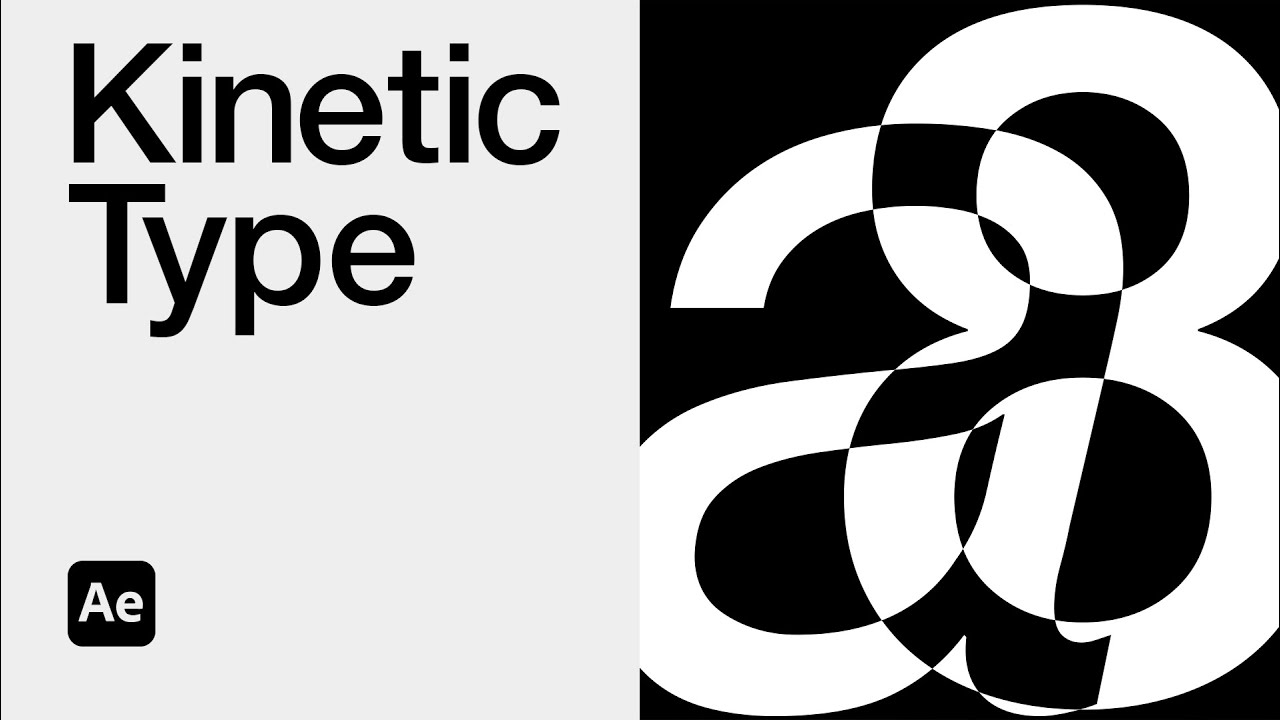
Transform a Simple Letter into a Dynamic Kinetic Typography Animation in Cinema 4D!
Hey everyone! Have you ever thought about turning a single letter into a dynamic, explosive animation? Today, I'm excited to show you how I transformed the letter 'A' into an energetic kinetic masterpiece using Cinema 4D and Redshift!
In this Cinema 4D tutorial, we'll start with a basic letter 'A' and turn it into a captivating 'popcorn' effect that fills the screen. You'll learn how to:
Set up the project for Instagram, TikTok, or Reels
Create and animate text using the Cloner in MoGraph
Apply physics with Rigid Body dynamics to simulate an explosive effect
Set up a camera to frame the action and create dynamic movement
Add materials, lighting, and a backdrop to make the scene pop
Render using Redshift and finalize in After Effects for professional results
Step-by-Step Breakdown:
Project Setup: Learn how to configure render settings for square and vertical formats and use Redshift for the best rendering quality.
Animating the Cloner: Use the MoGraph Cloner to multiply the letter 'A' in a way that creates a visually stunning 'popcorn' explosion.
Physics Simulation: Apply Rigid Body dynamics and learn how to control gravity, making the animation natural and engaging.
Camera & Lighting: Set up a camera for a dramatic focal effect and add simple but effective lighting techniques to bring the animation to life.
Rendering & Post-Production: Render the final scene and import it into After Effects for color grading and finishing touches.
This tutorial is perfect for both beginners and intermediate Cinema 4D users looking to explore kinetic typography, dynamic effects, and motion design principles. Whether you want to improve your skills or create attention-grabbing animations for social media, this is the video for you.
Software Used:
Cinema 4D (with MoGraph tools and Redshift for rendering)
Adobe After Effects (for post-production and color correction)
Key Features:
Dynamic type animation
MoGraph Cloner and physics dynamics
Lighting and material setup for realistic rendering
Post-production tips for enhancing animation quality
Explore More: If you're interested in more motion design tutorials, make sure to check out my channel. I've got videos on everything from advanced physics simulations to creating intricate motion graphics with Cinema 4D and After Effects!
Get Inspired & Create!: If you try out this effect, I'd love to see it! Tag me on social media and share your creative work. Don't forget to like, comment, and subscribe for more Cinema 4D and motion design content.
Let’s connect
Instagram https://bit.ly/4gG12Nc
TikTok https://bit.ly/4bH5oR6
Dribble https://bit.ly/4eGpqML
#Cinema4DTutorial #KineticTypography #MotionGraphics #RedshiftRendering #AfterEffects #MoGraph #TextAnimation #DynamicEffects #3DAnimation #DesignTutorial #ExplosiveAnimation #CreativeMotionDesign #AdobeAfterEffects #LetterAnimation #Typography
Повторяем попытку...

Доступные форматы для скачивания:
Скачать видео
-
Информация по загрузке:

![[EN] C4D mograph xpresso tutorials](https://imager.clipsaver.ru/PL-X95G9KYbJcVXAf1O0iWmz_-RDav6k3Y/max.jpg)