How To Turn Silent Mode On Off/On Apple Watch Series 10
Автор: Foxy Tech Tips
Загружено: 2025-05-14
Просмотров: 303
Описание:
Easy to follow tutorial on turning silent mode on and off on the Apple Watch Series 10. Enabling silent mode will mean that you no longer hear any alerts or sounds from your watch. If you have haptics enabled then you will still feel haptic alerts and haptic feedback when in silent mode.
If you find this tutorial helpful please consider liking the video and subscribing to my channel! 🦊
#silent #applewatchseries10 #Tutorial
----------
Consider supporting me with a small monthly donation by Becoming a Member of FoxyTechTips on Youtube ❤️ - / foxytechtips ✌️
🦊
Do you protect yourself online? 😇👉 Get 68% off NordVPN! Only $3.71/mo, plus you get 1 month FREE at https://nordvpn.org/FoxyTech 🔥 Or use coupon code: FoxyTech at checkout👍 (I’ll get a small commission if you join✌️) - Protect yourself online while unlocking loads of new content on your Streaming services!
🦊
Get NordPass - The No.1 Password Manager 👉 https://go.nordpass.io/SH2sr
----------
Steps:
press the digital crown to open the app menu.
Then tap the settings cog to open settings.
Scroll down settings and tap ‘sounds & haptics’.
Tap the toggle to the right of silent mode to enable and disable the setting.
Note that silent mode will not silence alarms and timers when the watch is charging.
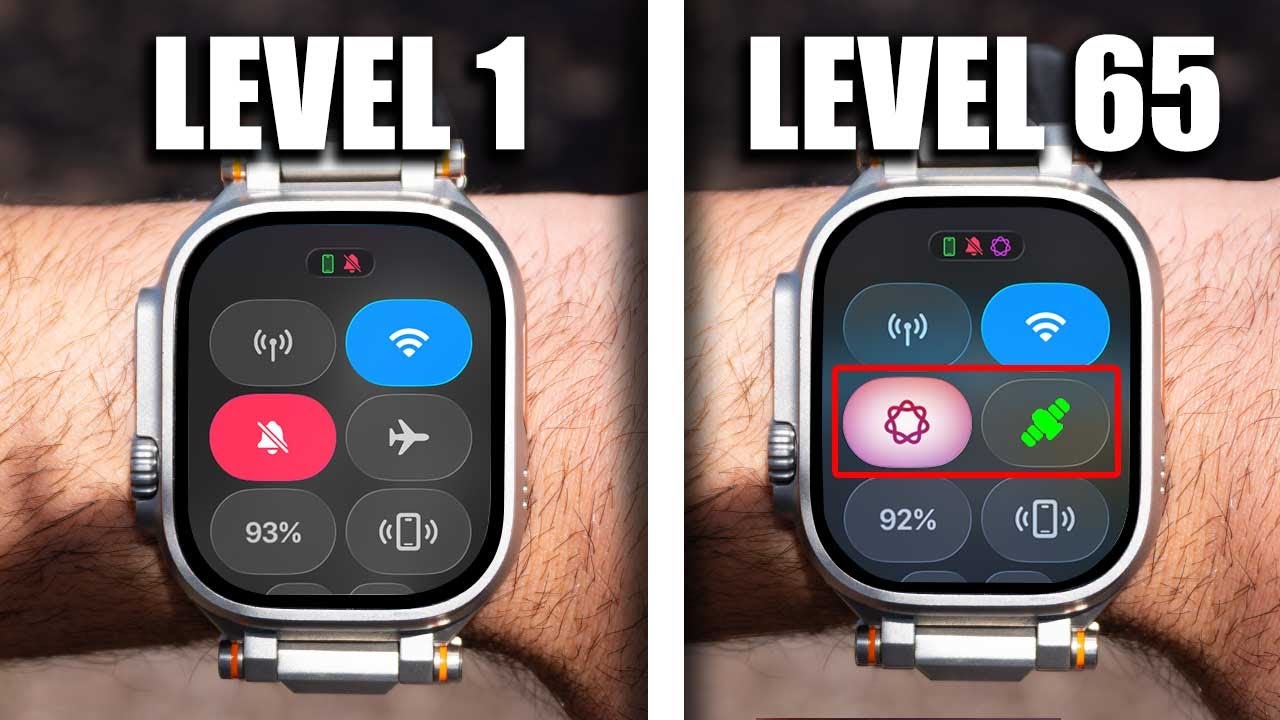
You can also enable and disable silent mode in the control panel.
To do this, tap the side button to open the control center.
Then scroll down and tap the bell icon to enable silent mode, when silent mode is switched on the icon will be red and the bell will be crossed out.
Повторяем попытку...

Доступные форматы для скачивания:
Скачать видео
-
Информация по загрузке: